
Your shopping cart is empty!

Key Highlightes of OpenCart Backup Extension

This OpenCart backup extension automatically backs up your store's database and files on a schedule you choose, sends the backup to the cloud storage of your choice, and restores your store even if OpenCart won't load or the server has been wiped.
Most backup scripts fail on shared hosting. This one doesn't. Large backup jobs are automatically split into small, timeout-safe pieces, and if a backup gets interrupted, it picks up right where it left off. That means even a big product catalogue can finish backing up on a basic hosting plan without failing halfway through.
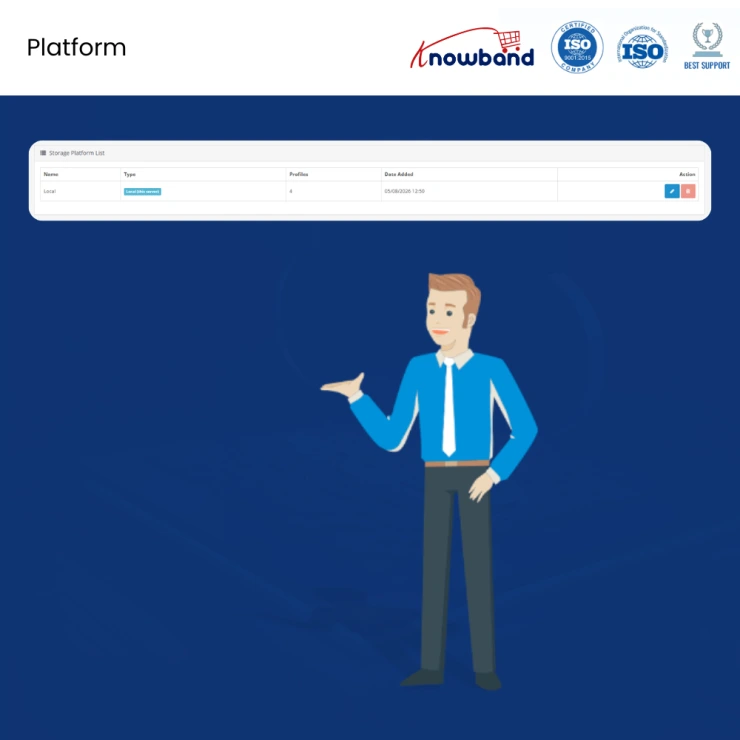
You can connect to a local server, FTP or SFTP, Amazon S3 and S3-compatible storage like MinIO, Wasabi, and Google Cloud Storage, or cloud drives like Google Drive, Dropbox, OneDrive, and Yandex. Each connection is saved as its own backup profile with its own schedule and retention rules, so you can run a quick nightly database backup and a full weekly store backup at the same time, without setting either one up twice.
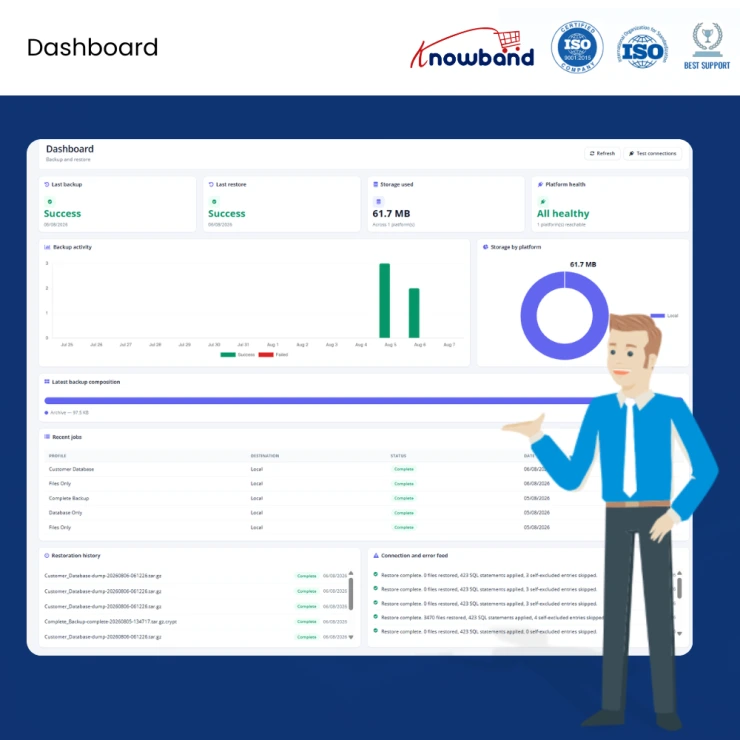
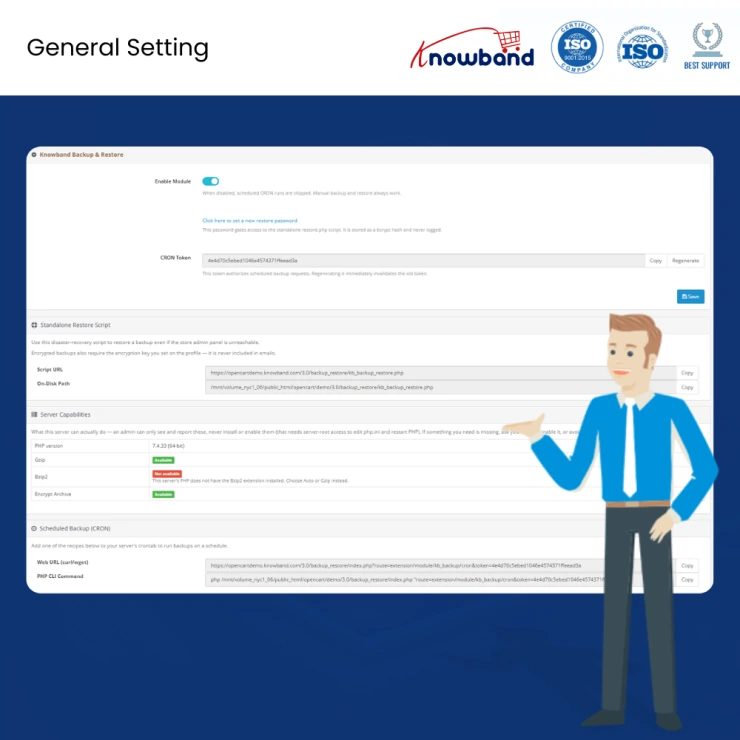
| 1 | Scheduled Backups Set a recurring backup schedule once through CRON and forget it. Every run is logged, so store admins get full visibility into what happened and when, without lifting a finger day to day. |
| 2 | Chunked, Timeout-Proof Backup Engine Large backup jobs are broken into small steps that resume automatically if they get cut off. This means shared or budget hosting plans, where long scripts usually time out, can still complete a full backup without an upgrade. |
| 3 | Backup to 13 Storage Destinations Send backups to Amazon S3 and S3-compatible providers (MinIO, Wasabi), WebDAV, ownCloud or Nextcloud, Google Cloud Storage, Google Drive, Dropbox, OneDrive, pCloud, Box, or Yandex. Backups live off the production server, so a hacked or crashed host cannot take the backup down with it. |
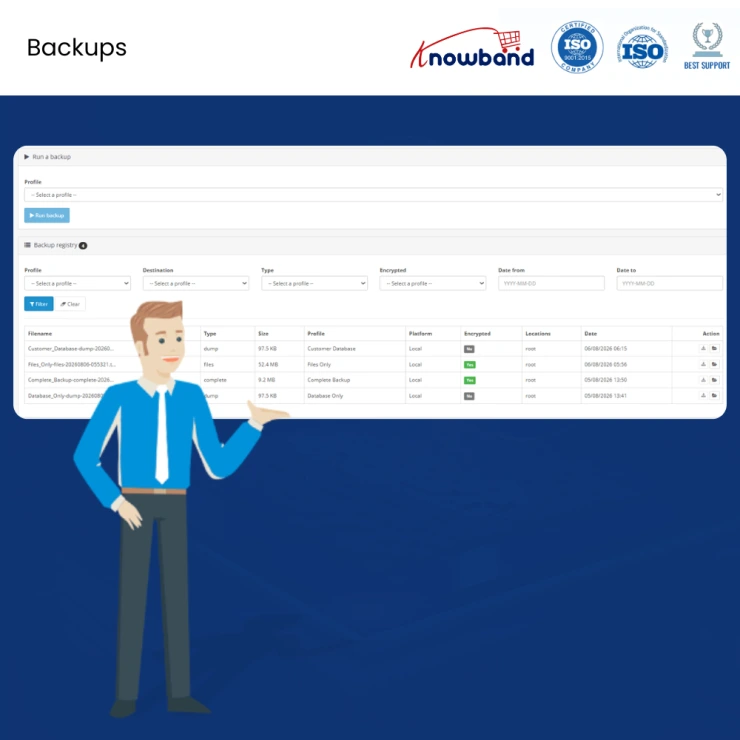
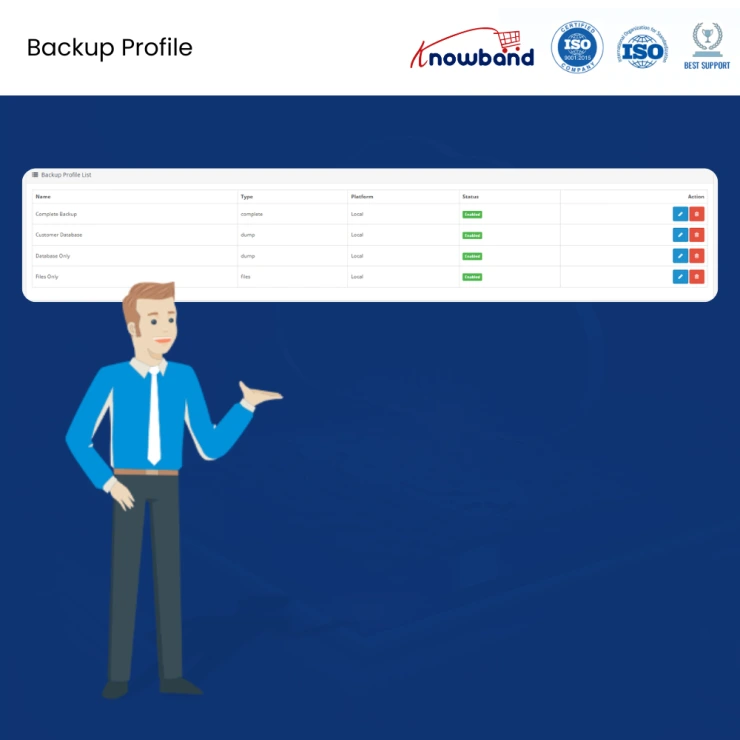
| 4 | Reusable Backup Profiles Build named backup jobs, each with its own type, storage destination, retention rule, and scope, independent of the storage account itself. Run a daily database-only job and a weekly full backup side by side without duplicating any setup work. |
| 5 | Selective Backup Scope Choose exactly which database tables and file paths to include or leave out. Skip log files, bulky media folders, or tables that never need restoring, and cut down both backup size and run time. |
| 6 | Compression, File Splitting & AES-256 Encryption Archives are compressed and, when needed, split into smaller parts to stay within file-size limits. AES-256 encryption keeps customer and store data protected while it sits in storage. |
| 7 | Retention Rules with Safe-Flagging Old backups clear out automatically based on count or age, so storage costs stay under control. Any backup flagged as "safe," such as a snapshot taken right before a big launch, is permanently protected from deletion |
| 8 | Storage Map for Backup Analysis See exactly which folders and files are eating up the most backup space. Spot bloated or unnecessary directories in a single click and exclude them going forward. |
| 9 | Standalone Restore Script Restore the entire store, database and files included, without a working OpenCart installation. This works on a hacked, corrupted, or completely fresh server; admins simply open a single password-protected file in a browser to rebuild the shop |
| 10 | FTP Fallback for Restricted Hosting If local folder permissions block a direct file write during restore, the Extension falls back to writing files over FTP instead, so the restore still completes instead of failing outright. |
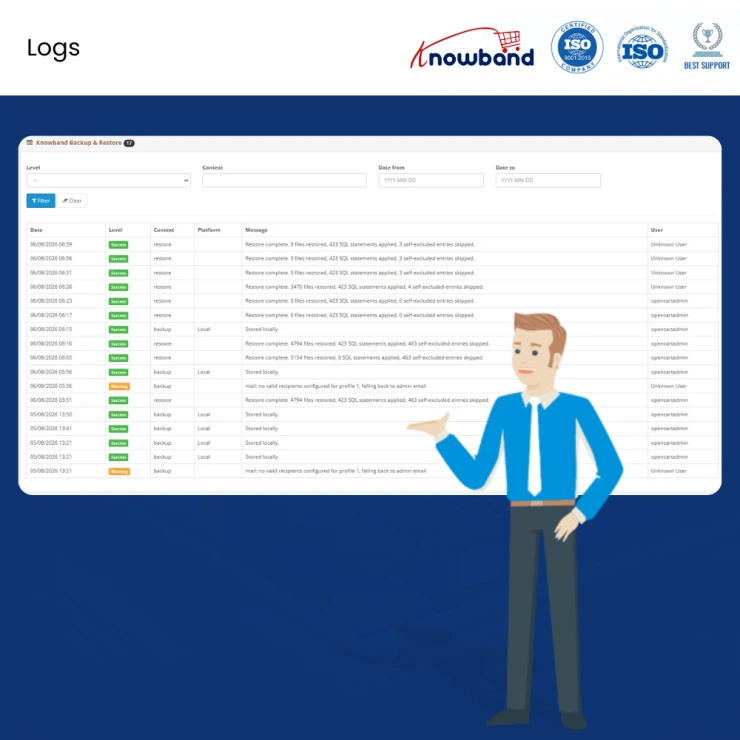
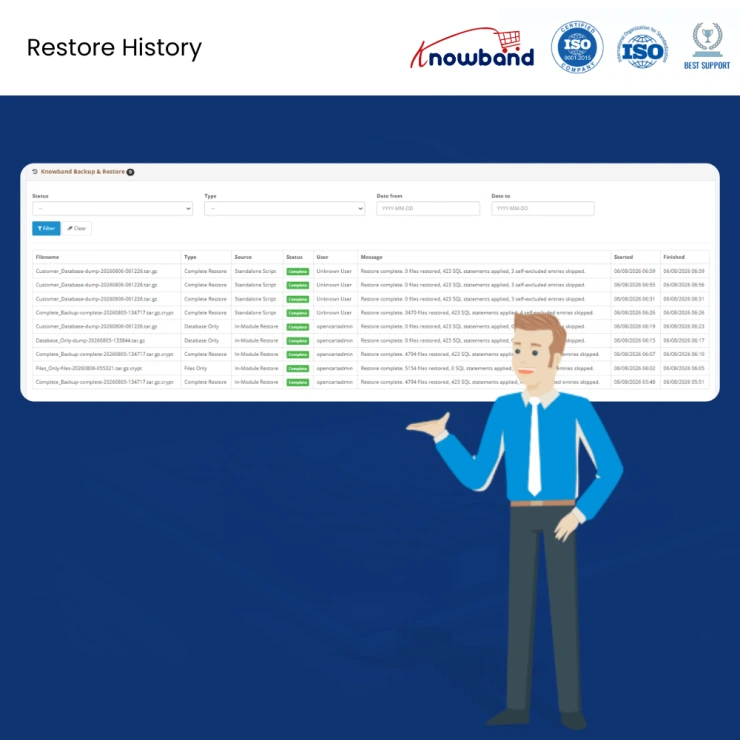
| 11 | Full Restoration History Log Every restore is recorded with the backup used, the type, the timing, and the outcome. Useful for internal audits, client reporting, or simply troubleshooting a restore that did not go as planned |
Knowband, a leading name as an eCommerce development company provides Opencart plugin development services to enhance the functionality of your eCommerce stores. For providing Opencart plugin development, we have hired experienced Opencart developers who work with full dedication to offer Opencart development and support services.
If there is a feature you want on your Opencart site, chances are that an Opencart plugin will allow you to do it, if you don't find any such plugin you can always contact us for your custom plugin development requirements.
 Sale
Sale
Getting Opencart Mobile App for online stores has never been so easy u...
$159.99 $199.99
Sale
Automate the content generation and translations on your Opencart eCom...
$55.99 $69.99
Sale
Effortlessly create unique, SEO-friendly content and translate product...
$39.99 $49.99
Sale
Enhance your customer engagement with Knowband's OpenCart WhatsApp Liv...
$31.99 $39.99


