How to Turn Your Abandoned Carts into Orders?

Cart Abandonment is one of the biggest nightmares of the eCommerce business. Not only it decreases sales drastically but it also affects the overall revenue by a huge margin. Yet, more than half of the total customers add a product to their cart and do not proceed further. Still, as an eCommerce store vendor if you are playing your cards correctly.

You can win your customers back with the right follow-up strategies. But before starting the discussion on winning back the customers. it is important to find out the customer segment that is abandoning more carts. Likewise, there could be a lot of reasons for the abandoned carts.

Furthermore, we have tried to cover up some of the common reasons that caused cart abandoned nets and also how to convert abandoned carts into orders.

Enhance Your Website Experience:

A sticky website experience is one of the major reasons for cart abandonment. Not only the website front end should be informative and easy to use. But also, you should keep other important aspects such as the checkout process and all while designing your online shop.

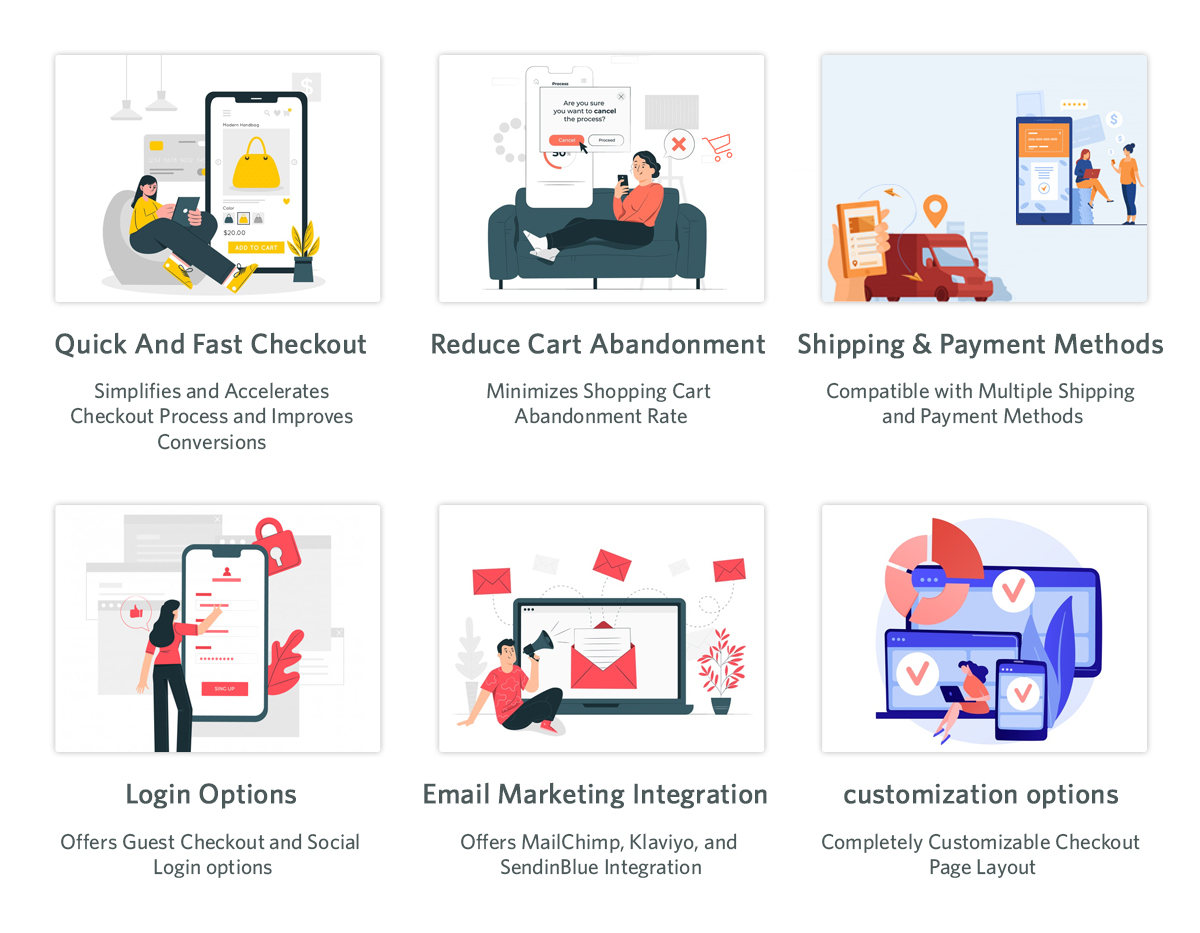
For example, the stepwise checkout process also indicates the customer to the cart abandonment. Thus, while designing your checkout process, instead of designing various steps. You can keep all the required fields on the same page. You can also check out the top seller PrestaShop One Page Supercheckout plugin for more information.

Abandoned Cart Reminders

Sometimes the other possibility of an abandoned cart is that the customer might have gotten into some other tasks. Or any other specific reason that caused cart abandonment. Also, there are other possibilities such as he might get into some technical difficulties.

Thus, in the following scenario, sharing a compelling abandoned cart follow-up reminder is all it takes to win back the customers. You can also offer enchanting offers to engage your customers and encourage them to complete the orders.

Likewise, Knowband PrestaShop Abandoned Cart Reminder Addon is a truly automated solution we have designed for PrestaShop sellers. Not only the PrestaShop store admins can set the automated cart reminder emails using the addon. But also, can keep the track of the client response rate.

Enhance Your Welcome Page

As a well-said quote indicates that the first impression is the last impression. The same thing applies when a customer visits a website. Whenever a customer enters an eCommerce website URL. The components that appear on the front page provide a quick idea about what is he going to find on the rest of the pages.
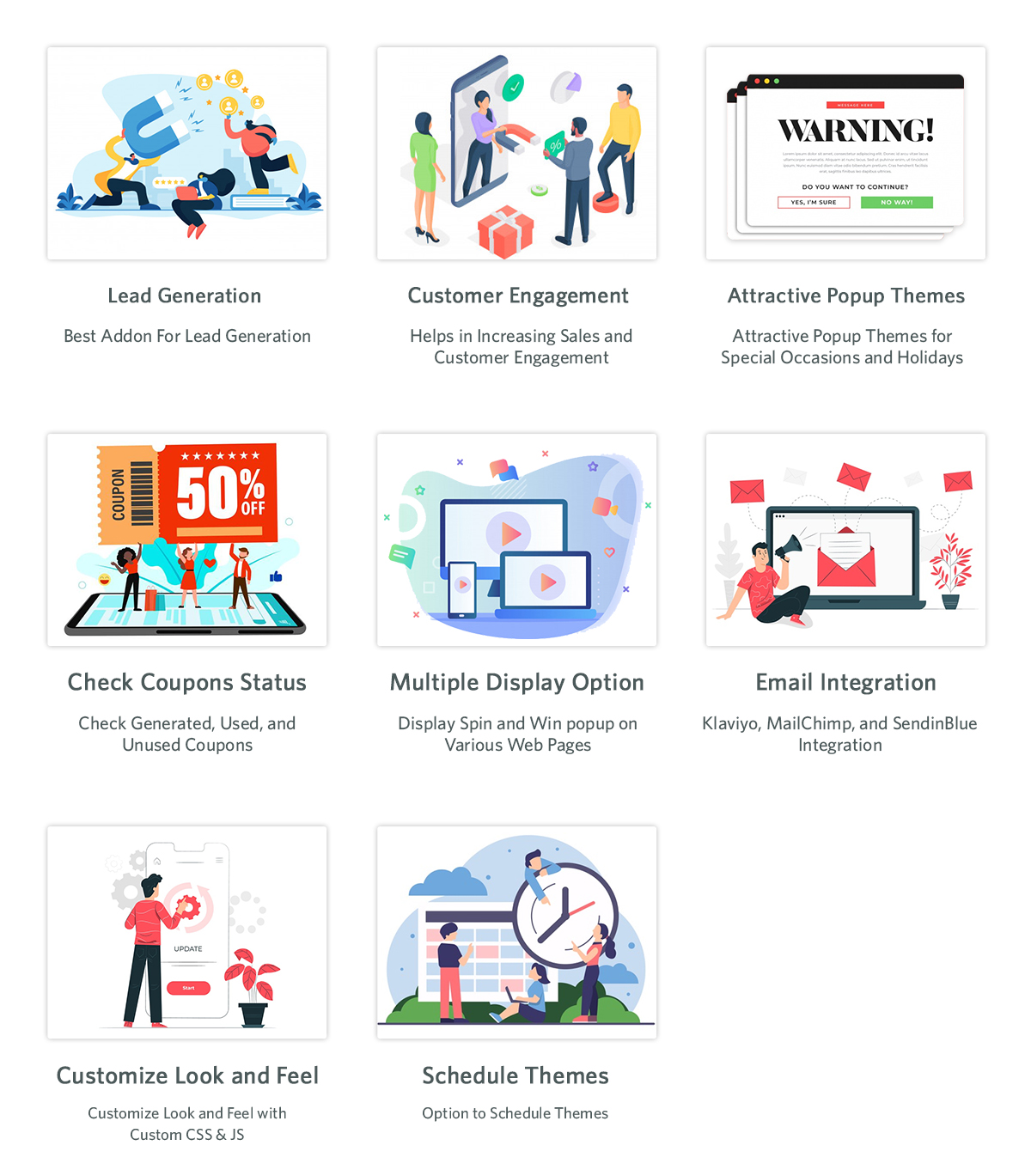
Taking advantage of the same, as a PrestaShop or OpenCart seller, you can add a gamified welcome pop-up on your online website. Moreover, along with the pop-up display, you can also show various other lucrative coupon codes. For getting a better idea, feel free to check out the Knowband Spin & Win Entry-Exit Pop-Up Module.

Available for

Magento 2, PrestaShop, and OpenCart eCommerce platform. 

Add Multiple Payment Methods
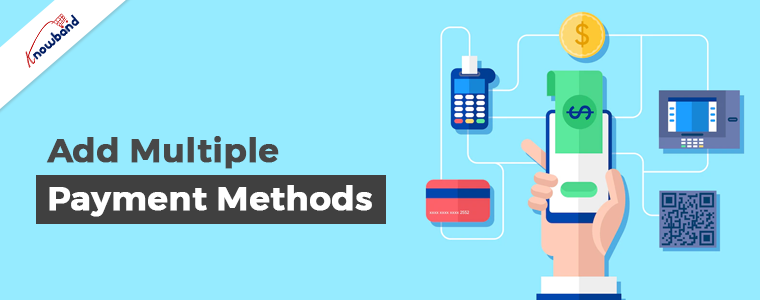
Lack of payment methods is one of the major reasons for cart abandonment for an eCommerce website. Thus, for the same reason, it is always good to be at a safe end by providing a variety of payment methods to customers.

Instance, you can add an option for PayPal, Cash on Delivery, Razor Pay, Cards payments, and many more. Also, not only having various payment options important but also you should always present all the methods in a mannered way.

Likewise, rather than adding the same into separate sections, you can add all the methods in a single slot. Check out the PrestaShop One Page Super Checkout Plugin for better ideas about Payment Page design. 

Be Transparent with the Shipping and Delivery Process
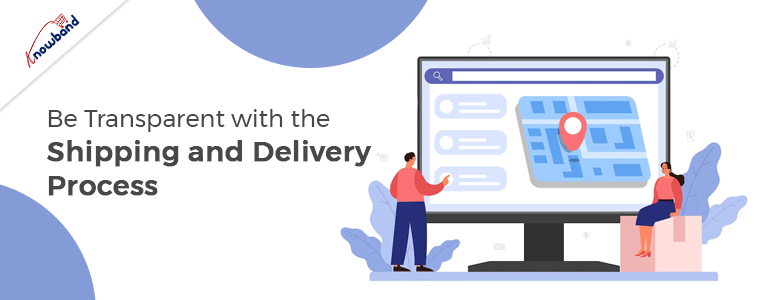
The other that stops visitors to complete orders from an eCommerce shop is the lengthy delivery process. Furthermore, sometimes the customer completes all the required steps but stops at the checkout page because of the shipping cost. Also, the reason seems a valid one because, why should one want to pay an extra 30 USD even if the order is coming from the nearest business hub?

Thus, to overcome the abandoned carts scenario, we have introduced the Knowband Shipping Cost by Zip Code Addon for the PrestaShop retailers. Using the Shipping Cost by Zip Code module, the customers can calculate the shipping cost by entering their zip code while completing the orders.

In the End

In the above points, we have mentioned some of the major reasons that stop customers from completing orders on an online website. Moreover, in case of any other queries regarding eCommerce plugins or website modifications, feel free to find us at support@knowband.com.

Let’s Get Your Online Store Ready For Halloween

Halloween seems like a small holiday in comparison to Christmas and Easter. However, online merchants don’t realize that it can increase sales for their online stores. So, if you want to avoid missing out on a chance to increase your revenue, set up your website now. We will help you to take part in this fantastic seasonal trend and interact with as many people as you can.

One of the most helpful occasions for an e-commerce business is Halloween. Take advantage of the online shopping frenzy around Halloween. This could contribute to your online store having its best-ever sales.

A record-breaking $10.14 billion in sales profit is in records for Halloween last year alone. More than 65% of Americans participated in the holiday. With a click-worthy Halloween marketing campaign, you have the opportunity to take advantage of this year. In this year’s lucrative holiday shopping season get our help to increase your sales.

Need Assistance in Setting up Your Store?

A great opportunity to make money is present for you this year on Halloween. Besides, consider the cost before getting started and we can assist you depending on your budget.

Your store will benefit from the Halloween-based marketing strategies and we will be suggesting based on that only. Look at these Halloween suggestions and decide if you’re on par with them. We’re here to give you suggestions that will also help your online stores sell more goods.

We have put up a list of specific modules for Halloween to aid you in getting ready for this year’s trick-or-treating event. Kindly check them and make use of them to entice customers to make purchases. With the use of Knowband plugins, grow your company during this spooky holiday season.

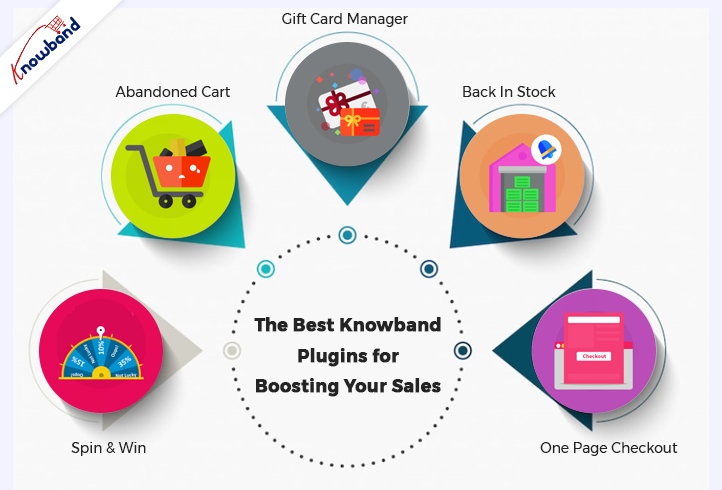
Some of the Best Knowband Plugins for Boosting Your Sales on Halloween Are Below:

Spin and Win

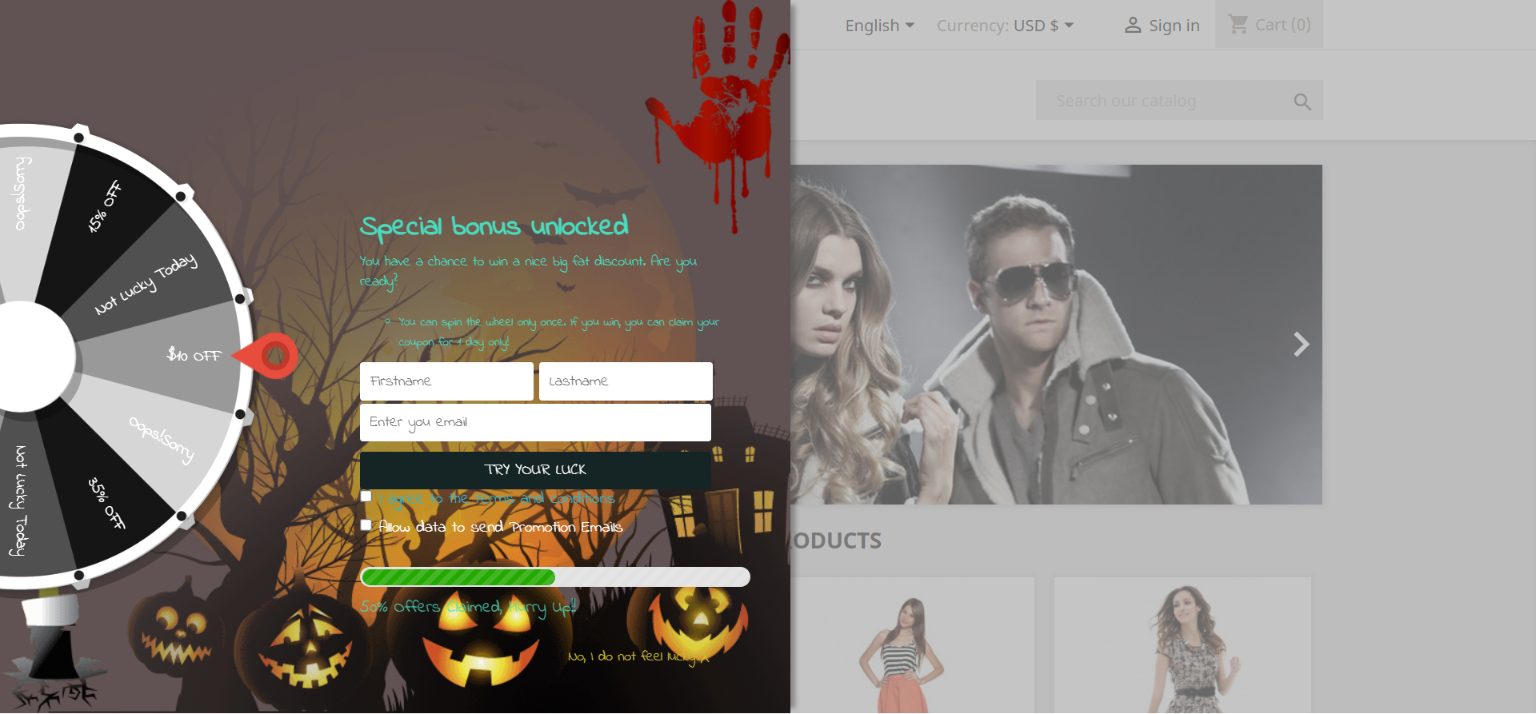
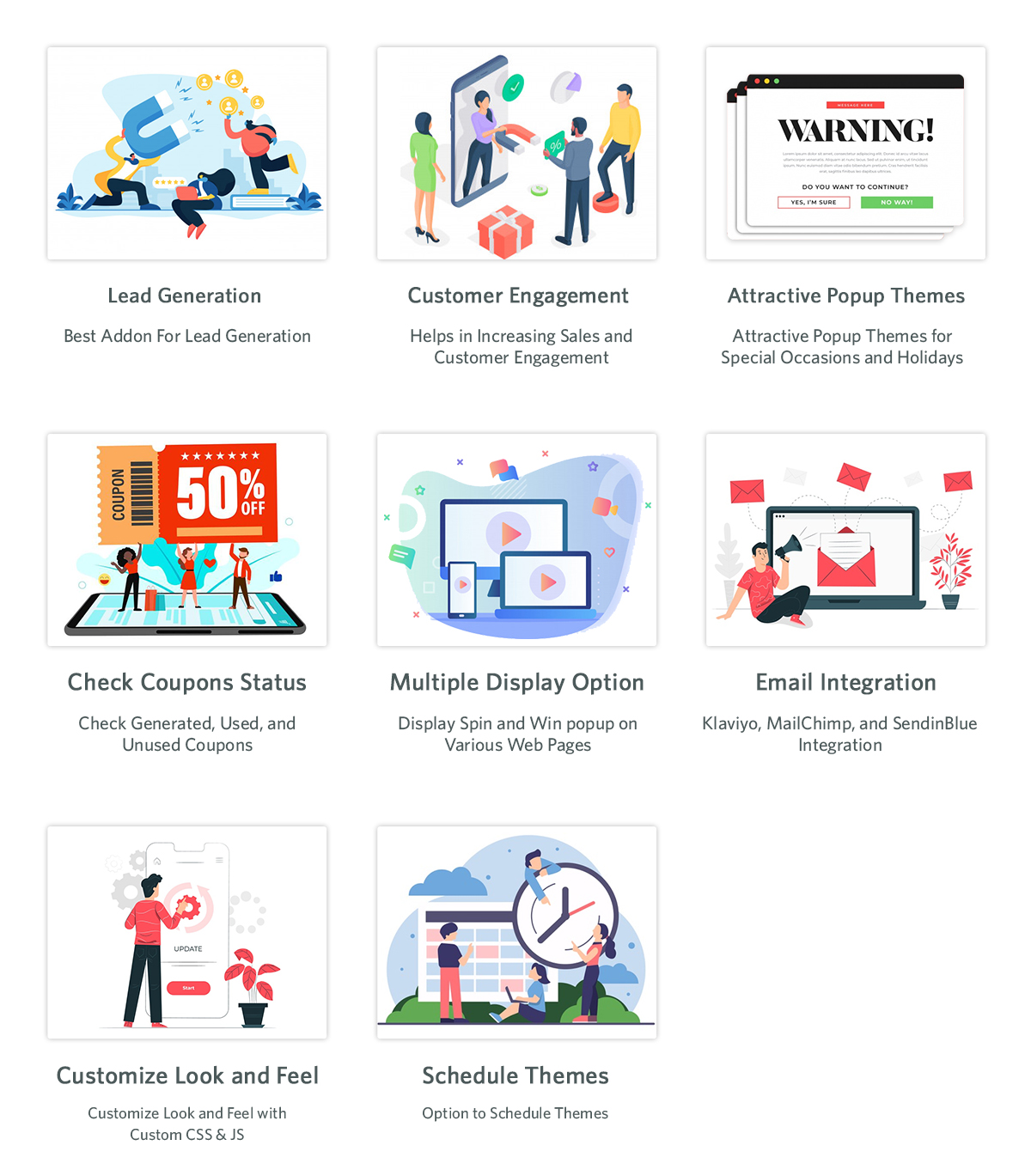
Using the features of the Interactive pop up plugin, you can get customers to subscribe to your website. Later use their data for a marketing campaign. Normal subscription pop-ups irritate customers. If you have this gamified module active in your store, customers will surely register.

The Email Subscription pop up addon shows an interesting gamified interface on the front interface of the store. The customers receive lucrative offers by spinning the wheel. There are various options for the themes, which are set depending on the occasion. For Halloween, our module has four themes, and holidays like Easter and Christmas also have customized themes.

Abandoned Cart

As the holiday season is approaching, so will the traffic on the online store. When customers add a product to the cart and abandon it for some reason, this module comes into play. Cart abandonment is one of the major issues e-commerce businesses are facing.

This Abandoned cart email follow-up addon helps in reducing abandonment and conversion of carts, hence bringing back lost sales. When customers abandon a cart, using this module, we send various follow-up emails to them. These follow-up emails are of two types: with a discount or without a discount. This enticing offer can attract customers to complete their purchases. When they have forgotten to complete the purchase, we remind them with reminders, which will result in completing the purchase.

The Gift Card Manager

In the modern gifting trends, gift cards are becoming increasingly popular. This holiday season, give your loved ones a reason to smile by sending them a gift voucher. Send Gift card Plugin shows an option of gift cards on the front store. Not everyone is sure about the gifts they are going to give on any occasion in this case this can be a go-to option. This is an easy and fast alternative in comparison to physical gifts.


The person who uses these cards can use the amount partially or fully. Customers can send these vouchers through the mail or the person can print them. This brings new customers to the online store as it helps with brand promotion. The option of sending gift cards with personalized images and custom messages is present.

Back In Stock

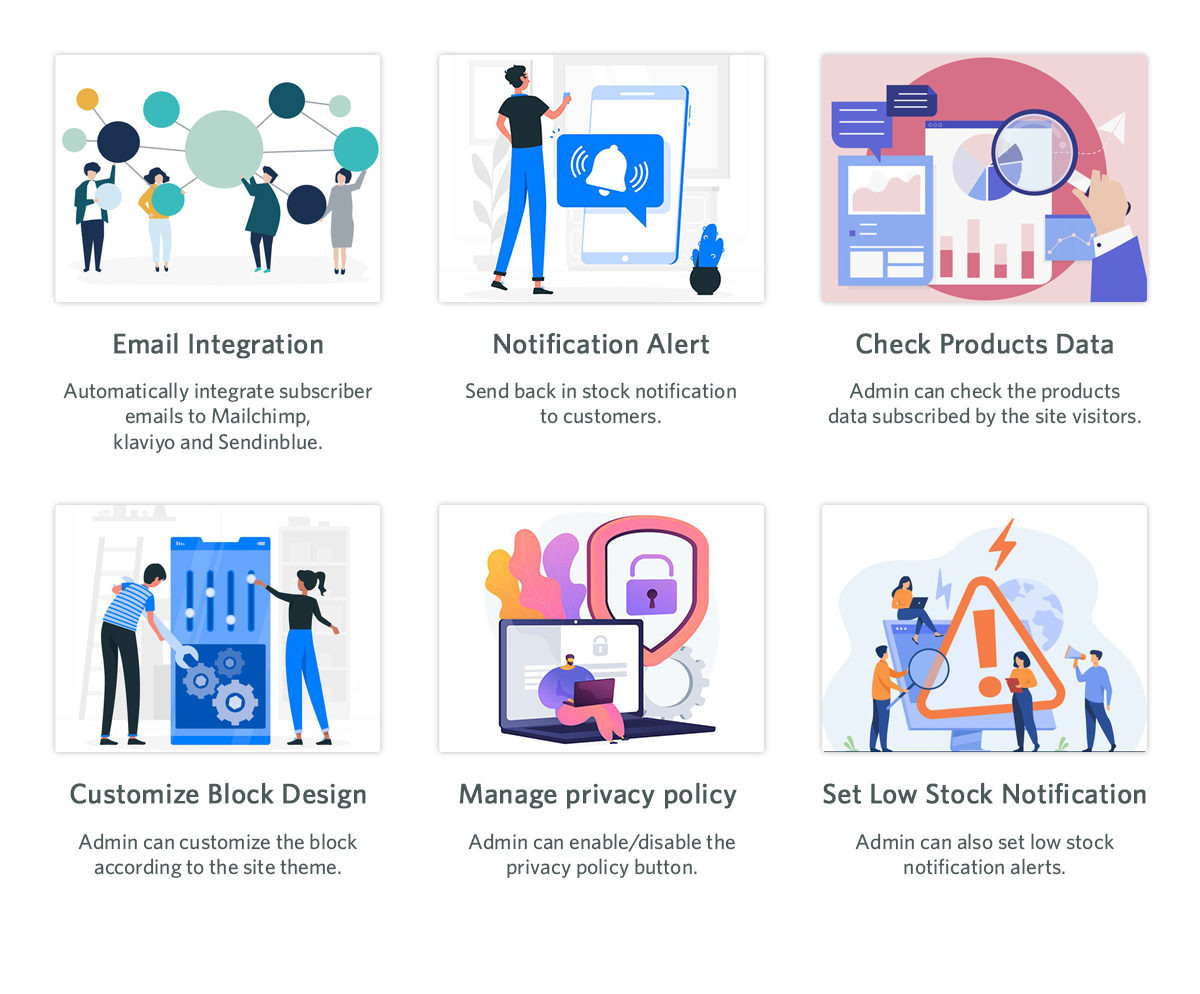
Product stock notification addon helps in letting the customers know if the products they subscribe for are back in stock or not. If the products the customer desire is not in stock, then they can subscribe to know their availability. By subscribing to the notification, the customers will receive an email about the product’s availability in stock. Customers subscribe to the product with their email and name, which can be beneficial for marketing campaigns. Klaviyo, Sendinblue, and Mailchimp integration to get customer details using the stock alert plugin is possible. The product that the customer wants to buy is visible in this product subscription module backend. There are other attractive features like custom fields, order sorting in the notification box, and V3 Recaptcha also.

One Page Checkout

Any online store is incomplete without an effective checkout integration. Using the old and lengthy checkout process irritates customers. The checkout process should be easy and customers should feel at ease while going through it. Our one-page checkout module helps with swift and easy checkout for customers.

On the checkout page, our module offers all the information on one page, making it easy for the customer. It is irritating to navigate through different pages to complete the checkout process. This results in cart abandonment as customers do not like long stretched checkout. To avoid any such issues, our one-page checkout has proven useful according to our customer reviews.

Final Words

At Knowband, we pride ourselves on going above and beyond for our clients. This is the reason which contributes to our broad client network. Furthermore, we want to help our clients achieve their goals based on their business objectives. At Knowband, we also support bespoke customizations and eCommerce plugins. We will assist you in making any ideas you have a reality. With any queries or issues, you have, we will assist you at support@knowband.com.

Knowband: A Leading Ecommerce Service Provider

Knowband is well known as a provider of eCommerce solutions and as a business that develops modules for eCommerce platforms. The business is famous for offering top-tier development services and effective post-sales support.

Knowband has a registered company name, Velocity Software Solutions Pvt. Ltd. In the face of competition from nations like China, Japan, Australia, New Zealand, Singapore, South Korea, and others. Afterward, the company had a growth streak, which marks our presence in the market.

We take pride in offering the top plugins for Shopify, Magento, Prestashop, OpenCart, WooCommerce, and others. As a Prestashop partner, Knowband has established itself in the eCommerce industry. Also, we create mobile eCommerce applications, online store extensions, and marketplace extensions.

The thing that sets Knowband apart from the competition is our dedication to “Customer Delight”. Moreover, the company offers a variety of services, including eCommerce modules and custom development. Further, pre-and post-sales support provided is also remarkable. Also, we can deliver more than the customer’s expectations, and their satisfaction is our utmost priority.

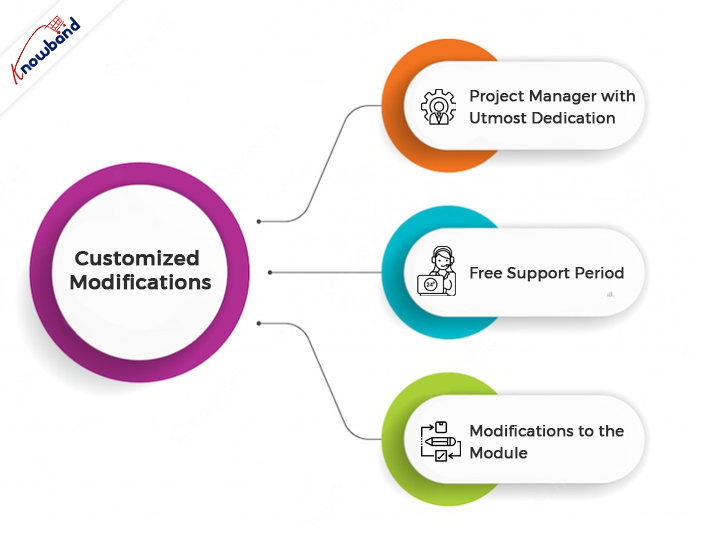
Customized Modifications

You may count on us to meet your needs for custom development. We provide custom development based on the business needs of our customers.

Developers with more than 10 years of expertise make up our team at Knowband. Additionally, with the help of our specialized services, you can construct a website and customize a module to suit your requirements. Moreover, we are here to create something based on the unique requirements of your company.

For online stores, our Prestashop Plugin Development services offer the expertise needed. You may rely on us to create plugins that are distinctive and cleverly designed functionality.

Project Manager with Utmost Dedication

From start to finish, one of our experts will be responsible for the development. Additionally, they’ll make sure you obtain the functionalities you need on time.

Free Support Period

For the first month following the completion of your bespoke development, we offer free support. Moreover, this is to make sure everything is operating as you had hoped. We will resolve your issues and concerns related to the custom changes within this period. Additionally, we will also discuss the issues in a meeting with you when required.

Modifications to the Module

Any feature which is not the default functionality of the module and whose implementation is in demand is a custom change. Further, if the client requires any additional feature in the module, then it is a custom change. Also, if there are any issues in our module due to third-party modules and our assistance is needed to fix them, then it is also done as a custom change.

If there is any demand for the addition of new features to the module, based on customers’ needs, then we treat it as a custom change. Further ahead, we analyze our effort and provide the new development charges to the customers. If the customer is unable to adequately describe the changes, we will meet with them via Skype or in a meeting to discuss the matter. Moreover, always prioritize the customer’s demand and see it through to its completion.

We never back down from the work that comes to us. Furthermore, our professionals will see through the changes until their implementation. We provide support for these changes for one month to know if the changes delivered are running as per the customer’s requirements or not. Additionally, if there are issues and the issues need detailed discussion, we will connect in a meeting. In meeting with our customers we analyze and then resolve the issues.

Module Purchase

We offer different modules on various platforms. Secondly, the modules offered on our website are easy to use and support the maximum number of platforms. We are present here to provide answers to the queries of the customers before the module purchase.

After purchasing the module, we help with the installation and configuration of the module on the customer’s end. Our team of experts will assist you with the post-sales service. We assist with the module issues if any issues occur 3 months after the module purchase. We provide support with the module issues and will resolve them at your end. If the issues are not resolved, we connect with the customers on Skype, WhatsApp, or in a meeting. Our end goal is customer satisfaction, which we have never failed to attain.

Support Services

In the case of quick support, there is an option on the website for a chat in the lower right corner. By using the chat option, customers can connect with us and can get their non-technical issues resolved. This feature is useful to guide our customers through the various issues and concerns the quickest.

Although support for the module issue is generally provided on our ticket interface. The customer can reach out to our technical team from this interface. To reach out for module support, it is very important to generate the tickets. The customer can simply send an email to generate tickets, or else they can generate tickets from their account section. On tickets, we reply to all the queries and issues of the customer the quickest.

Our Best-Sellers

We offer the top plugins for systems like Magento 2, Prestashop, OpenCart, and WooCommerce. The plugins for these platforms are available on our website. We provide plugins keeping in mind that they enhance the customer’s experience on the website.

The checkout process becomes easy and fast with the help of our one-page checkout plugin. If the checkout process is fast and easy, then it will reduce the cart abandonment rate on the website. Everyone wants the checkout to be straightforward and quick.

Cart abandonment in online stores is one of the major issues which sellers are facing. The abandoned cart module helps follow up with the customers and bring them back to complete their purchases. With this module, we can send various emails with or without discounts to customers.

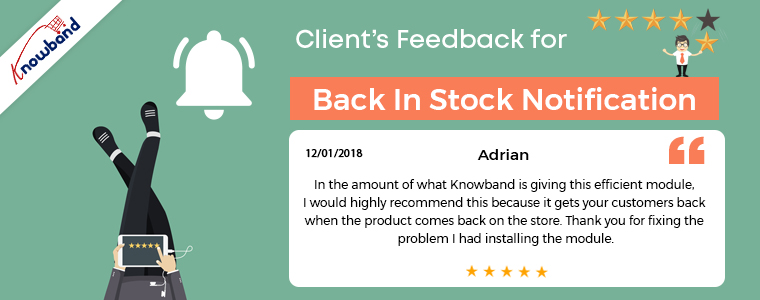
“Back in Stock” is a great module that helps in restoring lost sales. Further, it notifies the customers when the products they want are back in stock. This enhances sales and helps with customer retention in the store.

The Loyalty Points module can award points to customers when they make purchases in your store. The module allows you to set up some conditions according to which the customers receive award points. These rules are set up easily from the admin panel.

Using Google Shopping, selling products on the major marketplace gets easy. Including Google Shopping in your sales channel can increase your customer base and expand your reach. As per the reports, almost 70% of total orders start from a Google Search, so it always sounds good to be visible at the top of the Google Search list.

Some of Our Top Modules, which are having a top rating by our customers are below:

Furthermore, assisting our customers to achieve what they desire, depending on their business goals, is our aim. Also at Knowband, we help with the eCommerce plugins and also assist with custom changes. If you have any ideas in mind, we will help you bring them to reality. You can contact us at support@knowband.com regarding any kind of help or concerns.

Related Post:

Knowband Makes it to the List of Top eCommerce Tool Market Players

KnowBand receives the Superhero Seller Badge on the Official PrestaShop Platform

How to Read the File in PHP Language?

Objective

After reading this blog, you will be able to read files in PHP language. In the blog, you will get enough information about different ways used in PHP to read a file.

Let’s Learn About the File Reading Method in the PHP

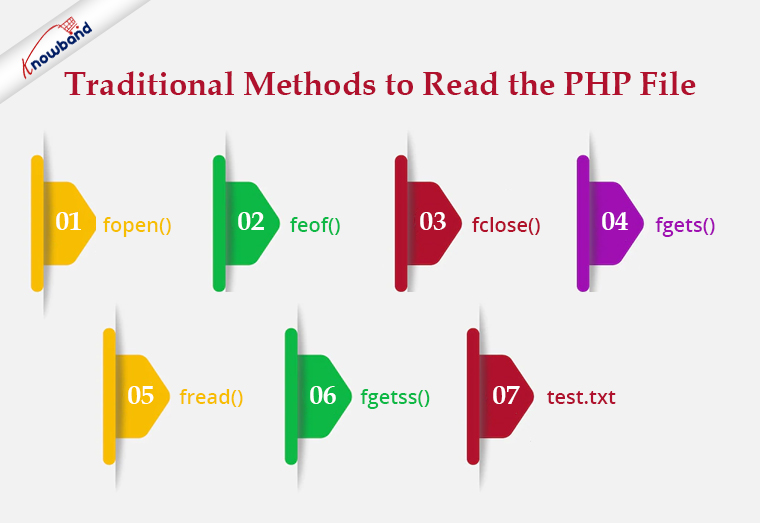
PHP provides various type of methods to read the file as follow:

Traditional Methods

In this type of method to read a file, we have to follow 3 steps.

  1. Open the file.
  2. Read the file.
  3. Close the file.

Let’s see some traditional methods:

Recommended Read: Export PHP data to the .xls file

fopen():

To read a file we need to open a file using fopen(). In fopen(), we have to pass to 2 parameters i.e. first is the file path and the next one is filed open mode. To read a file we will use “r” as file open mode, “r” denotes “read mode”.

$file = fopen("test.txt", "r") or die("Unable to open file!");

feof()

This method checks whether you have already read to the end of the file. This returns true till the last line of the file gets read and once we cross the last line it returns false. We use this method in a loop to read a file from the first line to the last line.


$file = fopen("test.txt", "r") or die("Unable to open file!");

while(!feof($file)) {

//your processing

}

fclose()

We use this method to close a file after reading the file. After closing a file we will no longer be able to read that file.

$file = fopen("test.txt", "r") or die("Unable to open file!");

while(!feof($file)) {

//your processing

}

fclose($file);

fgets()

We use this method to read a file line by line. It collects a single line of data from your file and returns it as a string. And from there either you can print the line or you can process the same as per your requirement.

<?php

$file = fopen("test.txt", "r") or die("Unable to open file!");

while(!feof($file)) {

echo fgets($file) . "<br>";

}

fclose($file);

?>

<strong>Recommended Read:</strong><a href="https://www.knowband.com/blog/tips/generate-qr-code-using-php/">Generate QR Code Using PHP</a>

fread()

We use this method if we want to read a file in a limited size. We have to pass a size limit in bytes in this method and then this method read the file up to a given size limit and ignores the rest part of the file.

If we want to read a file up to4,096 bytes (4 KB), we will write the code as –

$file = fopen("test.txt", "r") or die("Unable to open file!");

$data = fread($file, 4096);

Note: No matter what number you specify, fread will not read more than 8,192 bytes (8 KB). Assuming that the file is no bigger than 8 KB, the code below should read the entire file into a string.

<?php

$file = fopen("test.txt", "r") or die("Unable to open file!");

$data = fread($file, filesize("test.txt"));

fclose($file);

?>

fgetss()

This function is similar to the fgets() functionbut strips away any HTML or PHP tags it finds, leaving only plain text.

Code:

<?php

$file_handle = fopen("test.txt”, "r");

while (!feof($file_handle)) {

echo fgetss($file_handle);

}

fclose($file_handle);

?>

test.txt

<html>

<head>

<title></title>

</head>

<body>

<div class="editor-content" style="text-align: left">

<p>Knowband is one of the leading name as an e-commerce plugin development and marketing firm.</p>

<p> </p>

<p>Our team of highly skilled and experienced IT professionals.</p>

</div>

</body>

</html>

Output:

Knowband is one of the leading names of an e-commerce plugin development and marketing firm. Our team of highly skilled and experienced IT professionals.

Recommended Read: How to Integrate Google reCAPTCHA with PHP?

Other Methods

PHP also provides various other methods for file handling that we can use for different purposes.

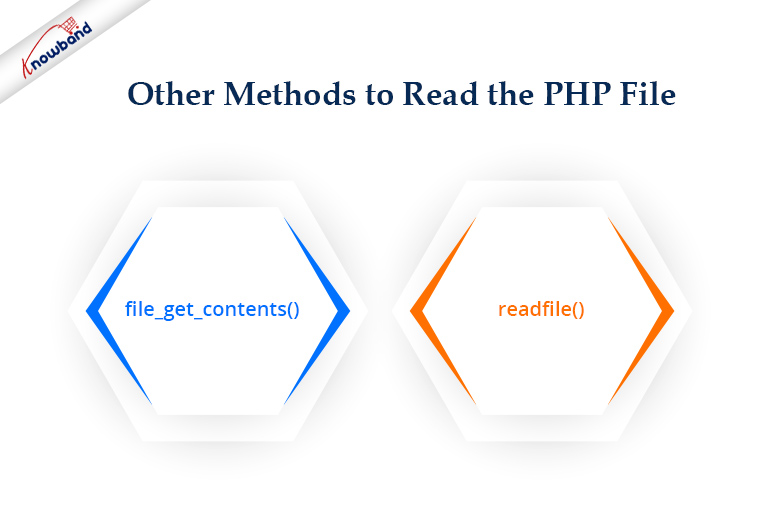
file_get_contents()

This method can be used to collect all the data from a file as a string. For example, how can we collect all the data from our webpage? You have seen the fgets() example using a loop. But how we you make this more straightforward? We can easily do the same with the file_get_contents(). We do not need to open or close a file to read. On failure, file_get_contents() will return false.

<?php

$file= file_get_contents("https://www.knowband.com/");

echo $file;

?>

readfile()

The readfile function dumps the entire contents of a file or Web page to the default output buffer. By default, this command prints an error message if it fails. To avoid this behavior we use @readfile()

Let’s see the difference between readfile&& @readfile.

Let’s try to open the wrong file by readfile:

<?php

$file= readfile("wrong_test.txt");

if(!$file){

echo 'File not found.';

} else{

echo $file;

}

?>

Output

( ! ) Warning: readfile(wrong_test.txt): failed to open stream: No such file or directory
Call Stack

File not found.

Now replace readfile with @readfile and we will get the output as:

File not found.

Recommended Read:  Auto Loading in PHP

Good Practice!

If we are a programmer then we should always keep in mind our code can handle the error or condition. There might be a chance the file that we are going to read was moved from the path or permission for the file has been changed and hence you are unable to get the content. So good practice says before reading a file we should check if the file exists and the file has read permission.

<?php

$file = "test.txt";

if (file_exists($file) && is_readable($file)) {

$f = fopen($file, "r");

# Processing

fclose($f);

}

?>

Summary

If have any PHP eCommerce application like PrestaShop, OpenCart, Magneto, etc. you can use the codes to reading the file as per your requirements.

For all aspects related to eCommerce, we also offer custom development. Additionally, the top modules for Prestashop, Opencart, Magento, and Magento 2 are also available. A few of the top modules that Knowband offers are One Page SuperCheckout, Multi-Vendor Marketplace, Mobile App Builder, Spin and Win Module, Abandonded Cart and so on.  If you have any questions, contact us at support@knowband.com.