You are undoubtedly harnessing the power of the Internet to run, manage and market your company, whether you are a new startup or an existing business. It makes it possible for you to spend more of your time and energy on development by simplifying and streamlining those aspects.
A business requires a large audience, superior customer experience, and of course a system that eliminated their extra efforts while shopping. If you are looking for the best way to stand out, here are three extensions for the OpenCart store that you can consider using that will help you expand your company online.
1. Transform your website into a Multi-Vendor marketplace
It’s quick to set up an account and you get immediate (theoretical) access to large numbers of prospective clients. The marketplace offers several products over one platform and that attracts customers as well as sellers.
Convert your store into an OpenCart Marketplace just like the one designed for handloom and handicraft products: ‘The Central Cottage Industries Emporium’ and take your business to new heights.
2. Start selling customized products in your store
Customized products are not new to the market, but as more and more businesses incorporate personalized features in their products, they are adding an extra advantage.
People prefer to find something distinct. To create perfect personalization at all times, use the software, and do unique and innovative things, such as implementing new informative fonts and colors.
Bear in mind that not all consumers want the same things. Customer satisfaction is naturally improved by the opportunity to tailor or personalize their experience or product.
Get innovative, and always search for ways to increase the experience of the brand for each of your clients or customers.
3. Offer booking and rental services on your OpenCart store
You can start with this too! Renting things is not new. Start with products like furniture, costumes, or anything that can be rented. You can even rent cars, bikes, and apartments by using Rental software developed for the OpenCart store.
Booking for the hotel room, making a table reservation at restaurants, or book an appointment with the dentist, all can be done with one tool. Terms and conditions and discount settings can be added by the eCommerce shop retailer. The Booking and Rental Extension for OpenCart provide dynamic pricing features as well.
Have a look at the demo store of the OpenCart Booking and Rental system.
Conclusion:
I have listed these three extensions because all these services are needed for providing a personalized shopping experience to your customers. After the COVID-19 outbreak, businesses are on the verge of dying and these extensions can save your eCommerce business. Also, if you are already making enough money from your OpenCart store then adding these extensions will help you expand your business.
Remember going to the movie theatres and finding out that the show is sold out? Today, we have the facility where we can check out the show timings and book seats accordingly in advance. You make the payment, book the seat and then it doesn’t matter whether the show is houseful or not. You will get your seat for sure. This has been made possible through the online booking system.
The online booking system has facilitated the lifestyle of people. From booking an appointment to booking a hotel room, everything requires only a few finger taps.
There are multiple businesses set up today that provide online booking facilities whether it is about an appointment booking, home cleaning, car or bike rental booking, etc. If you also run a booking business but offline, you should strongly consider taking it online.
What exactly is an Online Booking System?
In simplest of words, an online booking system adds booking facility on your website and lets you provide your customers with hassle-free booking. Having said that, if they want to book a service, they do not need to call and get an appointment, they can simply choose the desired date and time and confirm the booking after successful payment.
The need for an Online Booking System
In this rapidly evolving world where almost everything seems to go digital, not having an online platform could put you far away from your competitors who are providing the same sort of facilities but through an online medium.
You might not be getting too many bookings initially but if the number increases in the future, managing your bookings manually could be quite a challenging task. On the other hand, people have started moving towards online bookings due to shortage of time. So there will be some concerns for you if you do not adopt the online booking system.
Having an online booking system will put an end to the manual work and save a lot of time for you as well as your potential customers.
Benefits of Online Booking System
Here is why you should consider having an online booking system-
1. Time-saving
As I mentioned above, the online booking system saves you a lot of time since you are not required to perform anything manually. You can track your bookings, send regular email follow-ups and most importantly, you can customize your booking system as per your availability.
2. Scale-up your bookings
One of the major benefits of having an online booking system is that your prospects do not need to wait for defined hours to make a booking. All they need to do is open your website, select the day and time for which they want to have a booking and that’s it. All this happens while you are taking a peaceful nap.
With 24×7 online booking service, you can increase your bookings significantly. The unavailability of an online booking platform may compel even your regular or loyal customers to look for other alternatives, and you may lose them to your online competitors that are growing at a rapid rate.
3. Online booking system cuts down your workload
The efficiency that the online booking system provides cannot be achieved with the manual booking process. There will be no headache of receiving calls for booking, you do not need to chase your potential customers over call and get the booking confirmation. Everything would be done in a systematic manner.
4. Boost Your Revenue
You will witness a sharp increase in your bookings if you take your booking system online, which will provide you with more revenue. If you want to dominate your competitors, now is the time to mark your presence.
How to create an Online Booking System?
There are some technical ways to set up your online booking system but I would not go into the technical stuff. Instead, I would suggest installing a plugin to make your task easy.
Depending on the eCommerce platform you choose for your online booking system, you will find a number of eCommerce development services providers that will do the needful for you.
We, at Knowband, also offer online booking system facility for PrestaShop and OpenCart platform. So, if you are having a website on either of these platforms, you can have a look at-
The booking and rental system module lets you add appointment bookings, hotel bookings and rental booking facilities to your website. It is a feature-packed module that ensures that your potential customers enjoy a hassle-free booking experience on your website.
From adjusting the booking price as per different days and timing to turning off booking facility for specific days in a weekend, the module provides you with lots of configurations.
For PrestaShop store merchants, we have a special module which is a combo of PrestaShop Mobile App Builder and PrestaShop Booking and Rental System. Check out-
No tiredness, no workload, easy bookings, and almost double revenue, that’s what an online booking system does for you. And you can manage your bookings comfortably with Knowband’s booking and rental system module.
One important suggestion- Make sure that your booking website is responsive. Do not shift your entire focus on optimizing it particularly for desktop, it should be mobile-friendly so that your mobile users do not find any trouble while creating a booking.
For any assistance, you can reach out to us at support@knowband.com
Did you know approximately 148 million travel bookings are made every year and the sales made through travel bookings are expected to hit an $817 billion mark? [Source: Condor Ferries]
The market is expanding rapidly and more and more people are entering into the business of travel niche. And if you are also looking to open a hotel chain, it could be worth a move.
People love going on vacations and exploring places with their family and friends. Once the plan is confirmed, the first thing that they look for is some of the best hotels around that region.
They open Google, type their query and a list of hotel booking websites appear in front of them. Then they check out a few websites and choose the best one.
How does a visitor decide which is the best hotel booking website? Well, there are a number of factors based on which the user comes to a conclusion. And this is what I would be covering in this blog post.
In this write-up, we will discuss the best practices for a hotel booking website like what should be the basic steps that you should follow if you are thinking to open a hotel chain.
1. User-Friendly Interface
A clunky, cluttered website will leave a highly negative impression of your brand. As soon as people enter your website and find it too difficult to browse, they would take an exit within a fraction of seconds.
For a hotel booking website to capture the immediate attention of visitors, make sure you have given it an attractive look. The use of eye-catching visuals, high-quality hotel images, appealing home page layout, can make a strong first mark.
It should be designed in such a way that users feel irresistible to leave your website. This is why having a user-friendly interface becomes highly important here. Everything should look clean and organized.
2. Make it easy to search Hotels
Your site search functionality should make it extremely easy for the visitors to search for their query. Primarily, allow users to enter their destination, check-in and check-out date, number of guests, number of rooms so that they have a relevant list of hotels to choose from.
The search bar in your hotel website should be made large and clearly visible so that it is immediately noticed by the visitors. Apart from the home page, it should be visible on every page that the user navigates. Do not compel users to come to the home page to conduct a search.
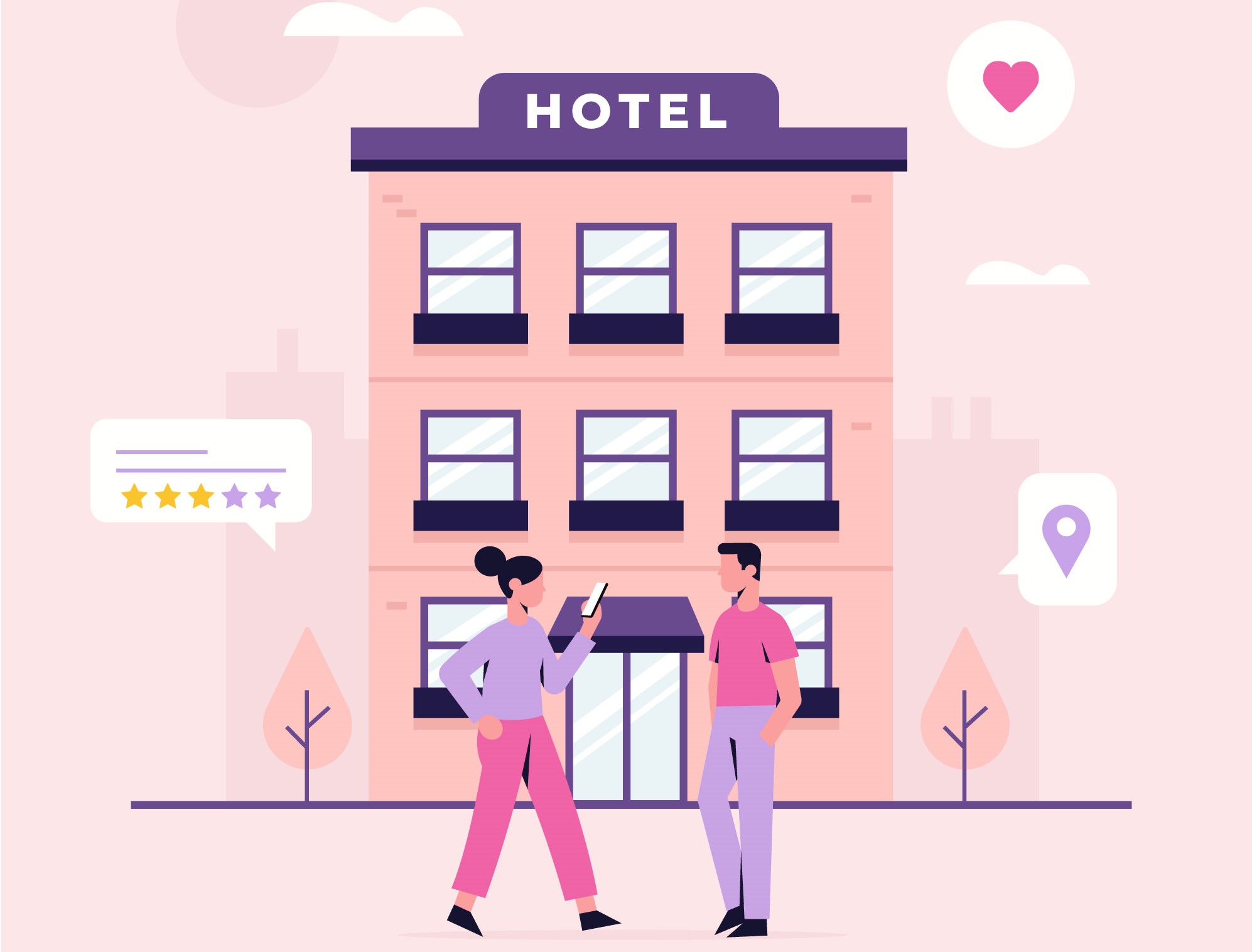
3. Display Hotel Ratings
When I say display hotel ratings, I do not mean the ratings given by the customers to a particular hotel but the star rating of that hotel. For example, some budget-friendly hotels can be 1-star or 2-star, average hotels can be 3-star. 4-star and 5-star hotels are slightly expensive with more facilities.
Highlight the hotel star rating clearly even on the search results and let customers choose what kind of a hotel type they want for their stay.
Besides, you can also mention the ratings defined by the customers. This gives the user an overview of whether a particular hotel is worth booking or not. People will usually ignore hotels that do not have positive ratings. This can save a lot of time for the visitors.
4. Sorting and Filtering
When a user has made the search, make their task more easy by providing with them with the sort and filter option.
A hotel booking website might display a lot of hotels to users with different sort of booking price and ratings. Let them sort the hotels as per the price (low to high and vice versa) and filter the hotel type and hotel ratings. It will present a more specific and relevant list in front of the users.
5. Display Room Category, Room Type and Hotel Amenities
Most of the hotel website owners list the hotels into a few categories such as Budget hotels, Premium hotels, etc. And you should do the same. A visitor looking for a stay at a reasonable price would look for budget-friendly hotels whereas someone who wants more services would go with a premium one.
Similarly, you can categorize the room type as well, for example, specify if it is a single bedroom, double bedroom, Queen sized bedroom, King-sized bedroom, twin bedroom, etc.
Lastly, display hotel amenities. Let the customers know what they can expect from your hotel and rooms. Hotel amenities could be like parking facility, swimming pool, etc. and for rooms, in particular, it could be whether the room as AC or Geyser installed, television, etc.
6. Let the Hotel pictures speak for themselves
It is all about visuals when it comes to a hotel booking website. People want to book hotels where they can expect hygiene and comfort. There can be some other factors as well but these two are usually the top priorities.
Most of the people book a hotel by checking the hotel conditions through pictures. Only if they find the look comforting, they make the booking.
Visuals leave a significant impact and this is why adding amazing pictures of the hotel is one of the best practices for a hotel website. Hotel pictures should contain the look of the hotel from outside, pictures of reception, sitting area, floor, rooms, washrooms, etc.
The more satisfying the hotel looks, the more will be the chances of a user making a booking. If there are some hangout spots nearby, you can include them too.
7. Show what Customers have to say
Help your visitors in choosing the best hotel by displaying hotel reviews. Let the prospects know what the previous customers think about the property, how has been their experience, what did they find good, what did they find bad.
Reviews influence people in their decision. And if the hotels listed on your website have good reviews, it would hardly take time for a user to make a booking.
8. Integrate Google Maps for Easy Navigation
Instead of just displaying the hotel address and expecting the potential customers to search for the location on Google Maps themselves, wouldn’t it be great if you could add the location through Google Maps on the booking page itself?
Visitors would not have to leave your website and then open Google Maps and enter the address. They just have to turn on their location and the destination would be already added. This makes it convenient for people to reach the hotel without any hassle.
9. Provide Hassle-free booking
Make it easy for your visitors to book a hotel. Have all the major payment options on your payment page including e-wallets. A majority of the people are taking the help of digital wallets for conducting a transaction.
You can also allow users to pay the amount at the time of check-in, and to avoid any cancellation at the last minute, you can ask for a little payment in advance for confirmation.
10. Optimize your website for Mobile
Today, any website, be it a hotel booking website or any eCommerce website, needs to be responsive. Most of the transactions are taking place through mobile devices. So it’s vital that your hotel website is mobile-friendly else you may face a heavy downfall in your mobile conversions.
Your mobile users should be able to enjoy the same browsing experience as your desktop users, in fact, more than that. Therefore, it is highly recommended to optimize your hotel website for mobile if you want to double your sales.
Add the Hotel Booking Facility on your website with Knowband’s Booking and Rental System Module
The Booking and Rental System module by Knowband lets you provide the online hotel booking facility to your customers. In fact, this module is not restricted to hotel bookings specifically, you can also add an appointment booking facility or rental facility through it.
But since this write-up focuses on a hotel booking website, let’s check out what this module has in offer for you.
With the Hotel Booking System, you can
– Specify the hotel name and add a description about it
– Set up an upfront booking price
– Specify the hotel rating
– Display hotel location via maps
– Add hotel images
– Specify the booking period
– Adjust the price as per days and time slots
– Specify the minimum and maximum days for which a booking can be made
– Set the check-in and checkout time
– Specify the room type and room category
– Specify the maximum number of children and adult allowed for a particular room type.
And there’s much more you can do with this module. Try out this module for PrestaShop and OpenCart
That’s it. These are some of the best practices that you should follow if you are thinking to set up a hotel website and want to know what all elements it should have to make it a perfect fit for you as well as your visitors.
Once you have tick marked all the mentioned points, find out how you can promote your hotel website to bring it to the notice of your target audience. Do proper SEO, promote your business on social media or whatever it takes to reach out to your visitors and bring traffic to your website.
All the best!
If you liked this write-up, do leave a comment below, and for any assistance with the module, you can contact us at support@knowband.com