

HubBox Error: _messageErrorTemplate is not a function
On searching wrong address in the HubBox popup, there is no error message. To fix this issue you need to make some changes in the library of HubBox.
Problem Statement
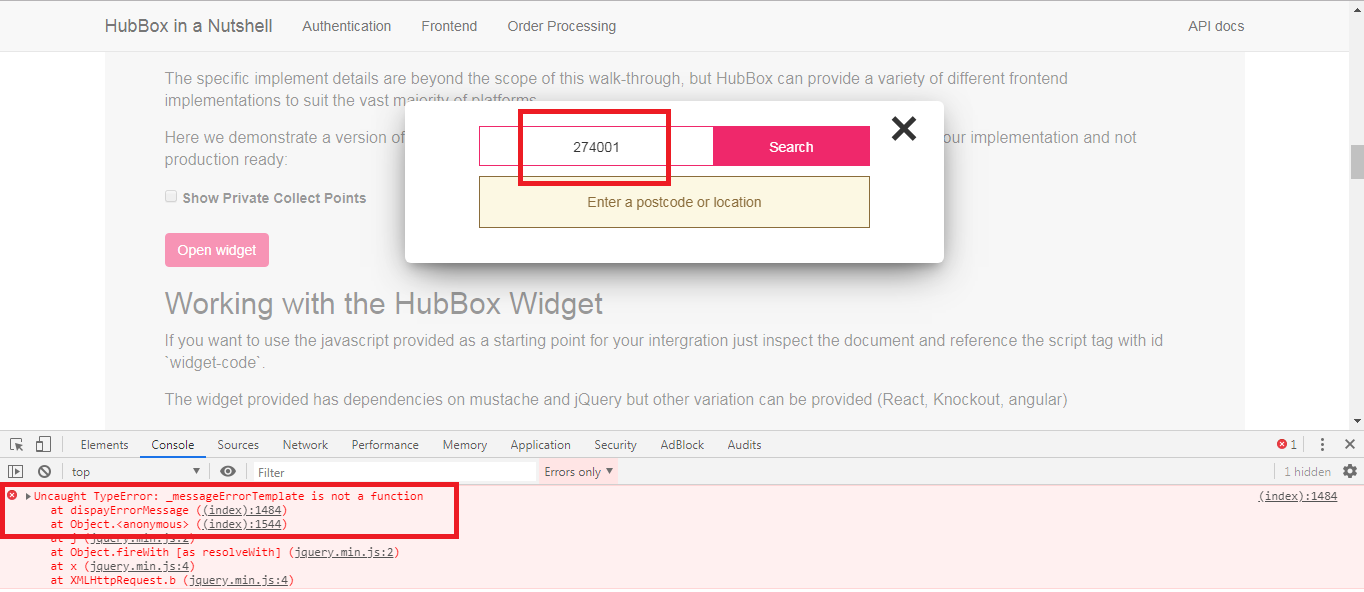
On searching the wrong address in the HubBox popup, there is no error message. When checked on the console, you are getting an error like “_messageErrorTemplate is not a function“.
Solution
The error: “_messageErrorTemplate is not a function” is coming because this function is not declared as function in the HubBox library.
To fix this issue you need to make some changes in the library of HubBox:
You need to make changes in the below two files:
1. \HubBox\Java\src\main\resources\static\index.html
2. \HubBox\Java\out\production\resources\static\index.html
In these files, search the below code:
var _messageErrorTemplate = Mustache.render(_messageError || "");
var _messageWarning = $(selectors.messages.warning).html();
var _messageWarningTemplate = Mustache.render(_messageWarning || "");
and replace this with the below code:
var _messageErrorTemplate = function() { return Mustache.render(_messageError || ""); };
var _messageWarning = $(selectors.messages.warning).html();
var _messageWarningTemplate = function() { return Mustache.render(_messageWarning || ""); };
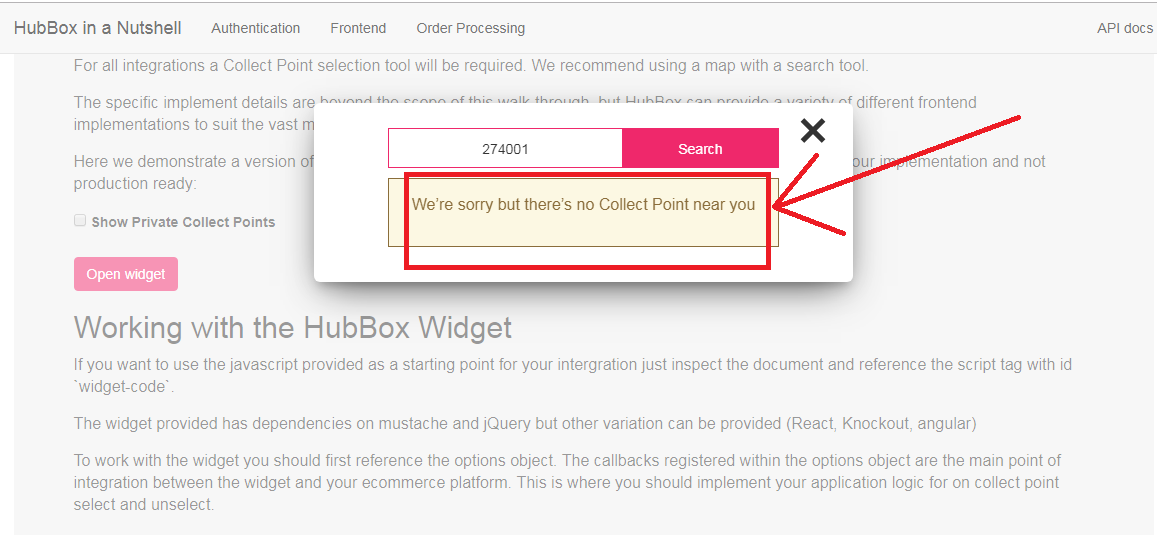
By declaring ‘_messageErrorTemplate‘ and ‘_messageWarningTemplate‘ as function, now you will get an error message on searching wrong address in the HubBox popup.
- Top 5 Abandoned Cart Recovery Modules for PrestaShop
- PrestaShop AI Chatbot Module by Knowband: Everything You Need to Know About the Latest Updates
- How to Use PrestaShop’s Override System Without Breaking Core
- Implementing Lazy Loading for Product Images in OpenCart
- Troubleshooting Common Errors After Upgrading to PrestaShop 9.x