Two Effective Modules to Keep Away Spammers and Bots from PrestaShop store

As many as 200 million Captcha tests are estimated to be performed online every day. Nearly half (43 percent) of all UK organizations have reported cybersecurity breaches or attacks in the last 12 months, according to the Cyber Security Breaches Survey. Such data breaches have resulted in missing files, corruption of devices, processes, or websites, and even loss of properties or intellectual property.

In the year 2020, many CMS platforms were attacked by ‘KashmirBlack’ and it camouflaged itself very well and stays undetected. This can happen any time and many websites face this fake bots issue every day. If you do not have a Google reCaptcha test and Spam blocker on your PrestaShop website, here’s what you need to know about them and how your company or blog will benefit from them. 

Spammers generally add fake comments on your website and you may observe fake registrations. We present two modules that could prove to be efficient in blocking bots and spammers from accessing your website and doing malicious activities to help you get rid of spammers.

How to Prevent PrestaShop website from Spammers and Bots? 

To save your website from spammers and bots, we have two modules that can help you deal with this. Let’s dive into it.
  • PrestaShop Google reCaptcha 

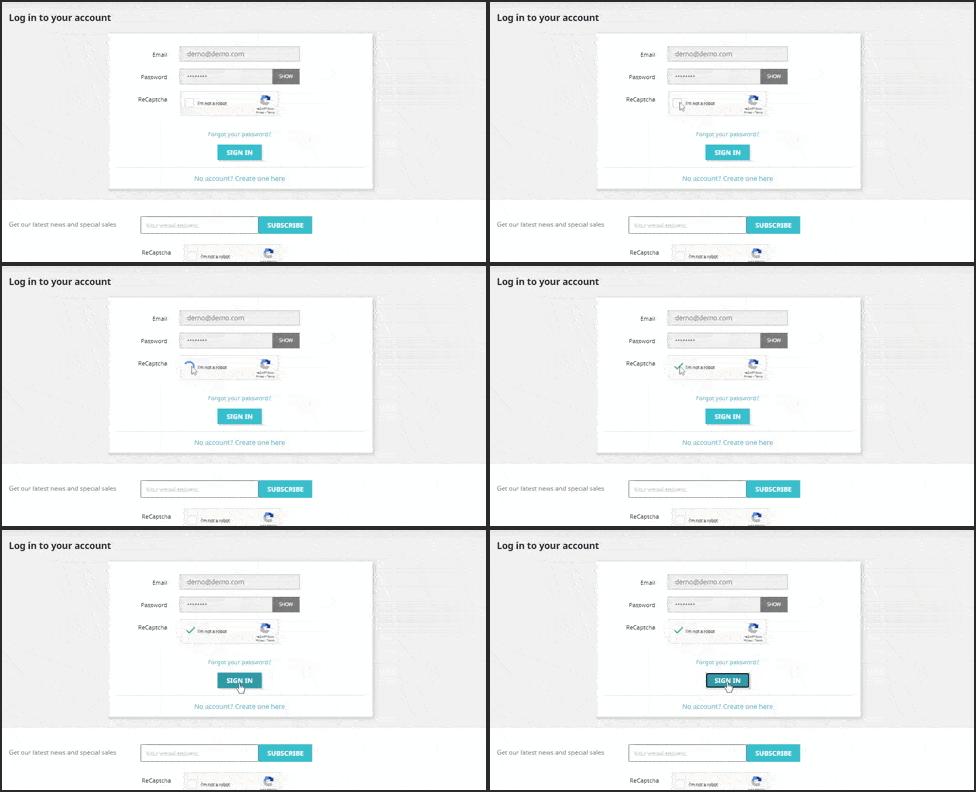
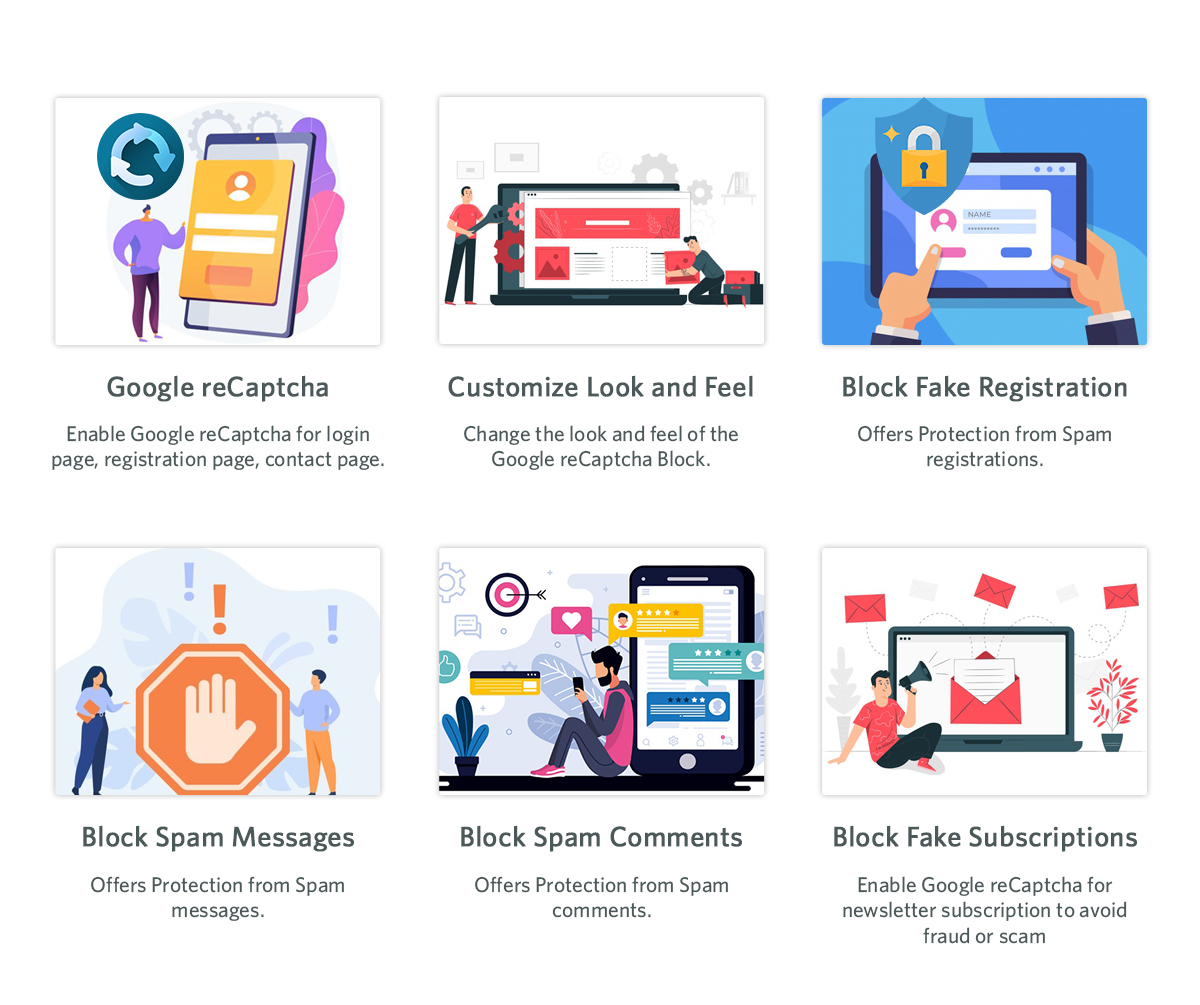
The easiest way to fight fake registrations on your website is PrestaShop Google reCaptcha.   It applies to your website a protection layer. Google reCaptcha can be enabled on the following pages of your website. 

  1. Customer Registration Page 
  2. Login Page

  3. Contact Page
  4. Forget Password Page
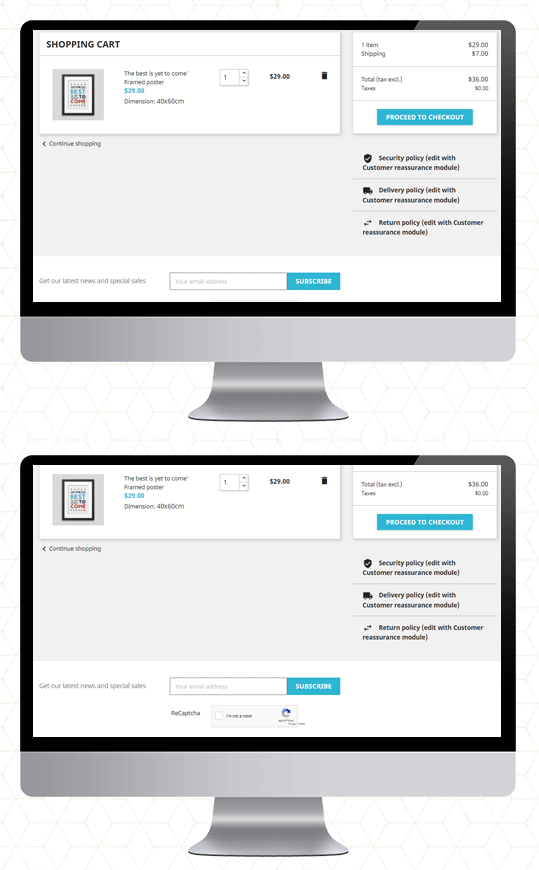
  5. Supercheckout Page
  6. Newsletter subscription

You may define the reCaptcha for each page accordingly: v2 reCaptcha or v3 reCaptcha. These are the two available options and these can be used as per your need. 

The old reCaptcha, i.e. v2, is a basic version that shows the “I am not a robot” checkbox that enables individuals to go through that specific page quickly. While the v3 reCaptcha uses machine learning and advanced risk analysis to recognize human bots. It works with all the PrestaShop themes. 

Save yourself from transaction frauds: Along with this, the Google reCaptcha is also compatible with Knowband’s PrestaShop One Page Checkout. It is the most effective way to prevent your store from transaction fraud.

Click on the links to take the admin demo and front-end demo tour of PrestaShop Google reCaptcha Module. 

Do not let the spammers affect your business!

  • PrestaShop Bot and Spam Blocker

Fed up with the bot registrations and fake sign-ups! 

The PrestaShop Spam Blocker Module allows you to block the visitor by tracking the IP address, country (location), or user agent. 
It is simple to block the IP addresses that look fishy or you find suspicious. It also allows to input several IPs. altogether. Or, instead of blocking, you can allow your PrestaShop store to access only that IPs.

Similarly, you can position countries in the block list if you are witnessing a high amount of spam traffic from a particular location.

The next functionality it offers is to block spammers/bots from a particular user-agent landing on your website.

Sometimes it may happen that you are blocking a genuine person. In that case, it is possible for the customer to communicate with the website owner and ask them to undo it.

Also, if you want to exclude a country or a region from providing your services, you can make that happen. The blocker allows blocking the region where you are not delivering or selling your products.

The admin will monitor the back-end requests and make the decision accordingly.

Install Spam and Bot Blocker module on your PrestaShop store. Explore the Admin Panel and Front-end demo of the Bot and Spam Blocker module on the KnowBand store. 
Final Words

This tough fight between the website owners and the spammers will never end. Spammers will continue to spam to spoil your business. The Google reCaptcha and PrestaShop Bot and Spam Blocker will be extremely beneficial to get rid of spammers and bots on your website. 

For any query related to PrestaShop modules, you can drop us a comment or write us at support@knowband.com  

You may like to read:

How to Integrate google reCAPTCHA with PHP

KnowBand Celebrating 10K+ PrestaShop One Page Checkout Installs on Addon Store

Creative Abandoned Cart Recovery Strategies Your Competitors Aren’t Using

9 Checkout Conversion Killers Driving Your Buyers Away

Protect your OpenCart Store from Bots and Spammers

If you have a website, you will have to deal with spammers. They leave no opportunity to attack a website and OpenCart is no exception.

Spammers try to degrade your website by posting spam links, comments, fake registrations, etc. Go through the OpenCart forum once and you will see many users complaining about the spam activities on their website.

Scrapping this wanted traffic is important so that your website’s performance on the search engine is not affected. To help you get rid of spammers, we present you with two modules that could prove to be effective in restricting bots and spammers from entering your website and doing malicious activities.

Before we begin, let’s try to understand a few spam activities that you could witness on your OpenCart website.

Few Spam Activities That You Could Witness on Your Opencart Website

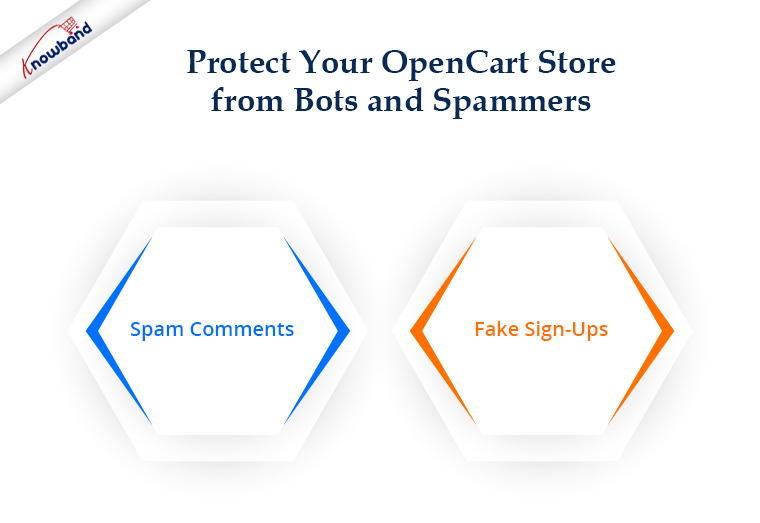
1. Spam Comments

You would often get excited to see too many comments on your blog posts only to realize that they are just spam links and have no relation to the content whatsoever. These irrelevant comments are not only annoying but they also hurt your SEO as they pass on the link juice to the spammers’ websites.

2. Fake Sign-Ups

In this spam activity, bots bombard your website with multiple fake registrations. They take up a lot of storage on your server and intend to slow or harm your website’s performance.

Recommended Read:  Two Effective Modules to Keep Away Spammers and Bots from PrestaShop store

How to Prevent Your Opencart Website from Spammers and Bots?

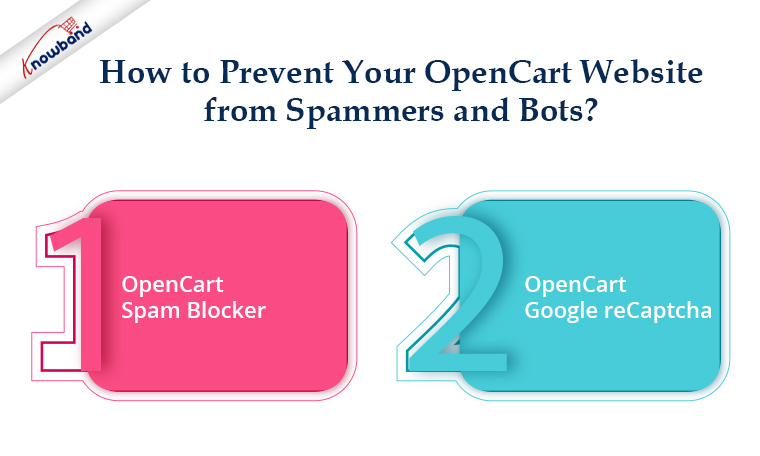
As I said above, we have two extensions specially designed to deal with this. Let’s take a look.

1. OpenCart Spam Blocker

OpenCart Spam Blocker extension lets you block a store visitor by his/her IP address, country, or user agent.

From the back-end, you can specify the IP addresses from which you don’t receive traffic or which you suspect to be sending spam to your website. You can insert multiple IPs at once. Or instead of blocking, you can allow only certain IPs to access your OpenCart store.

Similar to this, you can add nations to your block list if they consistently send you large amounts of spam.

The next feature it has is blocking spammers/bots that are landing on your website from a specific user agent. (Firebox, Chrome, Mozilla, Android, Windows, etc.)

It may happen sometimes that you block a genuine user. This module enables blocked users to submit a request for unblocking to the website’s owner. The admin can track the requests from the back-end and take decisions accordingly.

Knowband OpenCart Block User Extension provides a spam blocker solution. The OpenCart Block User Extension enables the e-merchant to block particular IP addresses, nations, or user agents. The anti-bot solution offered by OpenCart Spam Blocker Extension is a clever technique to stop malicious users from accessing the website, enhancing the shopping experience of the store’s legitimate customers. You have a lot of options with the OpenCart Spam Blocker module to filter out suspected bot traffic in the store. Consequently, the possibility of unwanted threats and spam in the store is eliminated.

Recommended Read:  OpenCart Block Bot/User by IP, Country or User Agent Extension – User Manual

2. OpenCart Google reCaptcha

OpenCart Google reCaptcha is the best way to counter fake registrations on your website. It adds a security layer to your website. You can enable reCaptcha on the Login page, Registration Page, Contact Us page and Forgot password page. For each page, you can specify the reCaptcha that you want to set: v2 reCaptcha or v3 reCaptcha.

In contrast to the new reCaptcha (v3), which employs machine learning and extensive risk analysis to distinguish between bots and humans, the old reCaptcha (i.e., v2) is a basic “I am not a robot” checkbox that allows individuals to quickly navigate that particular website. With the OpenCart Google reCaptcha extension from Knowband, your customers may pass the human verification test without providing any additional website inputs. You allow free registration for your users, just like websites like Gmail, Hotmail, Facebook, Twitter, and others. Therefore, it is crucial to safeguard your store’s registration and login process. You may verify that specified actions are actually carried out by real humans and not by automated programmes by using Opencart Google Captcha.

Recommended Read: How to Attract Sellers on OpenCart Marketplace

Final Word

The combat between spammers and websites goes on forever. They will try to spread spam by any means. I am sure these two OpenCart extensions will be extremely beneficial in getting rid of spammers and bots on your website.  If you need any kind of assistance with these two modules, feel free to reach out to us at support@knowband.com.

We have a dedicated support team that is always available to aid customers to deliver the best and most effective post-sale support to our customers. Moreover, even on weekends, we continue to fulfil our obligations to customers who need assistance with urgent website problems.