How to Add Payment Methods to Your eBay Shop!!

eBay is undoubtedly one of the best marketplaces in the eCommerce industry. With over 187 million active consumers, eBay is offering amazing services to both consumers as well as sellers.

Aside from products and sellers, eBay is a well-known multi-vendor marketplace for algorithm updates. Moreover, the major marketplace has its in-built SEO algorithms to manage the rankings of sellers.

On top of that, selling on the eBay marketplace is an absolutely easy task. You do not require to have any specific kind of technical knowledge for being an eBay seller. Furthermore, the marketplace offers ease of payment methods to the seller community. The sellers can even add cards, PayPal, and many more payment methods to their eBay shop just by following some simple steps.

Thus, in the following article, we are going to spread light on how new sellers can add payment methods to their eBay shops.
1. PayPal: How to Link with Your eBay Shop!!

PayPal is a widely introduced payment method with millions of transactions per day. Likewise, eBay allows sellers to add PayPal as a payment method on their store-front. One can simply add the PayPal payment method on eBay just by following the below-mentioned steps.

1.1. Log in to Your eBay dashboard.

1.2. Visit the eBay admin panel and then click on the account settings.

1.3. Click on Payments>>PayPal.

1.4. If you already have a PayPal account, you can simply add the details here. Otherwise, you can always create a new one by clicking on the signup button.

1.5. By following the above steps, you will be redirected to PayPal.

1.6. Come back to the eBay admin panel>>Payments>>PayPal.

1.7.  Click on become verifies button.

1.8.  Authenticate yourself with a PayPal account and all set to go.

2. Debit Card: How to Add Debit Cart on eBay Shop!!
Adding debit cards on eBay shop is a pretty easy task. Follow the below-mentioned steps to add debit card payment options to your eBay shop.

2.1. Click on the top left corner buttons.

2.2. Go to Account settings.

2.3. Choose the option payment options from the appeared tab.

2.4. Choose to add payment methods.

2.5. Pick the debit or credit card option.

2.6. Fill in all the details on the appeared page. After getting done with all the details, click on add. All good to go.

3. Automatic Payment Methods on eBay Marketplace:
Automatic payment methods help sellers to minimize headaches during the eBay invoice cycle. The monthly ebay fee gets deducted automatically when the sellers add automatic payment methods on the eBay Marketplace.

Here are the steps to add automatic payment methods on the eBay marketplace.

3.1. Click on the top left corner of your eBay dashboard.

3.2. Visit the account settings page.

3.3. Click on the personal info tab. And then, hit the business info button.

3.4. Click on the financial information tab. Choose the update your automatic payment methods.

3.5. Choose your suitable payment option among PayPal, credit, debit card, or checkout accounts.

3.6. Fill in all the details and click on the save button.

In the above article, we have discussed how to add payment methods to your eBay shop just by following the simple steps. Although eBay is known for changing its algorithms. Yet, we believe the above information is surely helpful for you.

Do You Know!!

Do you know that if you are selling the products from your personalized eCommerce website and are willing to sell the products on eBay? You can simply manage your eBay shop from your personal shop’s admin panel.
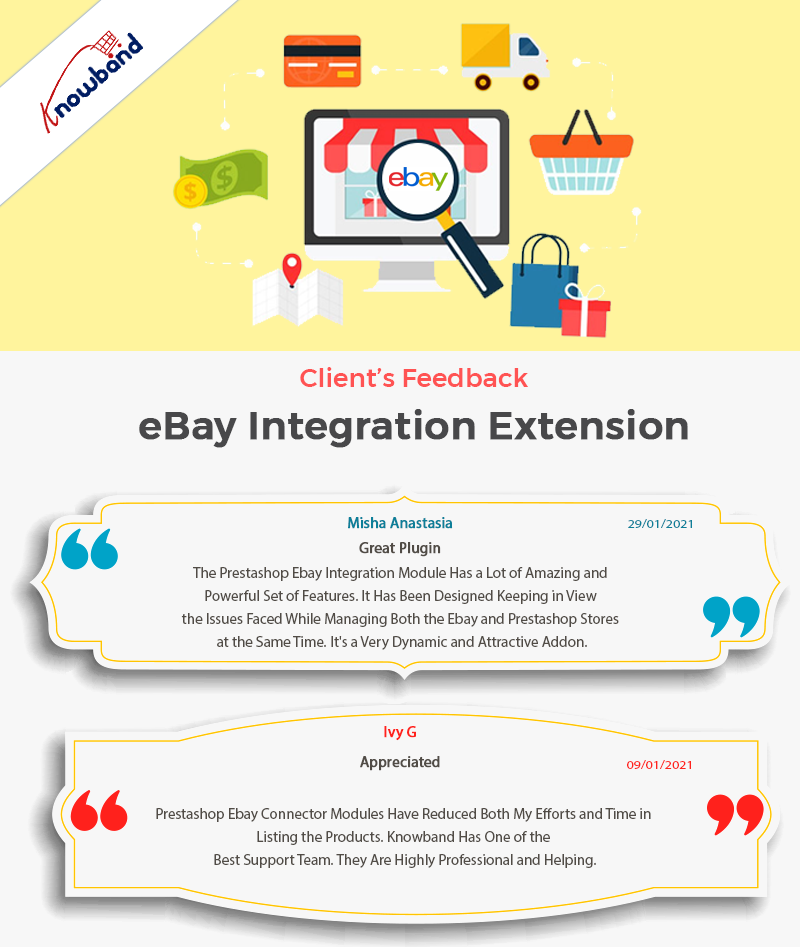
How? Knowband’s eBay Marketplace connector extension is the answer. At Knowband, we provide the eBay Marketplace connectors for the eCommerce platforms Magento 2, Prestashop, WooCommerce, OpenCart, and Magento.

One can simply manage both eBay and a personal eCommerce shop at his fingertips. And can even sell their products on eBay Marketplace at an increased/decreased price with real-time stock management.

Want to know more? Feel free to find us at our official email address support@knoband.com for your beloved queries and suggestions.


Skyscraper Technique: Is It Still Valuable in 2023?

Search Engine Optimization is one of the best ways to get organic customer traffic for almost the last decade. SEO is not only the most effective promotional technique. But also, the most used promotional method in eCommerce.

However, achieving the desired results with SEO is getting harder because of the market competition. On top of that, Google has recently introduced the Page Experience Update which is making SEO more challenging for newcomers. Thus, following the same, some experts believe Skyscraper Technique is the most promising SEO tactic for getting assured results quickly.

Although Skyscrapers is recently introduced in the market. Yet, newcomers are claiming that they have achieved enormous results with Skyscraper Search Engine Optimization. Thus, following the same, in this article, we are going to discuss what is Skyscraper and how it can change your eCommerce website’s SEO entirely.

What Is the Skyscraper Technique?

Initially, the Skyscraper technique was introduced by Brian Dean. Coming to definition, you will find a lot of definitions for skyscrapers on the internet. However, in simple terms skyscraper technique is, “find content which is already having a huge success rate, create similar or even better content than that for your website.

And finally approaching the backlink providers asking for your backlinks.”

To understand the process easier, we can break it down the process into 3 easy steps.

  1. For the Skyscraper, you will hover over some of the most viral articles.
  2. After finding some relevant posts, you will write your content. Of course, similar to the viral one but even better.
  3. For the final steps, you will reach out to the target audience, for making your article popular and get more backlinks.

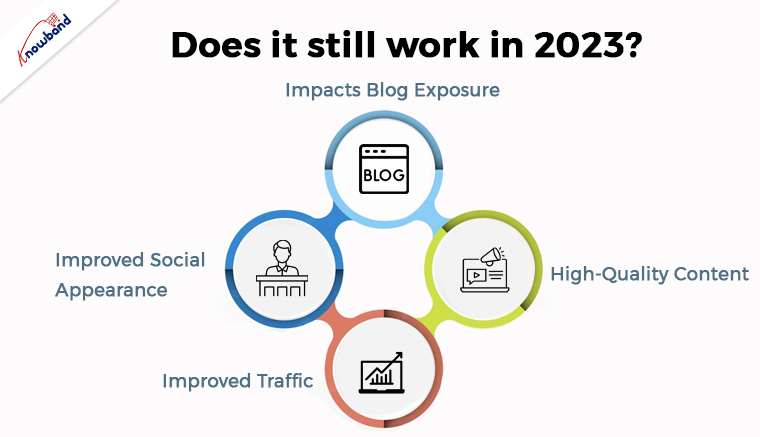
Does It Still Work in 2023?

Some SEO marketing experts stand to consider Skyscraper as one of the most effective Search Engine Optimization techniques. Following the same, we are going to define some of the advantages of using the Skyscraper technique for SEO.

    1. Impacts Blog Exposure:

Getting your SEO blog noticed by the audience is the best feeling ever. Not only it impacts the SEO of your website but also improves brand recognization. On the other hand, if you are posting content related to a hot topic, there are huge chances to go viral. On top of that, you will be ending up getting various backlinks and customer traffic toward your business.

    2. High-Quality Content:

Building high-quality content is not only beneficial for Search Engine Optimization but also helps readers to understand things better. Thus, while following Skyscraper SEO, you can become famous and help your readers at the same time.

   3. Improved Social Appearance:

Content quality attracts more and more users to a website. For the same reason, well-mannered and informative content encourages readers to share the same on social platforms. If you are able to deliver the finest information to the reader, you can create huge chances for improving the social appearance of your brand.

    4. Improved Traffic:

While posting content around hot and trending topics, there are huge chances that you will get the eyes of your targeted audience. On top of that, the Skyscraper technique helps in enhancing overall Search Engine rankings.

In the End:

According to the latest SEO algorithms, the quality of content matters more than the number of content you are posting. For example, if you are posting 10 contents per week and not able to get enough customer traffic, it does not worth the work at all.

On the other hand, if you are only deploying 2 articles per week and are able to reach out target audience, you can notice skyrocketed growth in SEO.

Skyscraper is one of the techniques that is going to help achieve your SEO goals within less time. Moreover, you can also check out our recent article about Google’s Page Experience Update and Impact on SEO for more information.

In case you are having queries or suggestions regarding our plugin or custom eCommerce development, you can always feel free to find us at support@knowband.com.

How Social Media Networks are Empowering SEO!!

Search Engine Optimization and Social Media Marketing are two different aspects of marketing. Although both have their own characteristics and workflow. Yet, in the end, the goal is to define the traffic on a website. Both social media marketing and SEO are some of the most effective marketing ways that bring traffic to a website.

Even though Social Media Marketing for eCommerce and SEO is entirely different. Yet, Google’s updated SEO algorithms consider the social media presence of a brand while considering SEO rankings.

Difference Between SEO and SMM:

Social Media Marketing is a marketing strategy to promote a brand on social media platforms. For example, SMM teams work on different strategies to improve brand awareness on social platforms. Such as Instagram, Facebook, etc.

On the other hand, Search Engine Optimization is the most effective way of driving organic traffic toward a website. It includes content posting, link building, loading speed optimization, and Google’s search page update aspects.

How Social Media Optimization Impacts SEO!!

According to Google’s recent announcements, links are generated from social media platforms. As Facebook and Twitter impact Search Engine Optimization directly. For example, if you are posting relevant content on your brand’s social media pages. The chances for increased click rate and social sharing are high.

As a result, you will be ending up getting noticeable customer traffic toward your website.

Apart from it, various indirect Social Media Marketing factors impact SEO and the overall traffic of a website. Instance, social media platforms track the analytics data such as click rate, bounce rate, viewing depth, and total time spent by a user on a website. So, let’s discuss some of the indirect Social Media Optimization strategies that add significant value to Search Engine Optimization.

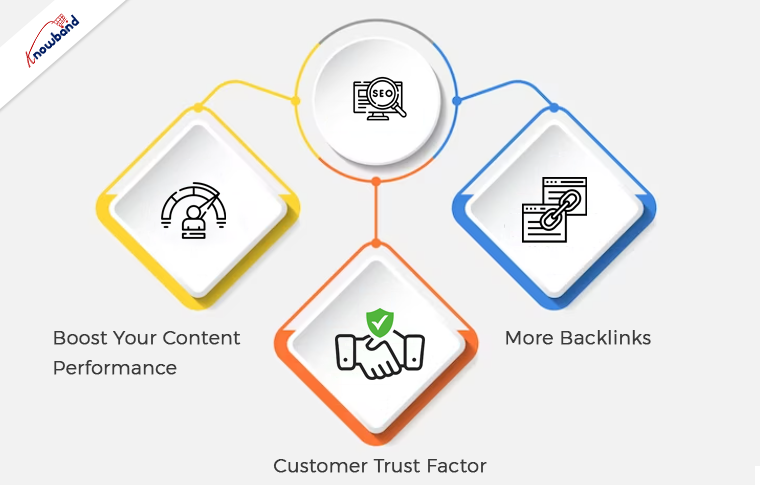
Boost Your Content Performance:

Just content creation is just not enough for a website’s growth. However, if you are just adding content on a website, and not showing the same on social media platforms.

On top of that, social platforms such as Instagram have a huge audience that is going to notice your posted content.

Thus, providing content updates to your social family can grow the organic traffic of your website. In the following method, social media marketing is going to impact your SEO indirectly.

More Backlinks:

Backlinks are the most important aspect of Search Engine Optimization. Well, the question is how it is redirected to social media marketing.

Thus, here is how. Posting your content and other updates on social platforms are going to bring traffic to your website. In case you are deploying valuable content on social platforms, then the chances are higher that you will get to your targeted audience easily. On the other hand, if you are keeping your SEO content to your website only, then it is not going to be helpful for SMM. Thus, adding regular updates on social media is one of the easiest ways to keep your customer base informed about your business activities.

Customer Trust Factor:

Having a healthy brand image on social platforms improves customer trust in a brand. How?

Consider a user hovering on the internet and somehow landing on your Prestashop website in the search of his favorite products. Now, he is a first-time visitor and does not know much about your brand. In the following case, the first thing he is going to do is check the Instagram and Facebook accounts of the website.

Furthermore, if your marketing team has done enough work for enhancing your social media presence then it is well and good. However, if you are not able to maintain a sounding social profile for your business then there are huge chances of bounce rate.

Looking for Selling on Facebook from Your PrestaShop Store?

Are you a Prestashop eCommerce shop vendor and looking to sell your products on Facebook? You can check out Knowband’s Prestashop Facebook Store Addon.

Moreover, with the help of the FB Store module, you can integrate your Facebook fan page with your Prestashop eCommerce store. On top of that, you can keep the track of other relevant information such as traffic tracking via Google Analytics, managing the UI of your Facebook store, and much more within clicks.

You can also drop us a mail at support@knowband.com for more information and other eCommerce-related queries.