Let’s Get Your Online Store Ready For Halloween

Halloween seems like a small holiday in comparison to Christmas and Easter. However, online merchants don’t realize that it can increase sales for their online stores. So, if you want to avoid missing out on a chance to increase your revenue, set up your website now. We will help you to take part in this fantastic seasonal trend and interact with as many people as you can.

One of the most helpful occasions for an e-commerce business is Halloween. Take advantage of the online shopping frenzy around Halloween. This could contribute to your online store having its best-ever sales.

A record-breaking $10.14 billion in sales profit is in records for Halloween last year alone. More than 65% of Americans participated in the holiday. With a click-worthy Halloween marketing campaign, you have the opportunity to take advantage of this year. In this year’s lucrative holiday shopping season get our help to increase your sales.

Need Assistance in Setting up Your Store?

A great opportunity to make money is present for you this year on Halloween. Besides, consider the cost before getting started and we can assist you depending on your budget.

Your store will benefit from the Halloween-based marketing strategies and we will be suggesting based on that only. Look at these Halloween suggestions and decide if you’re on par with them. We’re here to give you suggestions that will also help your online stores sell more goods.

We have put up a list of specific modules for Halloween to aid you in getting ready for this year’s trick-or-treating event. Kindly check them and make use of them to entice customers to make purchases. With the use of Knowband plugins, grow your company during this spooky holiday season.
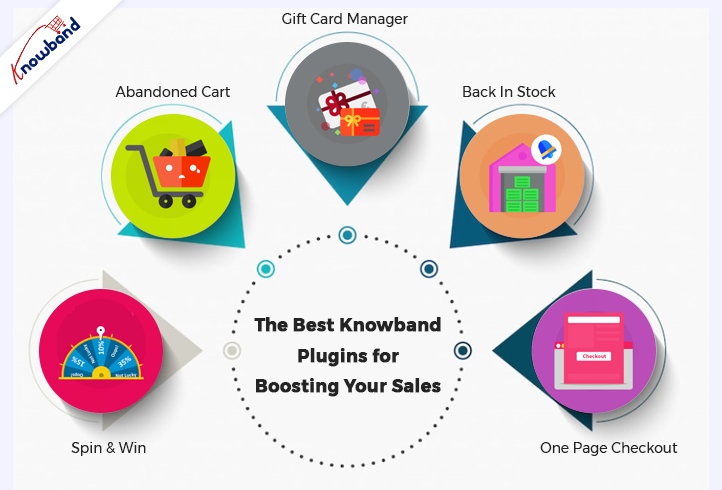
Some of the Best Knowband Plugins for Boosting Your Sales on Halloween Are Below:

Spin and Win
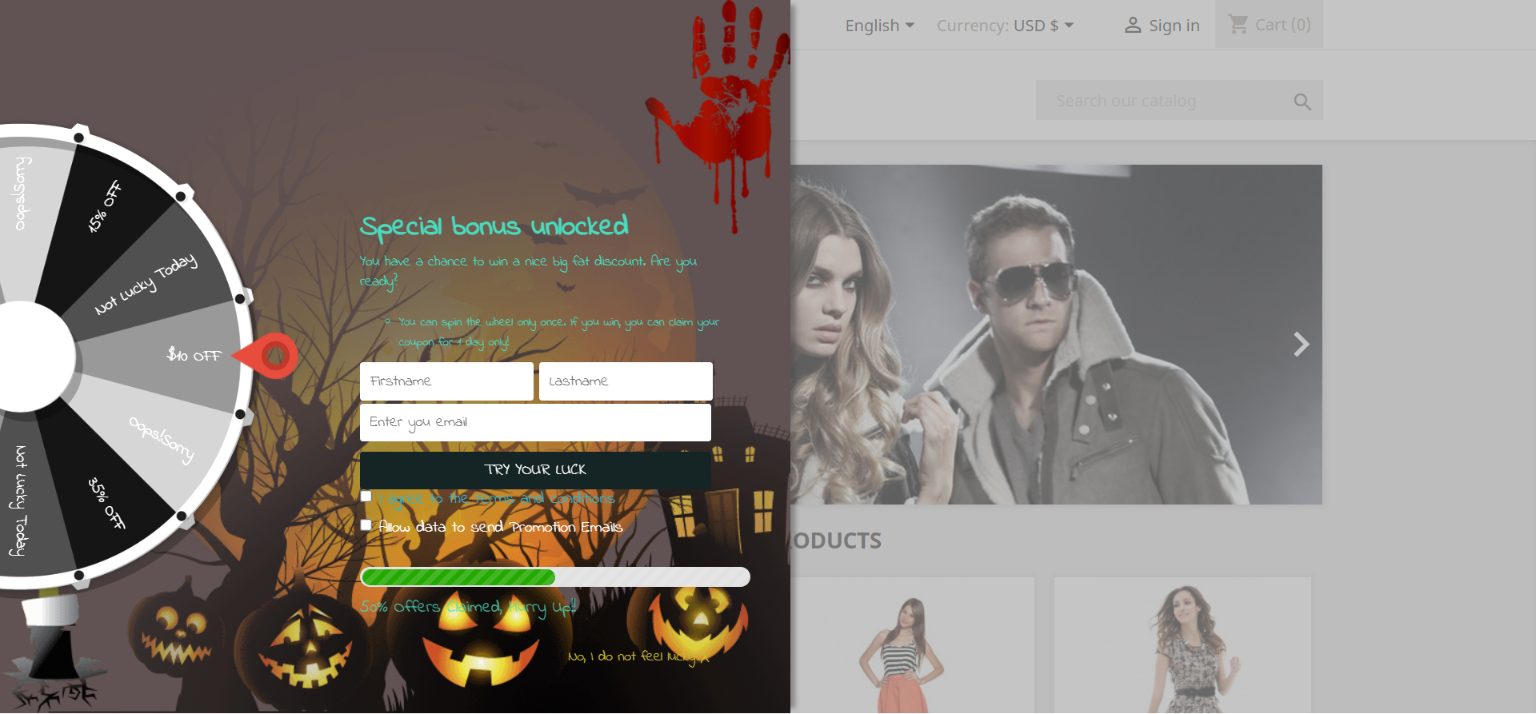
Using the features of the Interactive pop up plugin, you can get customers to subscribe to your website. Later use their data for a marketing campaign. Normal subscription pop-ups irritate customers. If you have this gamified module active in your store, customers will surely register.
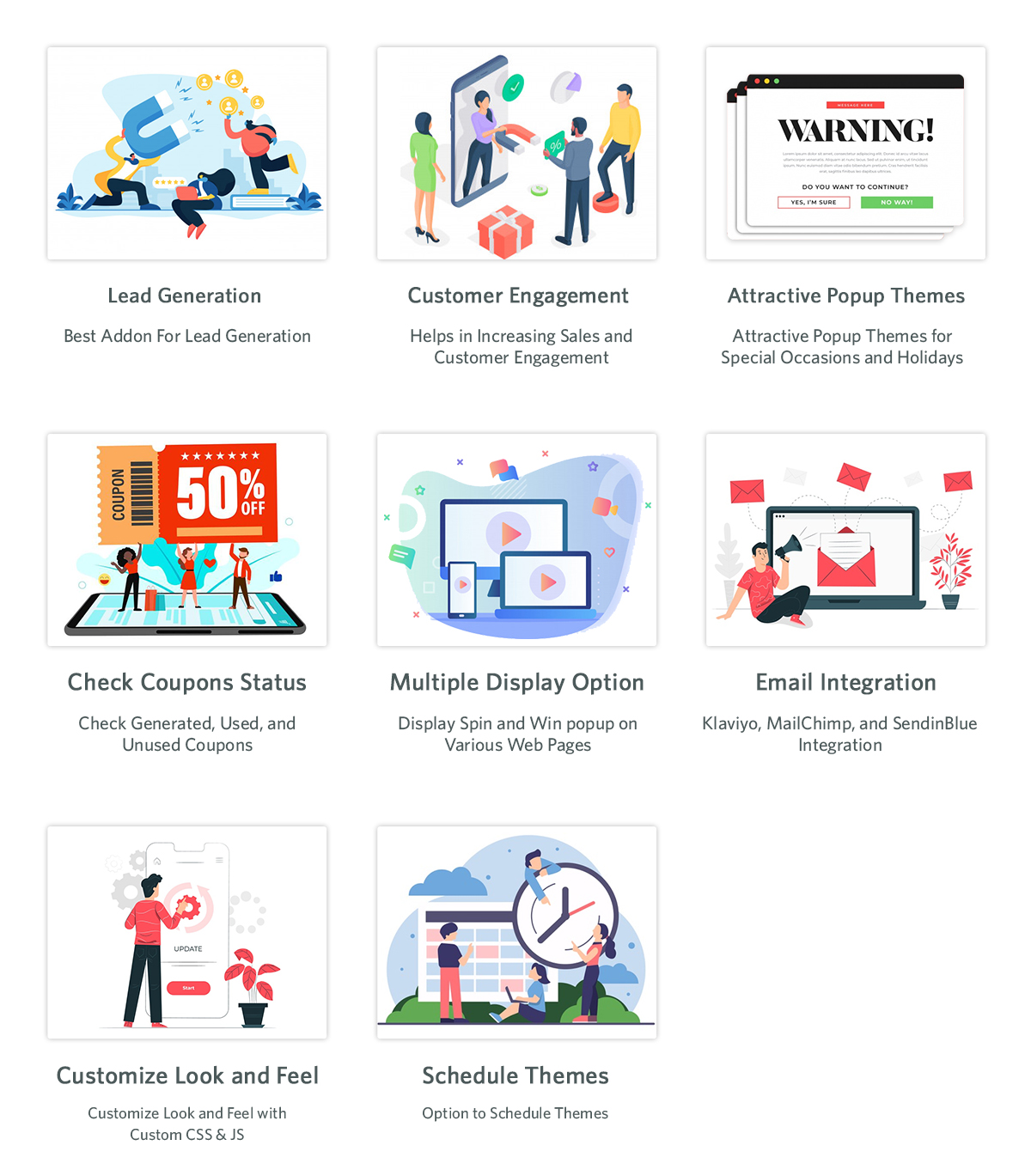
The Email Subscription pop up addon shows an interesting gamified interface on the front interface of the store. The customers receive lucrative offers by spinning the wheel. There are various options for the themes, which are set depending on the occasion. For Halloween, our module has four themes, and holidays like Easter and Christmas also have customized themes.

Abandoned Cart

As the holiday season is approaching, so will the traffic on the online store. When customers add a product to the cart and abandon it for some reason, this module comes into play. Cart abandonment is one of the major issues e-commerce businesses are facing.
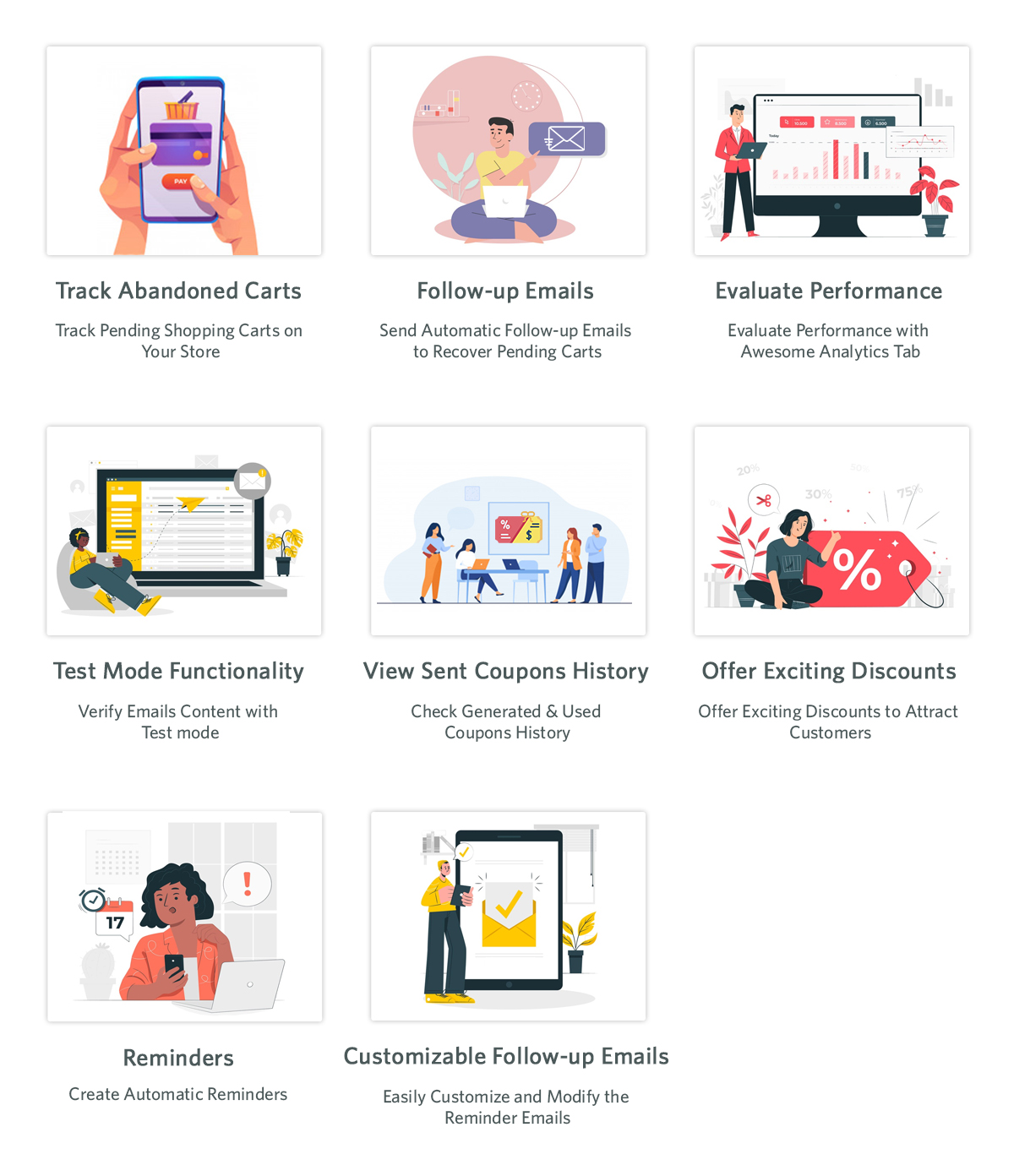
This Abandoned cart email follow-up addon helps in reducing abandonment and conversion of carts, hence bringing back lost sales. When customers abandon a cart, using this module, we send various follow-up emails to them. These follow-up emails are of two types: with a discount or without a discount. This enticing offer can attract customers to complete their purchases. When they have forgotten to complete the purchase, we remind them with reminders, which will result in completing the purchase.

The Gift Card Manager

In the modern gifting trends, gift cards are becoming increasingly popular. This holiday season, give your loved ones a reason to smile by sending them a gift voucher. Send Gift card Plugin shows an option of gift cards on the front store. Not everyone is sure about the gifts they are going to give on any occasion in this case this can be a go-to option. This is an easy and fast alternative in comparison to physical gifts.
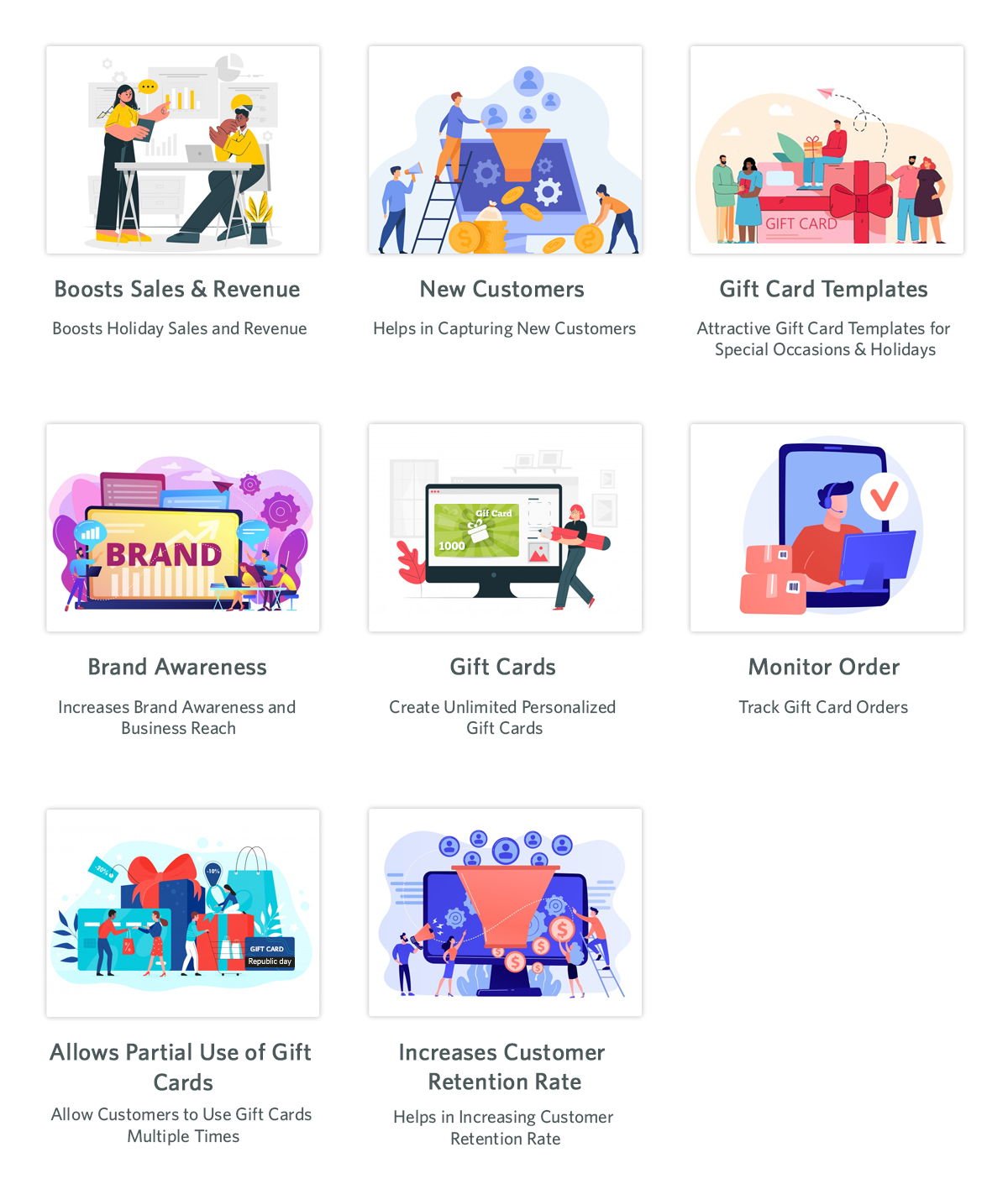
 

The person who uses these cards can use the amount partially or fully. Customers can send these vouchers through the mail or the person can print them. This brings new customers to the online store as it helps with brand promotion. The option of sending gift cards with personalized images and custom messages is present.

Back In Stock

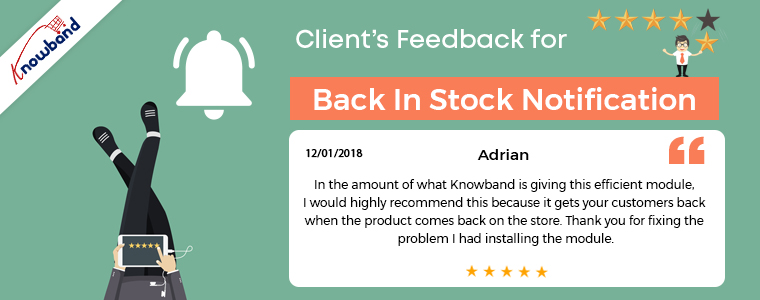
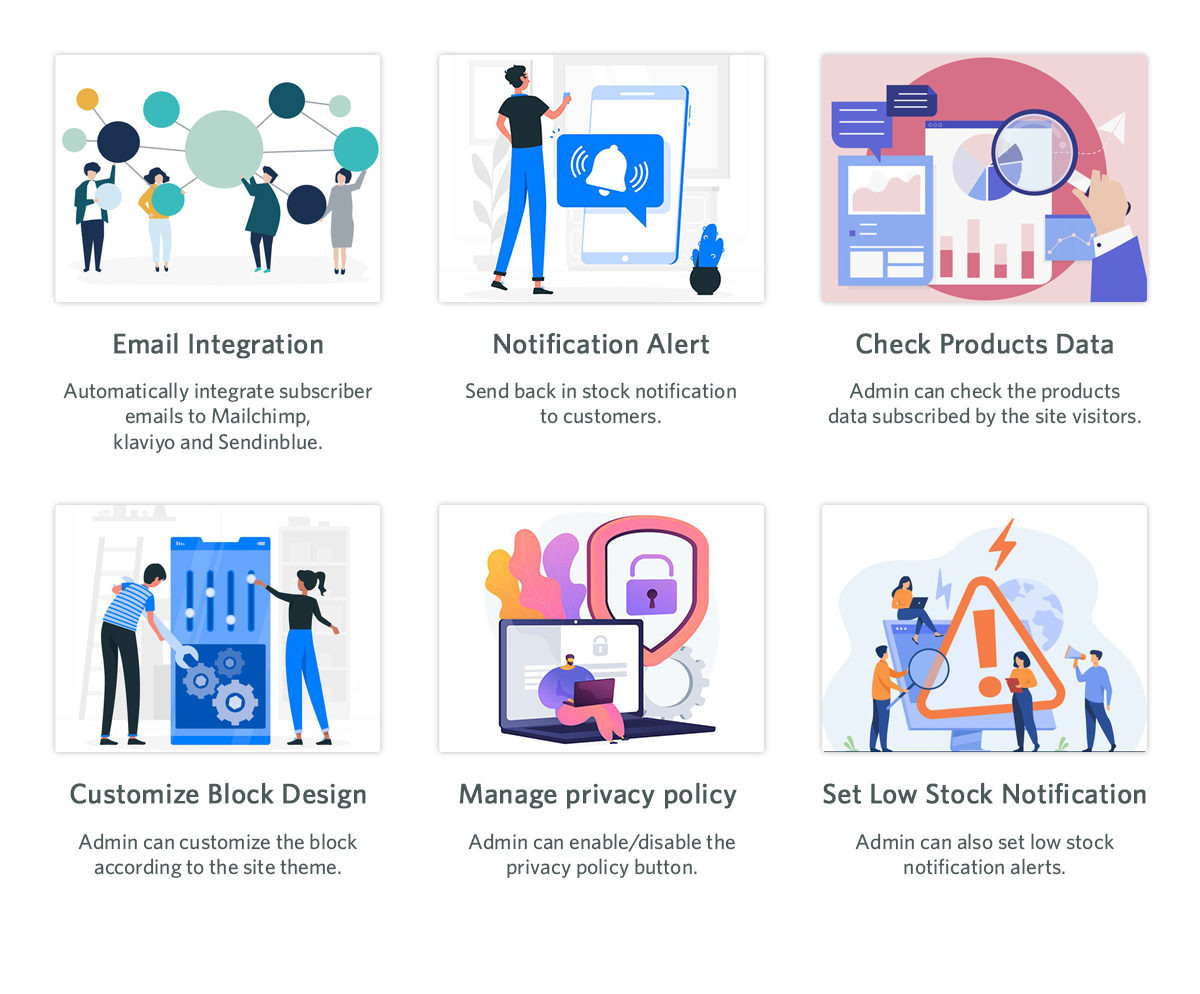
Product stock notification addon helps in letting the customers know if the products they subscribe for are back in stock or not. If the products the customer desire is not in stock, then they can subscribe to know their availability. By subscribing to the notification, the customers will receive an email about the product’s availability in stock. Customers subscribe to the product with their email and name, which can be beneficial for marketing campaigns. Klaviyo, Sendinblue, and Mailchimp integration to get customer details using the stock alert plugin is possible. The product that the customer wants to buy is visible in this product subscription module backend. There are other attractive features like custom fields, order sorting in the notification box, and V3 Recaptcha also.
One Page Checkout

Any online store is incomplete without an effective checkout integration. Using the old and lengthy checkout process irritates customers. The checkout process should be easy and customers should feel at ease while going through it. Our one-page checkout module helps with swift and easy checkout for customers.
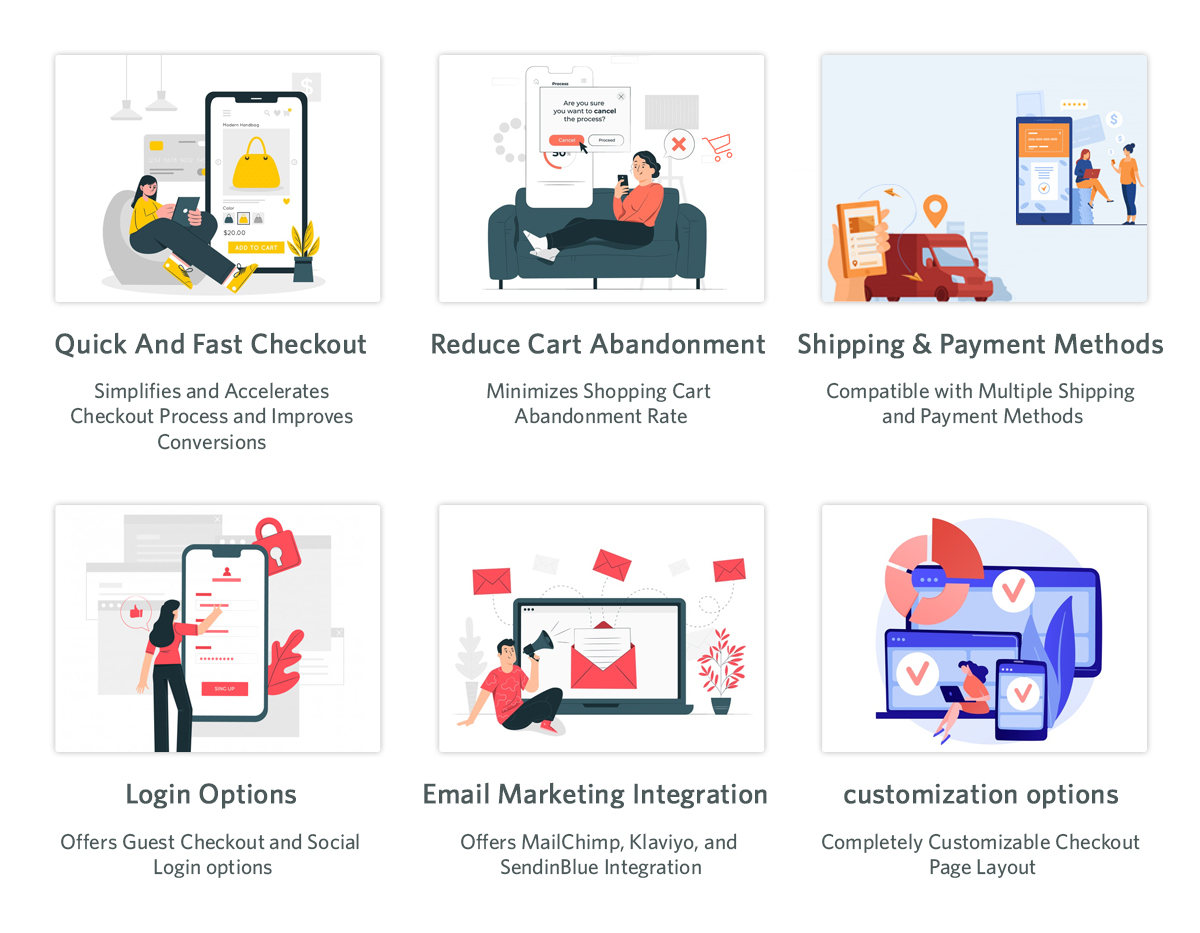
On the checkout page, our module offers all the information on one page, making it easy for the customer. It is irritating to navigate through different pages to complete the checkout process. This results in cart abandonment as customers do not like long stretched checkout. To avoid any such issues, our one-page checkout has proven useful according to our customer reviews.

Final Words

At Knowband, we pride ourselves on going above and beyond for our clients. This is the reason which contributes to our broad client network. Furthermore, we want to help our clients achieve their goals based on their business objectives. At Knowband, we also support bespoke customizations and eCommerce plugins. We will assist you in making any ideas you have a reality. With any queries or issues, you have, we will assist you at support@knowband.com.
Best Practices for Back-In-Stock Alert Emails

Online shoppers get disappointed when the product they are looking to purchase is out-of-stock. This is majorly seen during the launch of a smartphone when it gets out of stock even before the user has added it to his cart.

Then they just wait, wait, and wait unless there is another option. And there is a sense of excitement when that product is back in stock.

I can relate to this very well. I wanted to purchase a smartphone. When I looked for my desired smartphone on Amazon, it was unavailable, went out of stock from the smartphone brand’s website as well and wasn’t available anywhere else. So, I subscribed to get notified about it as soon as it returns to the store.

A few days later, I got the notification that the product is available to buy. Without wasting any further time, I quickly opened the email, clicked on the buy now option and purchased the phone.

This is where the role of back-in-stock alert emails becomes crucial. A single back in stock email can bring you huge revenue. A case study done by Marketing Sherpa revealed that back-in-stock alert emails have around a 22.45% conversion rate.

If you do not take the onus of informing your visitors when the product becomes available again, they will likely search a competitive product on other online shopping websites.

What is Back-in-stock Email?

A back-in-stock email is an email that is sent to those users who have subscribed to receive updates regarding an out-of-stock product. When the product is back-in-stock, the shoppers are informed via email about its availability so that they can purchase it as soon as possible or before it goes out of stock again.

Many of the users can miss out on the purchase if they aren’t notified and this eventually leads to some lost revenue.

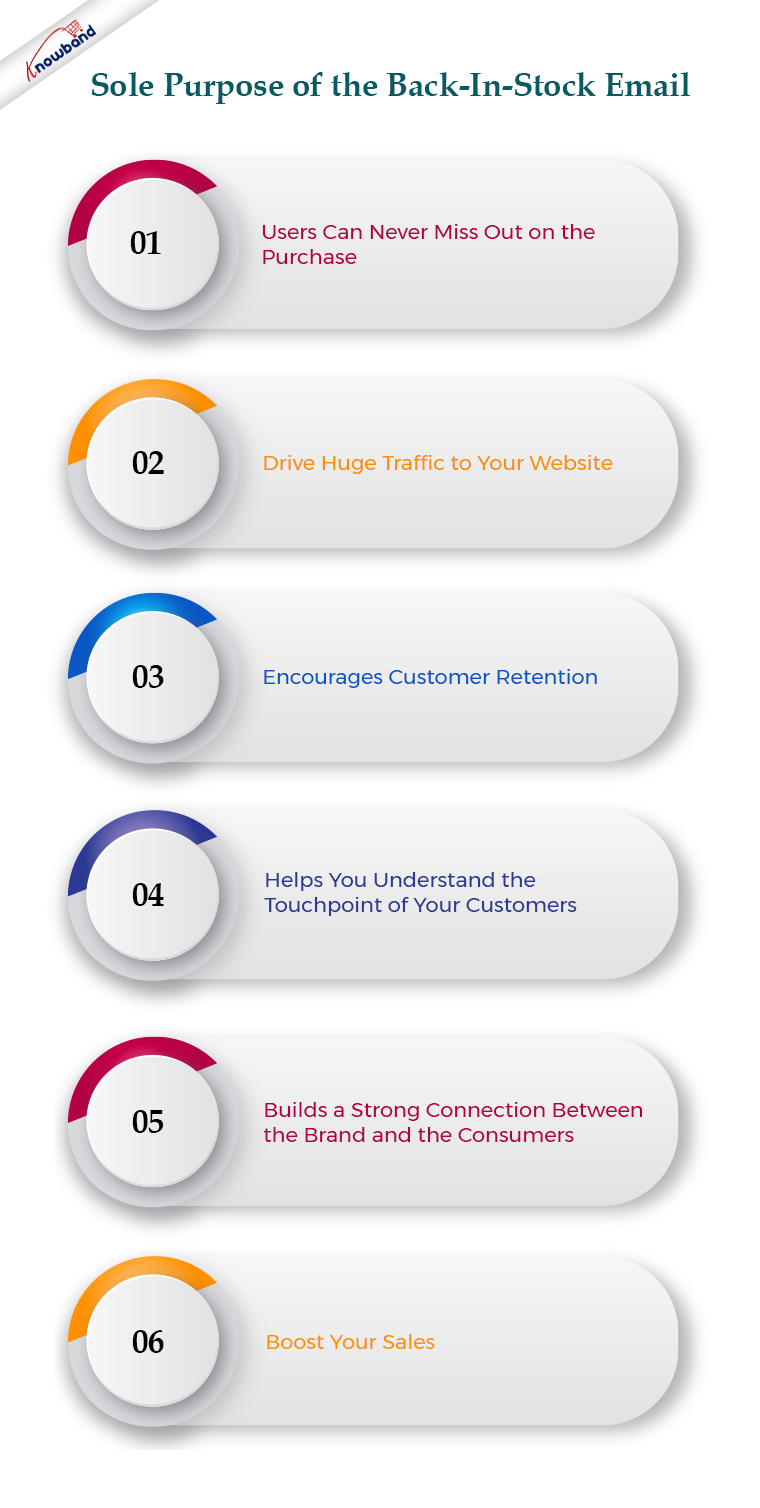
The sole purpose of the back-in-stock email is to boost your sales. Besides, it helps you drive huge traffic to your website, encourages customer retention, helps you understand the touchpoint of your customers, and builds a strong connection between the brand and the consumers.

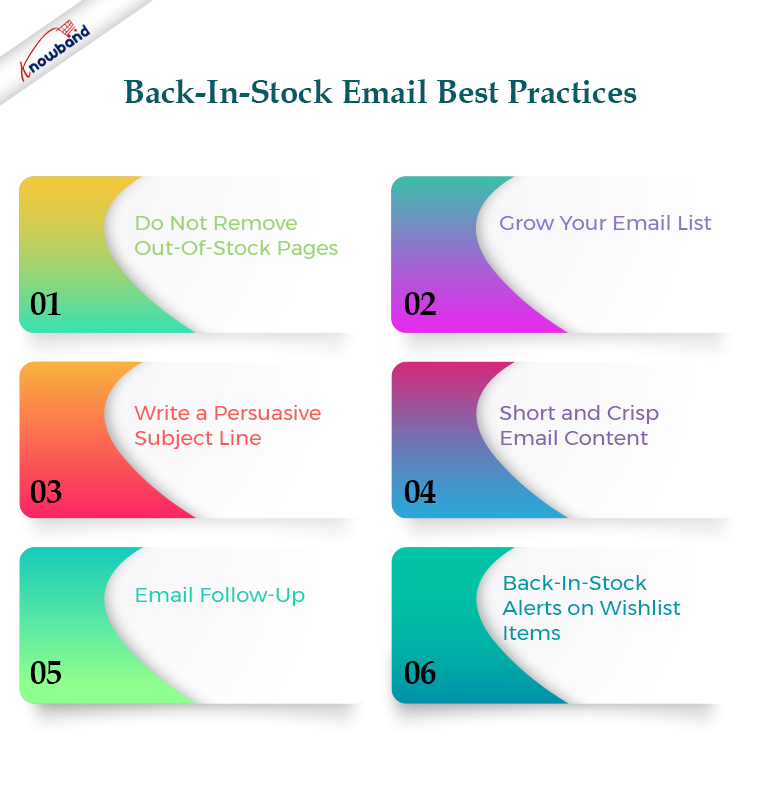
Back-In-Stock Email Best Practices

We will start from scratch. For a back-in-stock alert email, keep the following points in mind.

1. Do Not Remove Out-Of-Stock Pages

It is never a wise idea to hide the out-of-stock product pages from your website. How will consumers even know that the product is just out-of-stock? If they browse your website, search for and product, and find a 404 page, they will simply think that the product was never available in your store. Moreover, it will leave a negative user experience.

The concept of back-in-stock email would not even work if out-of-stock product pages are not visible.

So, simply include an out-of-stock tag on the product and place a “notify me” call to action, clicking on which users will be asked to specify the email address on which they want to get notified about the product availability once it is back in stock.

You can also take the help of Exit Popup, so when a user tries to exit your website after seeing that the product is out of stock, the popup appears asking them to get an alert over their email address once the product is back in stock.

2. Grow Your Email List

Many of your users might not have subscribed to your newsletters or promotional emails. So when someone clicks on the “notify me” option, having a newsletter checkbox along with the email address field can help you grow your email list further.

This will not only be beneficial to sending back-in-stock alerts but you can target those users in other email campaigns as well.

3. Write a Persuasive Subject Line

Users will be excited to know that the product they desired to purchase is back in stock. Increase the excitement by writing a compelling subject line.

Since the subject line has to be in limited words to make it visible, it must start with “Back in Stock,” followed by the product name. This will immediately make it clear to the visitor what the email is about.

After that, you can use the call to action like “Grab it ASAP”, “Limited Stock Available”, and “Hurry, selling fast”. These sorts of tags are highly effective in creating urgency.

4. Short and Crisp Email Content

Shoppers would want to grab the product as soon as it is available. Do not let them waste their time in reading the email content. Keep only the necessary information in the body.

What should you include in the email content?

Use the product image for sure. Visuals tend to make the purchase decision even stronger. Apart from this, write a short and persuasive text. Use large and bold font to highlight the main point. Use an alluring CTA like “Shop Now” or “Buy Now”. Also, it should be clearly visible.

5. Email Follow-Up

It is likely to happen that your subscribers miss out on your back-in-stock email due to some reason. Therefore, it is recommended to take a follow-up after a while if the product hasn’t gone out of stock.

This will push customers to purchase the product once they realize that they missed the opportunity to get the product in the previous email.

You can also inform the back-in-stock alert subscribers even when the product quantity is low or when the consumers have added the product to the cart but forgot to purchase, just to make them purchase the product before it goes out of stock again. This helps to reduce cart abandonment as well.

6. Back-In-Stock Alerts on Wishlist Items

Many online shoppers add the product to their Wishlist so that they do not have to search again for that product when they return to the store next time. Wishlist items also indicate that customers have the intent to purchase it.

So, if a Wishlist item goes out of stock, make sure to remind customers when it is back in stock. Tell them that the product they wished to buy is now available for purchase.

Back-In-Stock Notification Module by Knowband

If you are looking for a module that could help you set the back-in-stock alert for out-of-products, you can try out our Back-in-stock notification module.

This module adds a “notify me” tab on your out-of-stock product pages. Hence, users can enter their email addresses and get notified as soon as the product is back in store.

In fact with this module, you can set a low-stock alert as well which means if the available product quantity reaches the specified number, a low stock notification will be sent to the subscribers, triggering impulse buying. The module is available for the PrestaShop and Magento platforms.

PrestaShop Back in Stock Notification module

OpenCart Back in Stock Notification module

You can also check out the Web Push Notifications module which also provides similar functionality. In fact, the users do not even need to specify their email addresses. If a product is out-of-stock, the user can simply subscribe for web push notifications.

This module is available for PrestaShop, and Magento 2.

Final Thoughts

Back-in-stock alert emails are important to drive shoppers back to your store and encourage them to shop. They are far more impactful than any other type of email since customers have opted for it themselves and they have a strong desire to purchase that product.

I hope this article helped you understand the concept of back-in-stock alerts. If the product will take time to come back in stock, then you can recommend some related and similar products to the customers. Who knows if they change their mind from that product to buying the suggested one!