Two Effective Modules to Keep Away Spammers and Bots from PrestaShop store

As many as 200 million Captcha tests are estimated to be performed online every day. Nearly half (43 percent) of all UK organizations have reported cybersecurity breaches or attacks in the last 12 months, according to the Cyber Security Breaches Survey. Such data breaches have resulted in missing files, corruption of devices, processes, or websites, and even loss of properties or intellectual property.

In the year 2020, many CMS platforms were attacked by ‘KashmirBlack’ and it camouflaged itself very well and stays undetected. This can happen any time and many websites face this fake bots issue every day. If you do not have a Google reCaptcha test and Spam blocker on your PrestaShop website, here’s what you need to know about them and how your company or blog will benefit from them. 

Spammers generally add fake comments on your website and you may observe fake registrations. We present two modules that could prove to be efficient in blocking bots and spammers from accessing your website and doing malicious activities to help you get rid of spammers.

How to Prevent PrestaShop website from Spammers and Bots? 

To save your website from spammers and bots, we have two modules that can help you deal with this. Let’s dive into it.
  • PrestaShop Google reCaptcha 

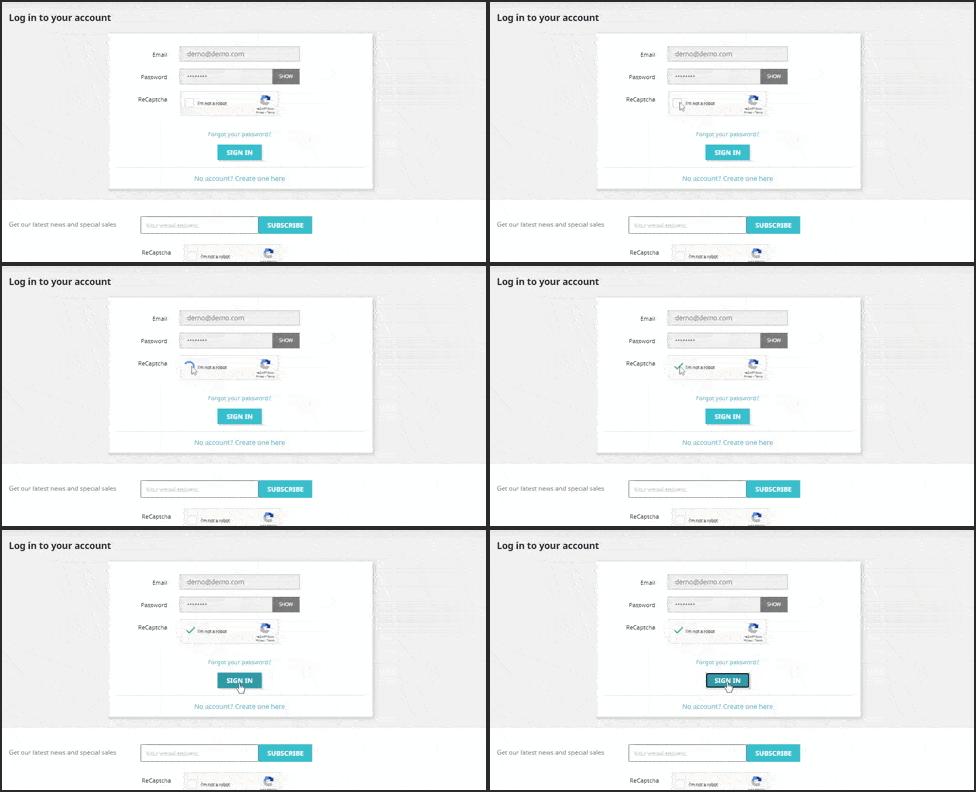
The easiest way to fight fake registrations on your website is PrestaShop Google reCaptcha.   It applies to your website a protection layer. Google reCaptcha can be enabled on the following pages of your website. 

  1. Customer Registration Page 
  2. Login Page

  3. Contact Page
  4. Forget Password Page
  5. Supercheckout Page
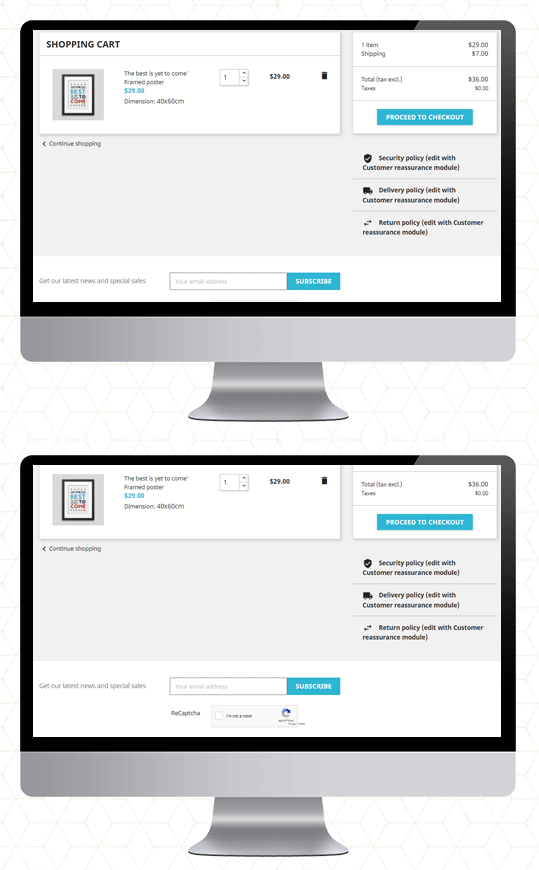
  6. Newsletter subscription

You may define the reCaptcha for each page accordingly: v2 reCaptcha or v3 reCaptcha. These are the two available options and these can be used as per your need. 

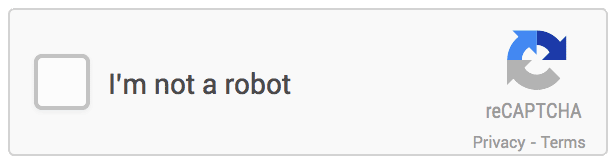
The old reCaptcha, i.e. v2, is a basic version that shows the “I am not a robot” checkbox that enables individuals to go through that specific page quickly. While the v3 reCaptcha uses machine learning and advanced risk analysis to recognize human bots. It works with all the PrestaShop themes. 

Save yourself from transaction frauds: Along with this, the Google reCaptcha is also compatible with Knowband’s PrestaShop One Page Checkout. It is the most effective way to prevent your store from transaction fraud.

Click on the links to take the admin demo and front-end demo tour of PrestaShop Google reCaptcha Module. 

Do not let the spammers affect your business!

  • PrestaShop Bot and Spam Blocker

Fed up with the bot registrations and fake sign-ups! 

The PrestaShop Spam Blocker Module allows you to block the visitor by tracking the IP address, country (location), or user agent. 
It is simple to block the IP addresses that look fishy or you find suspicious. It also allows to input several IPs. altogether. Or, instead of blocking, you can allow your PrestaShop store to access only that IPs.

Similarly, you can position countries in the block list if you are witnessing a high amount of spam traffic from a particular location.

The next functionality it offers is to block spammers/bots from a particular user-agent landing on your website.

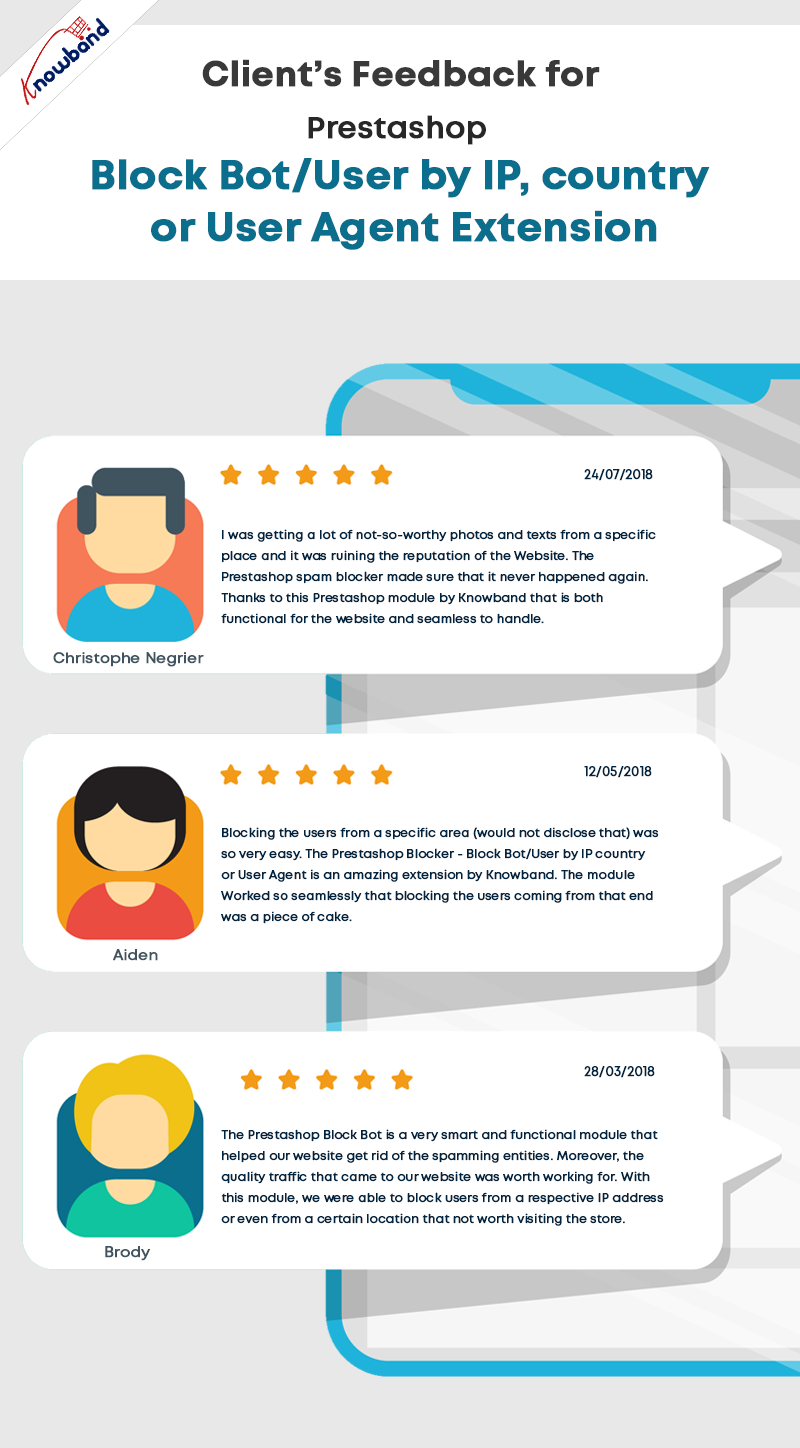
Sometimes it may happen that you are blocking a genuine person. In that case, it is possible for the customer to communicate with the website owner and ask them to undo it.

Also, if you want to exclude a country or a region from providing your services, you can make that happen. The blocker allows blocking the region where you are not delivering or selling your products.

The admin will monitor the back-end requests and make the decision accordingly.

Install Spam and Bot Blocker module on your PrestaShop store. Explore the Admin Panel and Front-end demo of the Bot and Spam Blocker module on the KnowBand store. 
Final Words

This tough fight between the website owners and the spammers will never end. Spammers will continue to spam to spoil your business. The Google reCaptcha and PrestaShop Bot and Spam Blocker will be extremely beneficial to get rid of spammers and bots on your website. 

For any query related to PrestaShop modules, you can drop us a comment or write us at support@knowband.com  

You may like to read:

How to Integrate google reCAPTCHA with PHP

KnowBand Celebrating 10K+ PrestaShop One Page Checkout Installs on Addon Store

Creative Abandoned Cart Recovery Strategies Your Competitors Aren’t Using

9 Checkout Conversion Killers Driving Your Buyers Away

How to Integrate Google reCAPTCHA with PHP?

Nowadays everyone wants to get rid of spam on their website whether it is spam comments or spam messages or spam traffic on your site. To protect your website from spam, one of the best and easiest ways is to use Google reCAPTCHA.

In earlier days, people used to put some random number or string on the screen and verify it on the server-side. But this method is the old-day method and it is also time taking for many users whereas Google’s reCAPTCHA method is easy to use and takes less time resulting in a better user experience. They just need a single click to prove that they are humans and not a robot. Google reCAPTCHA is very easy to implement in a PHP script.

Recommended Read: How to integrate Google ReCaptcha protection on your PrestaShop store?

In this blog, you will learn how to Integrate Google reCaptcha with PHP in our step by step guide.

Step 1: To fetch the Google reCAPTCHA API key

To get an API key to use reCAPTCHA with PHP, you need to register your website at – https://www.google.com/recaptcha/admin. The screenshots are given below for your help:


Label: Use a label of your own choice, so that it is easy to recognize the site in the future. You can add your brand name of website URL in this field to enhance the readability of the project name.

reCAPTCHA type: Choose any one type of reCAPTCHA you prefer for your site. There are two types available currently i.e., reCAPTCHA v3 and reCAPTCHA v2. We have used reCAPTCHA v2 in the sample project.

Domains: Here you need to enter your website name for which you will be implementing the reCAPTCHA functionality. It applies to the domains you enter here, and also to its subdomains. For example, a registration for abc.com also registers xyz.abc.com.

Now just check the checkbox of Accept the reCAPTCHA Terms of Service and click on Submit button.

Now you have the site key and secret key for your website.

Step 2: To Implement the Google reCaptcha with PHP the second step comes as Implementing reCAPTHA functionality to your site:

  • To add reCAPTCHA in PHP first you need to include the reCAPTCHA JavaScript library in your HTML.
    <script src='https://www.google.com/recaptcha/api.js' async defer >
  • Now add this HTML code where you want to show the reCAPTCHA widget.
    <div class="g-recaptcha" data-sitekey="site_key">
  • Replace site_key with the site key provided by google for your website.
  • It is done now, just refresh your page and you will see the reCAPTCHA widget on your site.

Step 3: To Validate the user’s response

Now, you need to validate the response when a user clicks on the reCAPTCHA widget. The PHP code to verify the user’s response is given below:

<?php
 
  if(isset($_POST['g-recaptcha-response']) && !empty($_POST['g-recaptcha-response']))
  {
        $secret = 'your_actual_secret_key';
        $verifyResponse = file_get_contents('https://www.google.com/recaptcha/api/siteverify?secret='.$secret.'&response='.$_POST['g-recaptcha-response']);
        $responseData = json_decode($verifyResponse);
        if($responseData->success)
        {
            $succMsg = 'Your contact request have submitted successfully.';
        }
        else
        {
            $errMsg = 'Robot verification failed, please try again.';
        }
   }
?>

Add your actual secret key in the above code and you are Done.

Get the Sample code here.

Recommended Read:  Two Effective Modules to Keep Away Spammers and Bots from PrestaShop store

Knowband offers Google ReCaptcha Addon for various platforms including PrestaShop, and OpenCart. The Google ReCaptcha module is a powerful security tool that guards your website against spam entries while facilitating easy access for actual users.

The Google ReCaptcha plugin can be used for sign-in, registration, password reset, well-known contact forms, and other things. Images are shown in the Google ReCaptcha addon as part of their standard validation processes to help identify humans.

This Google reCaptcha module offers excellent performance and is extremely customizable. From the back end of Knowband modules, the e-merchant may quickly adjust the Google reCaptcha addon.

Prestashop Google ReCaptcha Addon

PrestaShop Google reCaptcha by Knowband enhances your store’s security by integrating Google reCaptcha, preventing spam and automated bots.

SHOP NOW

Final Words:

Implementing Google reCAPTCHA on websites is essential for security. It helps tell real users from bots, preventing spam and automated attacks. This keeps user data safe and ensures the website runs smoothly. By blocking harmful traffic, reCAPTCHA improves the user experience, making online interactions safer and more reliable.

Recommended read – Empower Your PrestaShop Store Security with Knowband’s Top PrestaShop Modules
Along with this, the Google reCaptcha is also compatible with Knowband’s One Page Checkout, protecting you against transaction fraud. It is the best way to guard your store against transaction fraud. To view the admin demo and front-end demo of the Google reCaptcha Module, visit our store.

Avoid letting spammers harm your business!