


Most PrestaShop merchants looking to add a blog to their online store typically choose one of two approaches: they attach a WordPress subdomain and maintain two completely separate systems, or they give up on content marketing entirely because the setup feels too complex to manage. Each approach comes with its own set of challenges. The […]
OpenCart Advanced Security Manager Extension – Complete User Guide (Updated)

Most OpenCart store owners end up securing their site the hard way: one extension for two-step login verification, another for blocking spammy bots, a third for CAPTCHA, and maybe a support ticket to their host about a firewall. OpenCart Security Manager was developed to remove that patchwork. This module puts admin-side protection, storefront defense, and […]
Why a Branded Mobile App Is Becoming the Default Growth Channel for PrestaShop Stores in 2026

Most PrestaShop merchants think about growth in terms of traffic: more ads, better SEO, wider social reach. What the data increasingly shows is that the stores pulling ahead aren’t necessarily acquiring more customers; they’re keeping more of the ones they already have, and a branded PrestaShop Mobile App is becoming the primary tool for doing that. […]
PrestaShop Advanced Security Manager Module User Manual
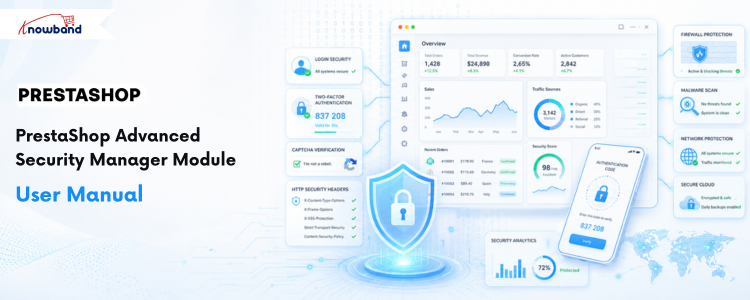
PrestaShop Security Manager is a completed PrestaShop security module developed to replace the work of single-purpose plugins most merchants end up installing one at a time: a two-factor authentication plugin, a CAPTCHA plugin, a separate firewall extension somewhere else. Instead, this module brings admin-side protection, frontend defence, and file-integrity scanning together in one configuration screen […]
OpenCart WhatsApp CRM and Order Notification Extension – Complete User Guide

1.0 Introduction Order confirmation emails have a deliverability problem that most store owners do not think about until a customer complains. WhatsApp messages achieve open rates of 95 to 98 percent against email’s 20 to 25 percent, a difference that shows up directly in how many customers actually see the updates you send them. An […]
OpenCart SocialAI Pro Extension Complete User Manual

Running a busy OpenCart store usually means someone has to sit down, look at the catalogue, and write captions for Facebook, LinkedIn, and X every single time a product launches or comes back into stock. The Opencart AI Social Media Post Generator Extension, also known as the OpenCart SocialAI Pro Extension, removes that issue by […]
The Benefits of WhatsApp Business Integration for PrestaShop Ecommerce Stores
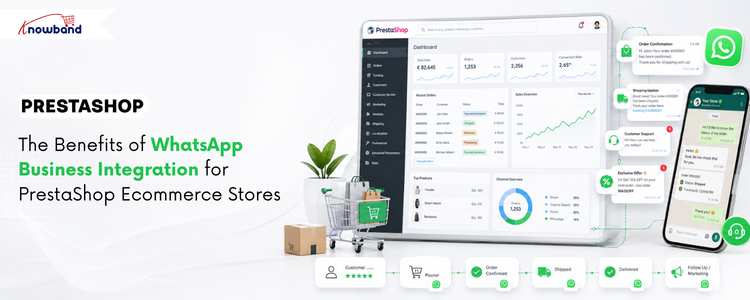
Email built ecommerce communication, but WhatsApp is rapidly reshaping it. With message open rates reaching 95-98% compared to email’s 20-25%, the channel difference is not marginal; it is structural. For PrestaShop store owners still relying entirely on email for order updates, customer support, and promotional campaigns, that gap is quietly costing real revenue every month. […]
SocialAI Pro – PrestaShop AI Social Media Post Generator Module Complete User Manual

The SocialAI Pro is an AI Social Media Post Generator Module that connects your product catalogue directly to Facebook, LinkedIn, and X (Twitter) through AI-powered automation, which is available for Prestashop and Opencart. Store admins can generate platform-specific social media posts for any product in their catalogue, publish them automatically through rule-driven triggers, or create […]
PrestaShop WhatsApp CRM Module – Complete User Guide

1.0 Introduction Most customers already have WhatsApp on their phones. They check it more often than email, and they respond faster there, too. For a PrestaShop store, that creates a real opportunity to reach customers where they actually pay attention. The Knowband PrestaShop WhatsApp CRM Module ties your store directly to the WhatsApp Business API. […]
A Smarter Way to Migrate Your PrestaShop Store: Introducing the PrestaShop Catalog Import Export Module
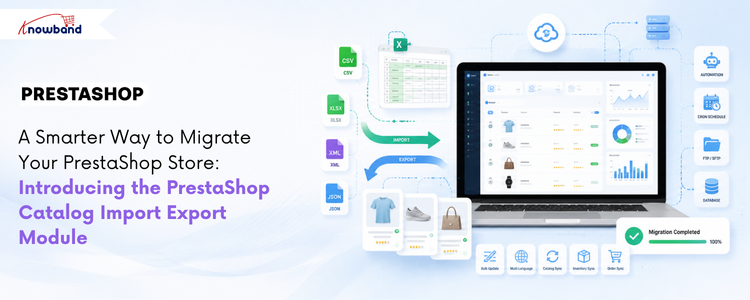
If you manage a PrestaShop store with a large catalog, you already know this routine. Export a CSV, open it in a spreadsheet, make changes, re-upload it, redo the column mapping, and hope nothing breaks this time. Then do the whole thing again next week, from scratch, because none of that configuration was saved anywhere. […]