

How to take RDP of the server from MAC machine?
These are the simple steps to take RDP of the server from MAC machine. You can follow these steps to get a remote connection.
Follow these steps to take RDP of the server from MAC machine.
ALLOW THE REMOTE CONNECTION
STEP 1: Click on DOCK and select APP Store.

STEP 2: Type “Microsoft Remote Desktop” in search box.
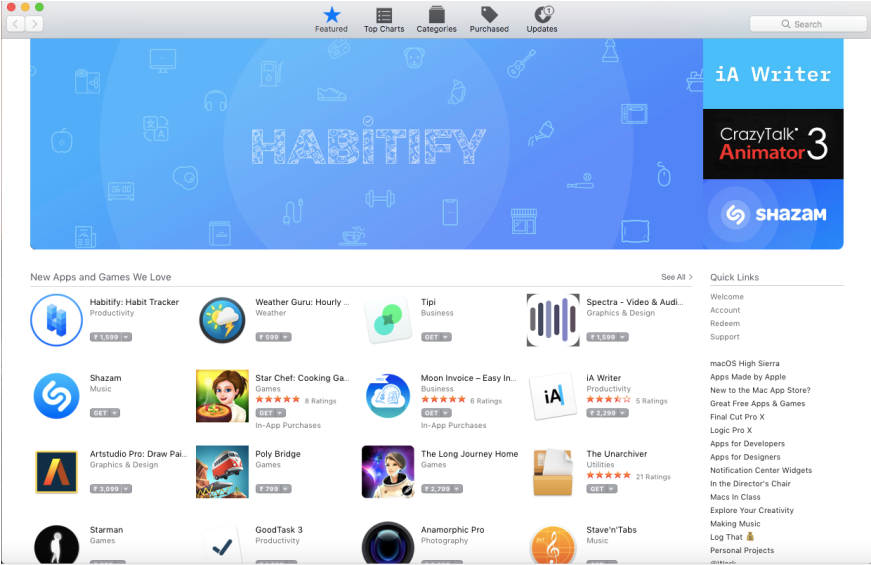
STEP 3: After Searching, need to install the software “Microsoft Remote Desktop”.

HOW TO TAKE REMOTE?
STEP 4: Open and Click on “NEW+” and fill the connection details and close the window.
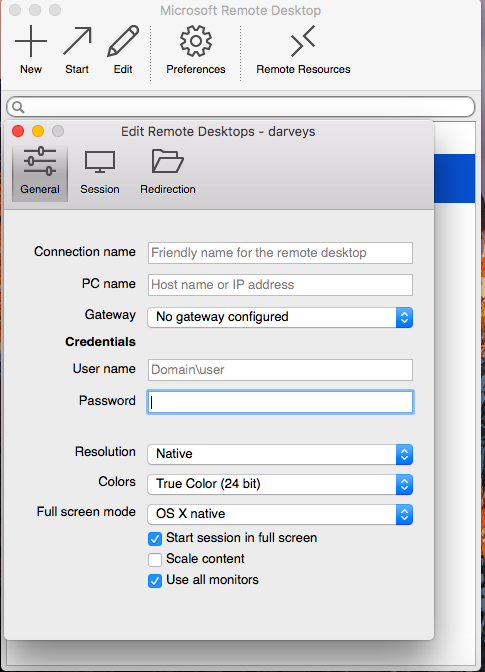
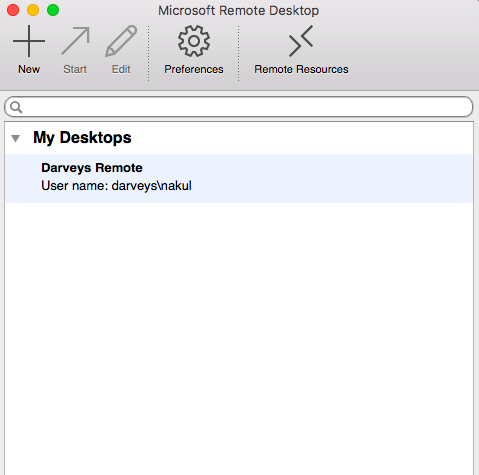
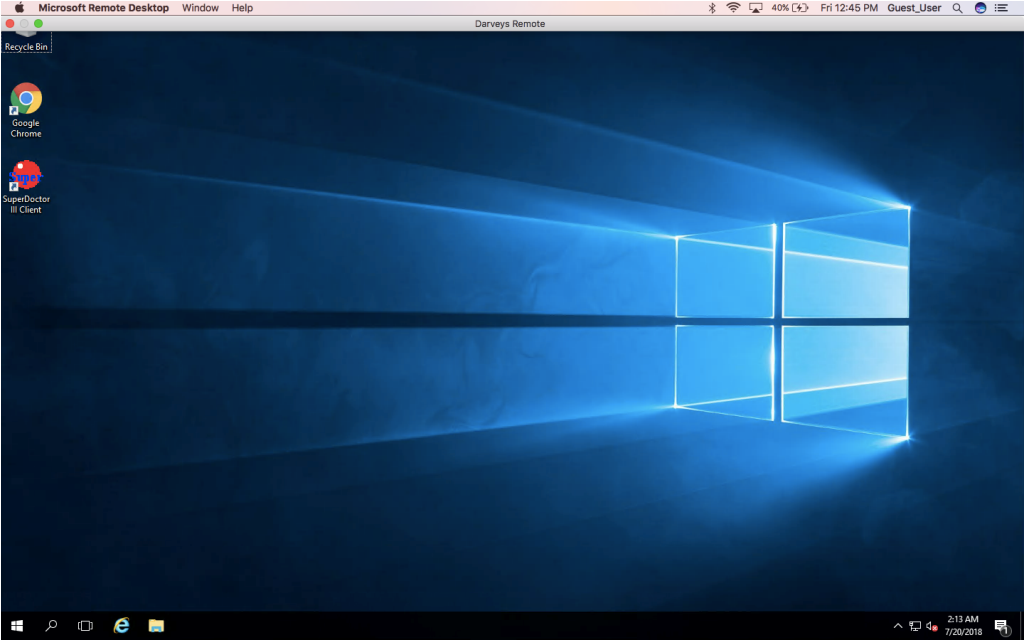
STEP 5: Select the created connection “Darveys Remote”.
STEP 6: Remote connection is connecting to RDP.
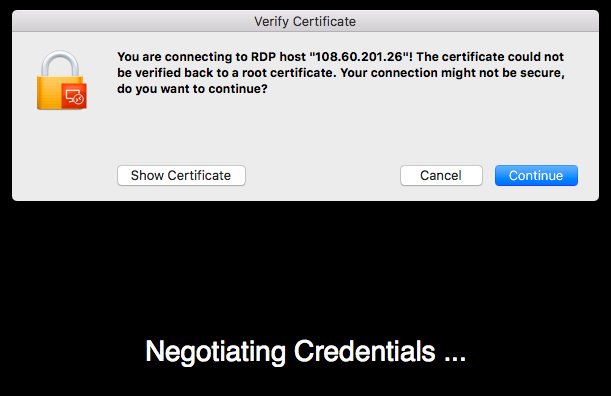
STEP 7: Remote Connection is connected.
Recent blogs
- Top 5 Abandoned Cart Recovery Modules for PrestaShop
- PrestaShop AI Chatbot Module by Knowband: Everything You Need to Know About the Latest Updates
- How to Use PrestaShop’s Override System Without Breaking Core
- Implementing Lazy Loading for Product Images in OpenCart
- Troubleshooting Common Errors After Upgrading to PrestaShop 9.x