Shifting offline business to online is the modern trend in the business industry. Not only does selling online benefit in various ways but also increases brand reach. Despite the trend, various merchants doubt in their minds that building an eCommerce website requires coding and technology. But the truth is, building an online business website does not take that much coding. Modern online platforms such as PrestaShop are incredible solutions for creating an eCommerce website without writing a single line of code.
Not only PrestaShop allows you to choose from a wide number of website configuration options but also, all the websites can be managed without technical experts.
Online sellers claim PrestaShop as the easiest platform for building and configuring the web front end. Moreover, PrestaShop offers a wide variety of pre-built themes and templates for merchants to pick for their online shop.
Create Your Online Shopping Website with the Help of Prestashop
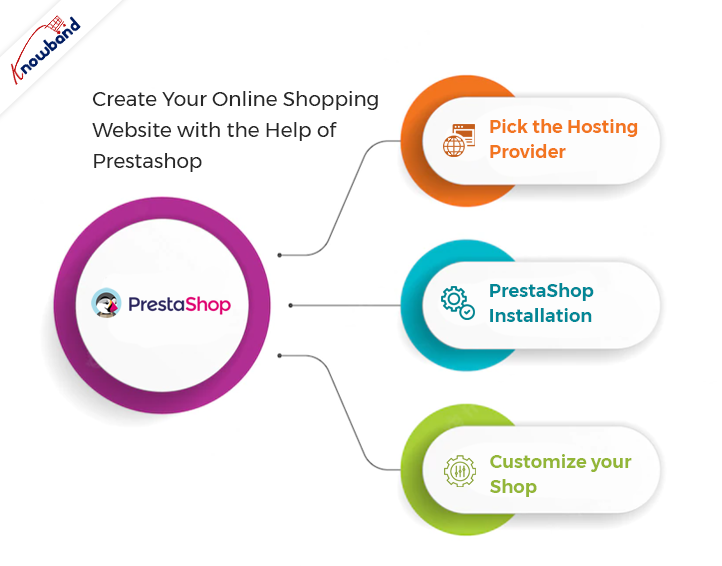
Pick the Hosting Provider:
The first step before going for PrestaShop no code website development is to choose a domain name and hosting provider. On top of that, there are a few things to be considered before choosing Presta Web hosting. For example, you should not always go for less expensive hosting plans. Rather you can also consider the storage capacity and speed somewhere top of your list.
There are various hosting providers available these days that come with a handy hosting plan. Not only the right hosting provider is going to important for your online shop but also the domain name is what attracts users to the website.
So, it is always good to choose the perfect domain name for your business.
PrestaShop Installation:
After choosing a fine hosting plan, the second and most important part is PrestaShop installation. Furthermore, you can visit the PrestaShop Official website for installing the PrestaShop on your Hosting server. There you will have options to choose from for the PrestaShop version for your store.
Visitors can also have an overview of the features and offerings of different PrestaShop versions. After finalizing the Presta online shop version, the next step comes as choosing the subscription plan. Pick the subscription plan as per your suitability and let’s discuss the next step.
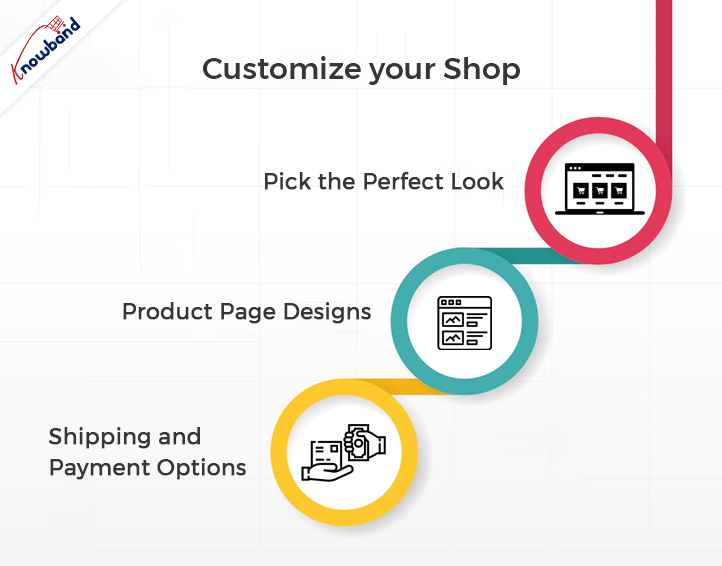
Customize Your Shop:
Once complete the above steps successfully, the PrestaShop team will share the store admin details with you over the mail. Moreover, after getting logged in with the shared details you will get various options to customize your online store.
For instance, you can design the desired layout for your online eCommerce website using all the pre-built tools. Moreover, here are the steps to build an ideal Presta Online store.
-
Pick the Perfect Look:

Online sellers can find unlimited options to customize their website looks. Moreover, they will require banners, logos, and brand images to customize their online shop. Not only they can choose the look and feel of their online shop using pre-built options offered by PrestaShop but also, they can modify the layout anytime.
-
Product Page Designs:
For this part, you should be very careful while putting information on product pages. Also, not only you should mention bright and accurate images of products but also should keep short and informational data. Moreover, it improves the chance of making up customers’ minds when they see relative and right-to-the-point information on the product page of their desired item.
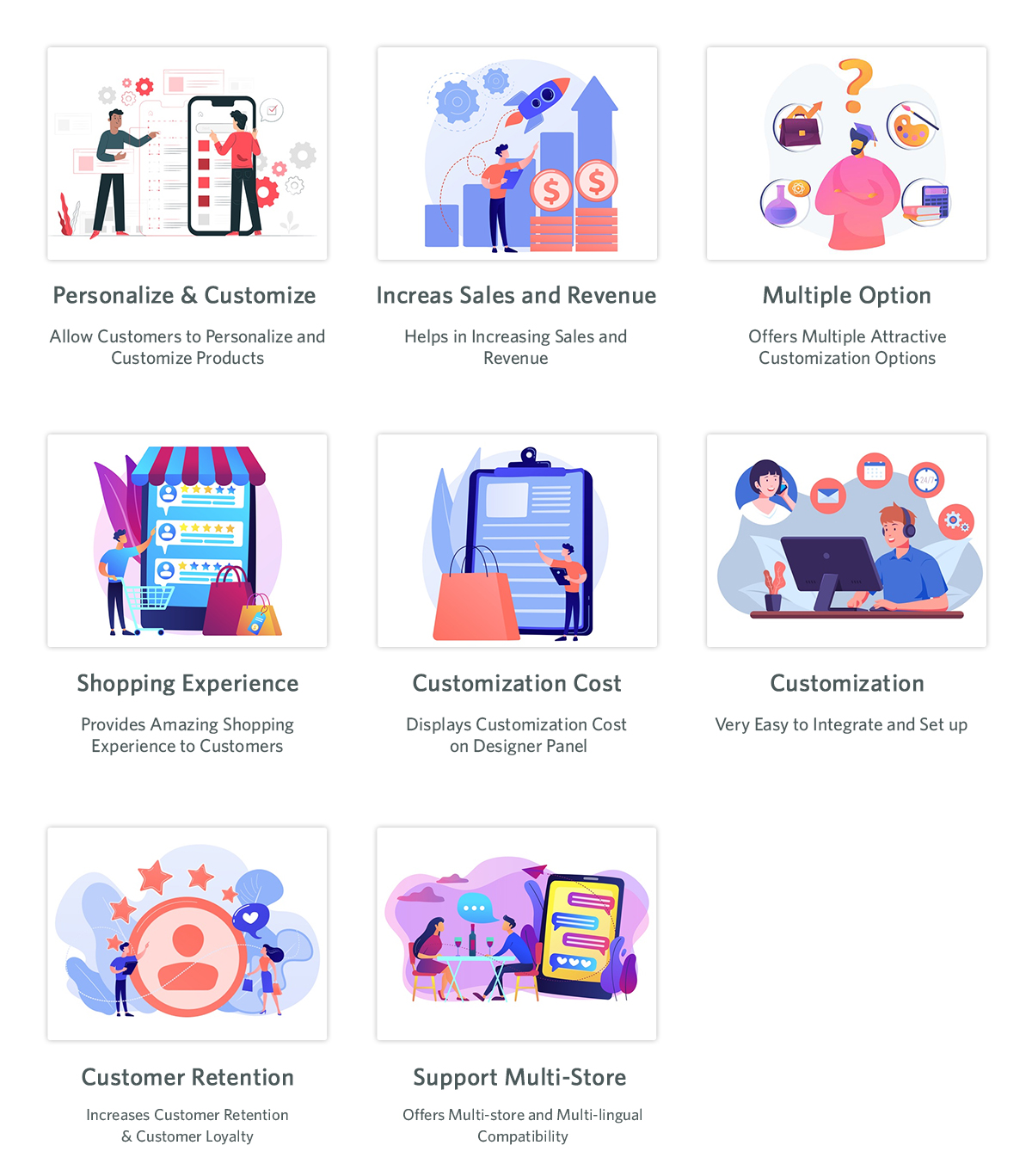
Furthermore, the sellers which are willing to set up their PrestaShop online shop must keep the product page attractive for the store visitors. PrestaShop’s default tools allow you to design lucrative and enhancing product pages. However, if you are looking for adding additional customizations to your PrestaShop product pages. Knowband PrestaShop Product customizer and website decoration effect are two of the most useful add-ons.
-
Shipping and Payment Options:
After success in designing the home pages and product pages, the next step comes as defining shipping and payment options. In this step, you can add payment options as per your suitability. The most widely used payment methods on PrestaShop are PayPal, Cash on Delivery, Credit Cards, Google pay, and a lot more. Along with the payment methods, you can also design the shipping methods by applying various conditions from the PrestaShop backend.
Also, it is a must to keep the checkout process simple to increase customer engagement and reduce the cart abandonment rate. For instance, you can also use One Page Supercheckout offered by Knowband for keeping the checkout process simple for your customers.
Benefits of Using PrestaShop eCommerce Website:
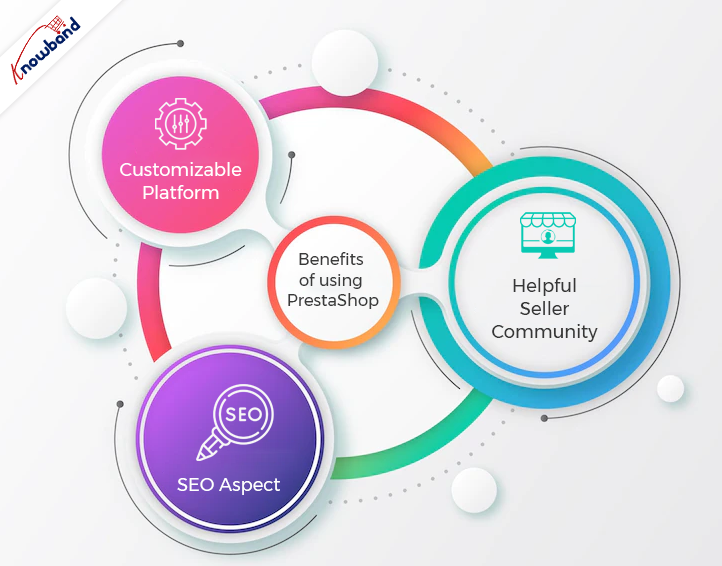
Customizable Platform:
PrestaShop is known for offering highly customization options. Not only PrestaShop offers online sellers to choose from over 2000 store templates but also the sellers can choose the existing themes or can even design one if feel required. Moreover, PrestaShop is a PHP-based platform. In case you know basic PHP coding, you can customize Presta at your convenience.
In case you don’t know to code and want to customize your online PrestaShop store you can use Knowband’s top Presta addons for your store. Not only the modules will allow you to enjoy additional features in your PrestaShop business but also does require zero PHP knowledge to manage.

Helpful Seller Community:
From the assistance perspective, PrestaShop is undoubtedly one of the fine choices. Moreover, in case you find yourself stuck in issues while setting up your online shop. You can find a lot of free assistance on PrestaShop forums (made for PrestaShop Support).
SEO Aspect:
If you want to boost your customer traffic using Search Engine Optimisation, the admins can also take aid from SEO tools. Moreover, it is a good practice to always use a clean website URL to putting a positive impact on visitors.
What’s the Catch?
If you looking for a proper no code eCommerce website development solution, PrestaShop is certainly the right choice. The reason behind the same is that it does not require much coding or technical skills to master PrestaShop Administrators.
At Knowband, we offer eCommerce website development solutions for the online seller community. You can hire to start work on your projects and custom developments for the eCommerce platforms.
We are also available at support@knowband.com for a quick discussion on your web and app development requirements.