PrestaShop 9: A New Chapter with Symfony

PrestaShop 9 marks a major advancement for the platform. This is not just an ordinary update; it is a significant effort from the community to build a modern, reliable core. The entire system now runs on the Symfony framework. This transition was a careful plan that took years. The switch to Symfony is critical. It makes the platform faster, more secure, and more adaptable for everyone. Ultimately, PrestaShop 9 is a total overhaul. Its design makes it ready for the future and competitive in today’s e-commerce landscape.

The Symfony Switch: A Closer Look

The most significant change in PrestaShop 9 is that the entire administration area now operates on Symfony 6.4 LTS. Before, the PrestaShop team used a mix of old code and Symfony. This was complicated for developers and often caused bugs. But with this new version, the team rebuilt every single admin page. They built them to fully use Symfony and Twig templating.

As a result, developers can now work with a single, consistent framework. This consistency simplifies creating new modules and makes fixing issues much easier. The platform can also use Symfony’s strong security features. It benefits from the support of a large developer community.

In addition, this change allowed the project to remove a lot of outdated code. For example, the team has permanently removed features like the old XML API and the confusing product form. In their place is a cleaner system that is simpler to maintain. The platform also now supports newer versions of PHP (8.1–8.4). This is a huge benefit. These new PHP versions bring significant performance boosts and better error handling.

They also include Just-In-Time (JIT) compilation. This can make your store run much faster. In summary, the move to Symfony is all about making the platform more dependable, more powerful, and easier to expand.

New Features for Store Owners

While the biggest changes are “under the hood,” the admin panel itself offers a much better user experience. The interface has a more modern look, and all pages now feel consistent. You won’t see that frustrating mix of old and new interfaces anymore. This consistency makes managing your store a lot smoother and reduces the time you need to train new staff members.

For developers, one of the best new tools is the Admin API. This new API provides a modern way for other systems to communicate with your store. It’s built on a framework called API Platform, which makes connecting with things like your inventory system, customer management software, or a mobile app simple. For example, it’s now very easy to automatically update prices or sync your stock with your warehouse management system.

You could even create a custom mobile app for your store. Then you can have it pull all product and order data directly from this API. In fact, this new API is what makes headless commerce a reality. It lets you use PrestaShop for its back-end. Meanwhile, you can create a totally custom front-end with modern frameworks like React or Vue.js.

Why This Is Great for Everyone

These technical updates provide real benefits for both store owners and developers. For store owners, the platform is much faster. The updated code and PHP compatibility mean your pages will load quickly. Quick loading is crucial for keeping customers happy and getting more sales. Also, PrestaShop 9 now supports new image formats like WebP and AVIF. These images are much smaller. This speeds up your site even more without reducing quality. A faster site can also improve your Core Web Vitals score. That score is a key factor for good SEO.

The SEO features have also been refined. The platform creates cleaner, shorter URLs by default. This makes it easier for search engines to understand your site. For developers, the benefits are huge. The full Symfony architecture gives them a consistent, well-documented environment.

This makes building modules and themes easier and more enjoyable. With the new Admin API, they can build better, more powerful integrations. They can also meet today’s demanding business needs. All in all, PrestaShop 9 is a massive improvement. It’s a modern, future-proof platform.

Need trustworthy PrestaShop plugins or expert help with migration and compatibility? Our team delivers seamless solutions tailored to your store’s version—whether you’re on 1.6, 1.7, 8, or moving to 9. We handle the technical complexity, so you can focus on growing your business with confidence.
What is New in PrestaShop 9.0? Full Feature & Migration Guide

Why PrestaShop?

PrestaShop is a leading open-source e-commerce platform, known for its flexibility, powerful features, and zero licensing costs. Known for its intuitive interface, multi-language/currency support, and rich ecosystem of modules and themes, it’s ideal for SMEs creating customised online stores. PrestaShop 9.0 represents a significant milestone, delivering performance upgrades and essential architectural advancements reflecting modern development standards, scalability, and long-term maintainability.

What’s New in PrestaShop 9.0?

PrestaShop 9.0 brings complete core framework modernisation—a major leap forward, redefining how developers and store owners interact with the system.

Core Architecture Changes

Full Symfony Integration: PrestaShop 9 finalises its transition to the Symfony framework, providing a modern, stable foundation for future development. Legacy classes and outdated controllers have been deprecated or replaced, making the system more maintainable and aligned with best practices.

PHP 8.1+ Support: Requires PHP 8.1 or higher, ensuring compatibility with the latest features, improved security, and faster performance.

Doctrine DBAL: The Database Abstraction Layer improves database interactions, offering better abstraction, query building, and testability—especially beneficial for large-scale customisations.

Composer-Centric Development: Composer 2.x now plays a central role in the development workflow, handling dependency management, module integration, and autoloading seamlessly.. This simplifies version control and enhances CI/CD compatibility.

Back Office & Developer Enhancements

While focusing on backend improvements, merchants and developers will notice:

  • Faster page loads and improved server response times
  • Cleaner codebase through legacy logic removal
  • Improved modularity for cleaner, standalone modules
  • Stronger test coverage for stable, secure releases

Though UI changes are minimal, these under-the-hood updates drastically enhance store stability and maintainability.

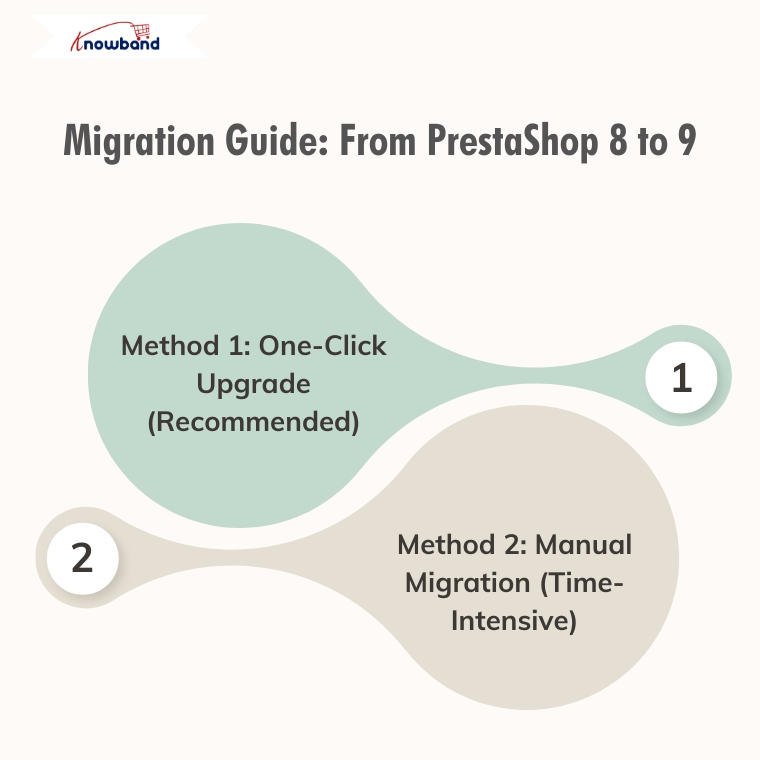
Migration Guide: From PrestaShop 8 to 9

Method 1: One-Click Upgrade (Recommended)

Available Tools:

  • Official 1-Click Upgrade Module: Standard PrestaShop upgrade module handling version transitions automatically
  • MigrationPro: Third-party solution supporting migration with comprehensive data transfer
  • PrestaShop Migrator: Alternative one-click solution for seamless upgrades

Advantages:

  • Automated process with minimal manual intervention
  • Built-in data integrity checks
  • Reduced human error risk
  • Faster migration time
  • Automated backup creation

Autoupgrade Backup Process:

  1. BackupInitialization: Process start, clearing leftover temporary files
  2. BackupFiles: Complete backup of store files, themes, modules, images, and custom code
  3. BackupDatabase: Creates a complete backup of the entire database, including all tables and stored data.
  4. Let me know if you prefer a more concise or more detailed version.
  5. BackupComplete: Process finalisation with verification

Rollback Process: If the upgrade encounters issues, easily revert through the autoupgrade module’s “Rollback” section by selecting the backup archive and monitoring rollback progress.

Data Migration: Automatically handles transfer of products, categories, attributes, customer accounts, order history, CMS pages, configuration settings, images, and compatible module configurations.

Method 2: Manual Migration (Time-Intensive)

Fresh PrestaShop 9 installation followed by manual data migration.

Process Overview:

  1. Review Server Requirements: PHP 8.1+, MySQL 5.7+/MariaDB 10.3+, Composer 2.x, Apache/Nginx
  2. Complete Backup: Database, files, configuration, custom code
  3. Install PrestaShop 9.0: Fresh installation via Git and Composer
  4. Data Migration Strategy: Export from PS8 (products, customers, orders, CMS, configurations) and import to PS9 using native tools, third-party modules, or manual entry
  5. Module Compatibility Assessment: Audit existing modules, update compatible ones, identify alternatives for incompatible modules
  6. Theme Reconstruction: Rebuild themes using PS9’s updated architecture, adapt to Symfony requirements
  7. Comprehensive Testing: Front office (browsing, checkout, payments, mobile) and back office (product management, orders, reporting) functionality

Recommendation

Method 1(One-Click Upgrade) is strongly recommended for most merchants due to:

  • Significantly reduced migration time
  • Lower risk of data loss/corruption
  • Automated handling of complex data relationships
  • Built-in rollback capabilities
  • Professional support availability

Consider Method 2 (Manual Migration) only for specific customisation requirements necessitating a fresh installation or when automated tools are incompatible.

Post-Migration Checklist

Regardless of the chosen method:

  • Verify all critical store functions
  • Test payment and shipping integrations
  • Confirm SEO settings and URL structures
  • Update DNS and SSL certificates if needed
  • Monitor site performance and loading speeds
  • Train staff on interface changes

Final Thoughts

PrestaShop 9.0 sets a strong course toward improved speed, enhanced security, and a more developer-centric ecosystem. Although upgrading requires planning and effort, long-term benefits are considerable—better performance, cleaner code, enhanced scalability, and modern tooling.

If running an older version, evaluate the long-term value of moving to Prestashop 9. If unsure about the process or lacking in-house developers, consulting with a PrestaShop expert or certified partner is highly recommended.

Still deciding whether to switch?

If you’re unsure whether moving from PrestaShop 8 to 9 is the right step for your store, we invite you to check out our detailed comparison and expert insights.

Discover the key benefits, potential risks, and real-world impact of migrating — and make an informed decision for your business.

Explore the PrestaShop 8 vs 9 Comparison Guide

Should You Move from PrestaShop 8.1 to 9.0? A Complete Feature Comparison

With the release of PrestaShop 9.0, the platform is moving toward a more modern, performance-oriented, and developer-friendly future. However, as with any major update, merchants and developers are left with an important question: Is now the right time to migrate from PrestaShop 8.1?

In this blog, we’ll explore the key differences between PrestaShop 8.1 and 9.0. From performance upgrades to developer tools, we’ll cover everything you need to know to make an informed decision about your store’s future.

Symfony Framework Upgrade: From 4.4 to 6.4

To begin with, one of the most significant changes in PrestaShop 9.0 is the upgrade of the Symfony framework from version 4.4 to Symfony 6.4, the latest long-term support (LTS) release. This transition ensures better stability, security, and access to modern development tools.

Symfony 6.4 will be maintained with bug fixes through November 2026 and security patches until November 2027, ensuring long-term stability for evolving projects. By comparison, Symfony 4.4—used in PrestaShop 8.1—has already reached the end of its support life. Therefore, PrestaShop 9.0 becomes the smarter choice for long-term projects.

PHP Compatibility and Performance Enhancements

In addition, PrestaShop 9.0 introduces support for PHP 8.1, 8.2, and 8.3. This allows merchants to benefit from improved performance, better memory handling, and modern PHP features.

Unlike PrestaShop 8.1, which stopped at PHP 8.1, the new version embraces the latest PHP releases, representing a major step forward. As a result, PrestaShop 9.0 is better aligned with modern PHP standards and development practices. However, keep in mind that older hosting environments and custom code may require updates to ensure compatibility.

Modern API Platform for Headless Commerce

Furthermore, PrestaShop 9.0 brings a brand-new API system based on API Platform v3, dramatically improving how it interacts with external applications.

This makes it ideal for headless commerce architectures, mobile app integrations, and third-party services. In contrast, PrestaShop 8.1 relied on a legacy API, which lacked the flexibility and scalability modern developers expect. As a result, the new API system opens up a world of opportunities for automation and integration.

PrestaShop 9 debuts a completely reimagined Admin API, built using API Platform—a cutting-edge PHP framework known for its flexibility and power. This innovation marks a significant leap toward creating a more open, extensible, and developer-focused PrestaShop environment.

Here’s what the new Admin API offers:

  • Simplified integration with external platforms such as ERPs, CRMs, and marketing tools.
  • Automation-ready architecture that helps reduce manual store management and boosts operational efficiency.
  • RESTful structure with JSON formatting, ensuring ease of use for developers accustomed to modern API standards.
  • Future-ready modularity, allowing the system to grow and adapt with community and business demands.

It’s worth noting that the Admin API is still evolving. While the core framework is already in place, additional features and endpoints are being actively developed.

Key Hook Updates in PrestaShop 9

 PrestaShop 9 retains most of the widely used hooks from version 8 to ensure module and theme compatibility. Common front-office hooks like displayHeader, displayFooter, displayHome, and displayProductButtons remain supported. In the back office, important hooks such as displayBackOfficeHeader, displayAdminOrderMain, and displayAdminProductsExtra are still available for extending core functionality.

Alongside these, PrestaShop 9 introduces modern Symfony-based hooks like actionSymfonyResponse, actionAfterCartSave, and actionProductFormBuilderModifier. These offer a cleaner, event-driven approach to customisation and are part of the platform’s move toward a more modular, scalable structure.

Redesigned Back Office Using Symfony and Twig

Another significant improvement is the full revamp of the back office, now built with Symfony and Twig for a more modern and maintainable structure. This results in a more intuitive, mobile-friendly, and user-centred admin experience.

For store owners, the redesigned layout means easier navigation and improved productivity. For developers, the shift supports cleaner templating and reduces legacy code dependencies. On the other hand, PrestaShop 8.1 retains a more traditional interface, which may now feel outdated in comparison.

Developer-Focused Improvements

Additionally, PrestaShop 9.0 has replaced several outdated libraries used in previous versions. For example:

  • Guzzle HTTP Client → Symfony HTTP Client 
  • SwiftMailer → Symfony Mailer 

These updates result in a more secure, efficient, and future-proof module and email handling.

Moreover, the login system has been modernised. Legacy hooks have been removed, and a new actionBackOfficeLoginForm hook has been introduced, offering cleaner and more customizable authentication flows.

Transition Toward Twig Templates

Importantly, PrestaShop 9.0 also makes a bold move toward full Twig integration, gradually replacing the legacy Smarty engine. Twig is now widely used in both front and back offices, offering more readable, modular, and reusable templates.

For theme developers, this is a significant improvement. In contrast, PrestaShop 8.1’s reliance on Smarty limits flexibility and long-term maintainability.

Should You Upgrade to PrestaShop 9.0?

PrestaShop 9.0 brings major improvements—but before upgrading, make sure your store is ready to handle the change. If your themes, modules, and hosting environment are compatible—or can be easily updated—then migrating can bring notable performance and UX benefits.

Alternatively, if your current store depends heavily on legacy plugins or complex custom code, it might be wiser to wait until broader module support becomes available. Testing in a staging environment is highly recommended before committing to a full upgrade.

Migration Tips for Store Owners

Before making the switch, follow these best practices:

  • Backup your entire store, including the database and any custom files.
  • Test the upgrade in a staging environment first to avoid disrupting your live store.
  • Verify compatibility for all third-party themes and modules.
  • Monitor community feedback for bug reports and migration issues.
  • Conduct thorough testing, especially checkout, payment, and product display areas. 

Final Thoughts

PrestaShop 9.0 marks a major leap toward a modern, secure, and scalable e-commerce platform. From faster performance and updated frameworks to a cleaner developer experience, it brings meaningful benefits for merchants and developers alike.

In conclusion, while migration requires effort and planning, the long-term gains make it a worthwhile investment. Whether you’re a seasoned PrestaShop user or planning your first store, now is an excellent time to explore what version 9.0 can do for your business.

If you’re looking for a reliable solution to ensure a smooth upgrade, KnowBand offers custom module development and PrestaShop 9.0-ready extensions that can accelerate your transition. Their expert support and robust library of PrestaShop modules make them a valuable partner during major upgrades.

Prestashop Review: Advantages, Disadvantages, and Hosting Services

Choosing a platform is difficult when starting an online store. PrestaShop is a really good choice. You can read about the advantages of Prestashop eCommerce in this blog. This article will provide further information on the features, benefits, and disadvantages of PrestaShop eCommerce.

PrestaShop supports customization and is an open-license, highly configurable e-commerce choice. PrestaShop eCommerce has a tonne of benefits, and these are due to its distinctive characteristics. If you’re seeking affordable eCommerce options for small to medium-sized businesses, PrestaShop is the ideal choice. PrestaShop has long been widely used and well-liked because of its usability.

The Pros and Cons of the Prestashop Platform

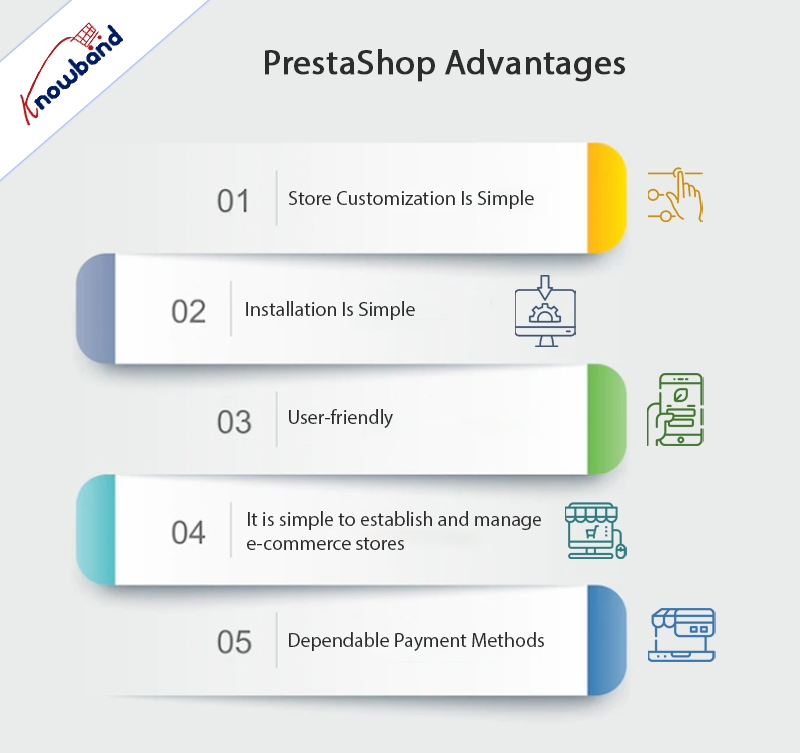
Advantages

Store Customization Is Simple

In this day and age, open-source is the way to go if you want your website to have a distinctive vibe. In the fiercely competitive world of eCommerce, developing an iconic brand is essential to your long-term success.

Two different modules are needed to customize your online store. The second module is an advanced module that allows you to change the code so that you can customize your online store. However, the first module is necessary for making rapid modifications. You will also require access to HTML, CSS, and JavaScript files for various reasons.

Additionally, Prestashop’s customization options include an internal search engine that will make it easier for your clients to traverse your store.

Installation Is Simple

Installing PrestaShop from the open-source software’s official website is simple. A completely functional and responsive internet store is quickly present after downloading the program.

PrestaShop’s file size is very small, so even if you’re a beginner or have a sluggish internet connection, you can rapidly set up this eCommerce platform.

User-friendly

When using PrestaShop, technical knowledge is not necessary. The reason behind this is that it has a straightforward and practical design. As per the PrestaShop review by experts, it is basic and easy to use. You should be able to manage and keep an online store up and running even if you only have basic IT skills.

It is Simple to Establish and Manage E-Commerce Stores

Prestashop makes it simple to complete the main work of establishing an online store. This is due to the software’s simplicity, which effectively eliminates the complexity of alternative website development scripting languages. Additionally, PrestaShop makes your e-commerce store’s maintenance tasks simpler.

There will be no need for you to seek any extra assistance from so-called professionals to guide you through PrestaShop’s workflow. PrestaShop is an open-source platform that you can use on your own to set up an online store, especially if you are familiar with its features.

Dependable Payment Methods

The dependable and practical payment methods offered by Prestashop are its main benefits. PayPal is among some of the payment methods they employ. There is no need to worry about fraudulent activity because these payment options are safe.

The SSL protocol system also handles secure transactions. Prestashop additionally allows one-page checkout, which encourages product purchasing.

Prestashop also comes up with a few out-of-the-box capabilities in addition to these crucial ones. These features consist of cost-free marketing techniques including automated email follow-ups, discounts, coupons, and vouchers. Inbuilt features for consumer convenience include “recently seen products,” “returns management,” and “order tracking.”

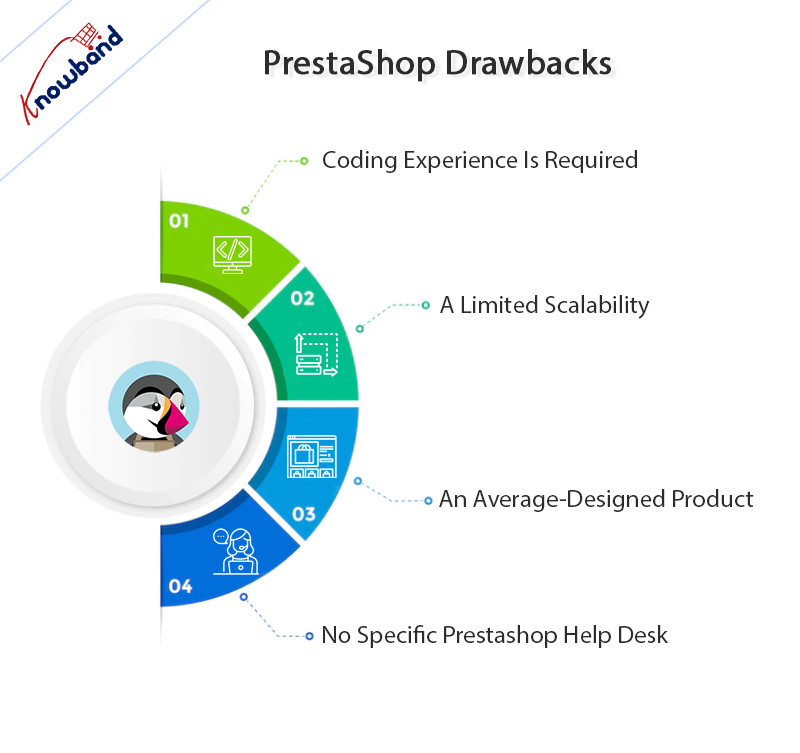
PrestaShop Drawbacks

Coding Experience Is Required

PrestaShop has the benefit of being open-source. The drawback to that is that you need to know a little bit of code to fully design and optimize your site. PrestaShop is not the right choice for organizations looking to build an easy and rapid e-commerce site.

A Limited Scalability

PrestaShop’s limited scalability is one of its main issues. Small and medium-sized businesses can use this e-commerce platform. PrestaShop is not the best option when the platform wants to grow.

An Average-Designed Product

PrestaShop offers a good layout for a store with limited resources. The approach is not appealing or appropriate for large-scale retailers. Although PrestaShop provides necessary features, its designs lack a polished appearance.

No Specific Prestashop Help Desk

Prestashop support and specialists’ staff are not available. This platform’s primary drawback as an e-commerce platform is this. The users, however, do not see this as a downside because there are a huge number of active members (on support pages) who are always available to help the users anytime a problem arises.

Alternatives to Prestashop Hosting

PrestaShop is an open-source eCommerce platform that can assist you in swiftly building an online store. Therefore, you can take advantage of some of the improved capabilities in an economical way if you pair this platform with a trustworthy web hosting company. Some of the options are present below:

Bluehost

The most straightforward PrestaShop hosting option is Bluehost. It is a reputable web hosting provider. The excellent discounts that Bluehost has to offer for other CRMs also apply to PrestaShop. It is a one-click PrestaShop installer that enables you to quickly set up and manage your PrestaShop website. It also provides the industry-standard cPanel for a simple user interface.

You can quickly manage your website, domains, emails, and other things with its cPanel. Additionally, its outstanding scalability provides strong instruments for the expansion of your website and company. It has numerous server locations and provides your website with dependable uptime, excellent speeds, and flawless functionality.

Hostinger

Choose Hostinger if you want sales-optimized hosting with outstanding PrestaShop performance and consistent uptime. It features email accounts, limitless storage, and unmetered bandwidth. However, most clients have no restrictions on the number of websites, subdomains, FTP users, or parked domains. Nevertheless, going further with the routine With Hostinger, managing an eCommerce business is remarkably easy. It is possible with its top-notch cart performance and conversion rates thanks to its top-notch hosting services.

You may acquire PrestaShop-optimized servers from Hostinger that guarantee top-notch performance by improving their servers with setup.

In the End!!

After the Prestashop eCommerce review, we recommend that users who are comfortable with coding should use this platform. Users cannot rely on Prestashop support to fully utilize this platform. Users who have coding knowledge can use the features of this platform to the fullest.

If you have any concerns related to this platform and its modules, then you can reach out to us at support@knowband.com. We also help our clients with their original ideas so they can be realized in accordance with their needs. Customer satisfaction is our top priority, and we assist them with their needs. Kindly let us know if you have any ideas for your business with which you need our hand.