Long back everyone used their computers and laptops to browse the internet and shop online. Because of their mobility and user-friendliness, online clients are opting to shop on their mobile devices. Most eCommerce organizations have made themselves recognizable and accessible on mobile platforms. Further, to remain conscious of this change. Moreover, offering a Mobile App using a Prestashop mobile app builder, allows businesses to achieve new heights. That too, in a shorter amount of time and with less effort.

In this article, we’ll show you how to use your own Prestashop mobile app to take your Prestashop store mobile. Building and distributing an unmistakable eCommerce purchasing app is more favorable and smarter for the pocket now, thanks to technological developments and simpler techniques.
Brief description of the Prestashop eCommerce mobile app
Mobile apps for eCommerce, often known as native shopping apps, are the most prominent type of apps. The shoppers can simply download the apps from the Google Play Store/Apple App Store. Moreover, install them on their mobile device. If you decide to release your Prestashop Mobile App, you’ll submit/distribute your APK file to the Play Store and your IPA file to the App Store. You won’t have to worry about creating or distributing app data for your Prestashop business. The Prestashop iOS app handles all and takes care of everything for you.
How can you launch the native app using the Prestashop mobile app builder?
- Buy the Prestashop Mobile App Creator from Knowband.
- Set up the module. Moreover, fill app pre-imperative form.
- Check the apps even before you deliver them to the App Stores.
The store owners get a complimentary 3-month support period for the Prestashop mobile app maker. Therefore, you can contact Knowband’s support team for any help without worrying about overspending.
The Prestashop eCommerce mobile app module has a lot of impressive features that you should be aware of before diving in.
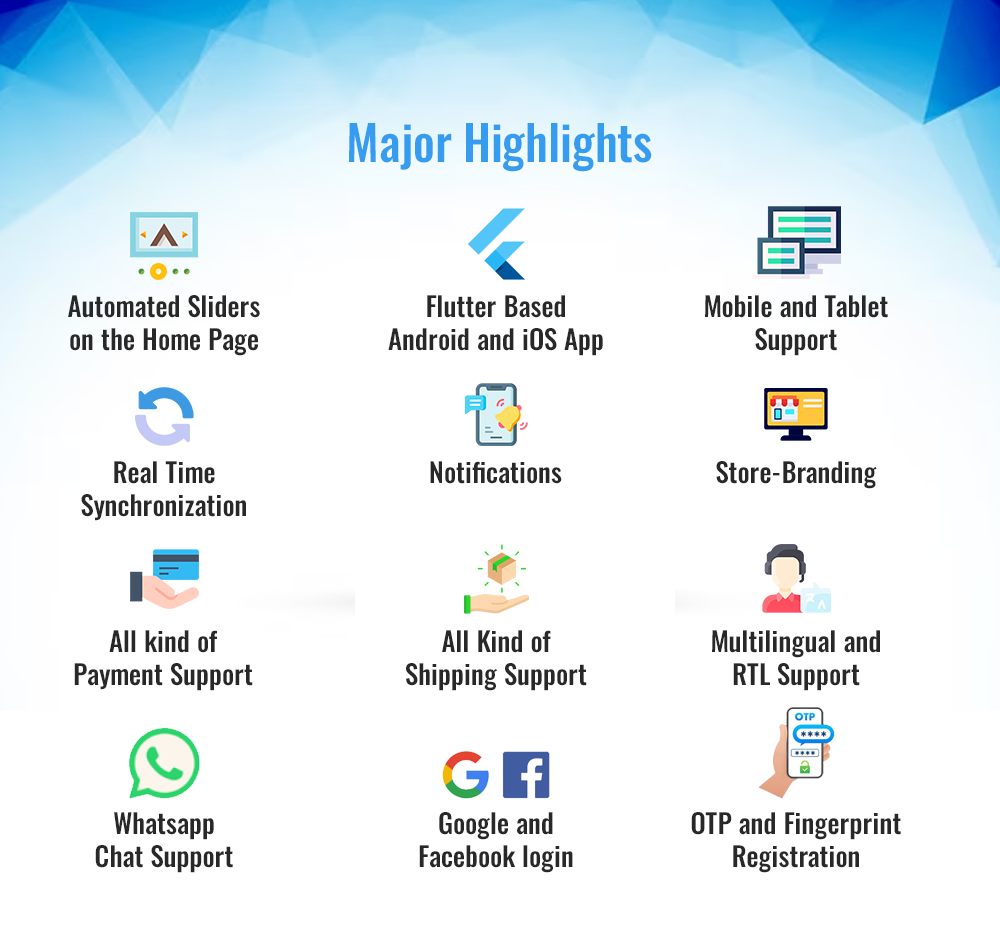
The Features of the Prestashop mobile app maker by Knowband
-
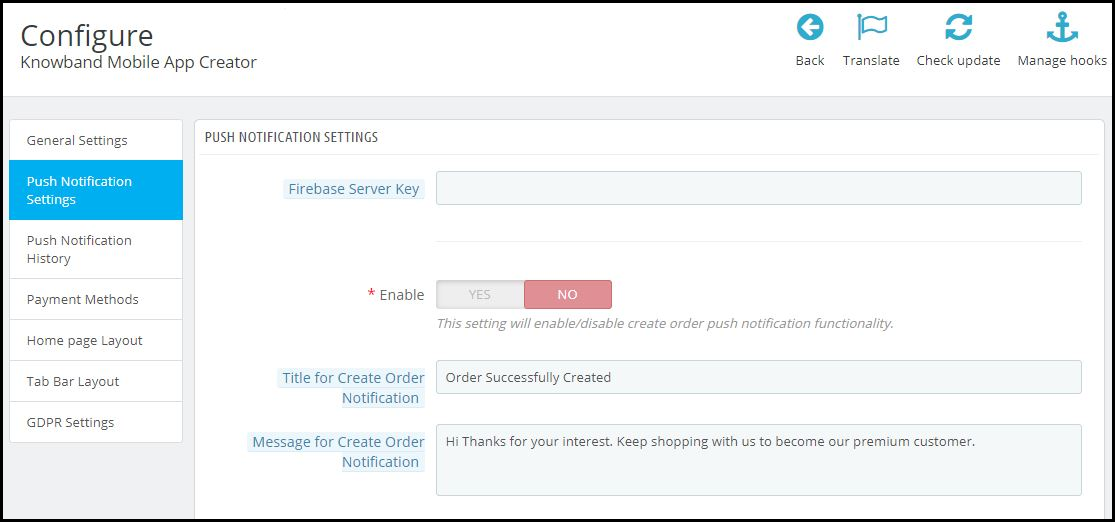
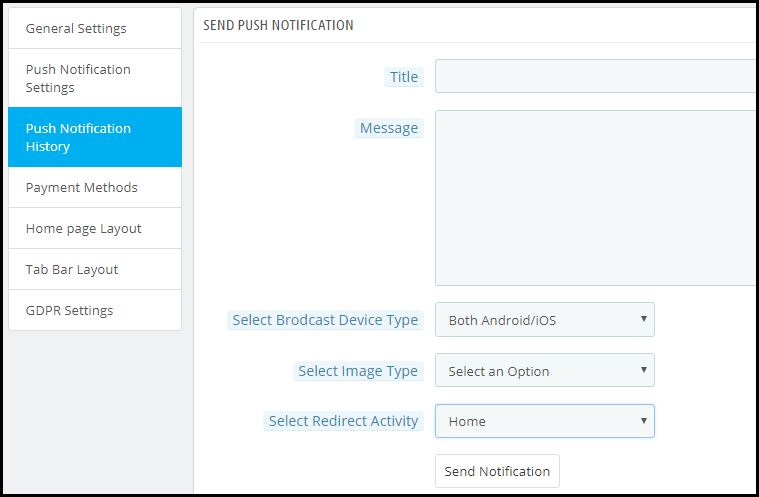
Push Notifications
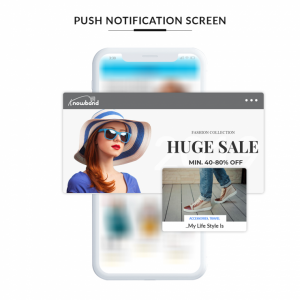

The mobile apps produced with the Prestashop Android app builder provide the support for push notifications. There’s an advantage of this Prestashop Prestashop iOS app builder. Furthermore, it allows administrators to send unlimited push alerts to app users when he needs to.
-
Support for several currencies and languages
Prestashop addon supports a variety of international monetary systems as well as their respective languages. This Prestashop plugin also supports RTL content. For instance, Arabic and Persian.
-
Synchronization in Real-Time
The store manager need not worry about dealing with their app and website. Your mobile app will link with the website because of the Prestashop mobile app builder. This also keeps the stock management system programmed.
-
Payment and shipping options
With the Prestashop module, all the payment and shipping options that are dynamic on your Prestashop site will be fluid on your mobile app as well.
-
Mobile App is customizable
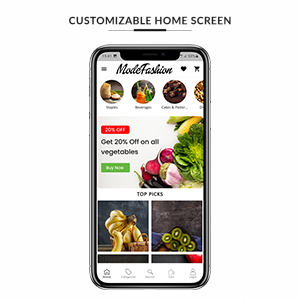
Whether you choose to build a native shopping app with their plugin or not, you’ll want to use the reorganized backend of the module to tweak and change your eCommerce mobile app. The DIY Home-Page editor allows store administrators to change the homepage format (with a live preview).
-
Using an image for a search
Knowband added the ‘search by image’ feature to the module in one of the most recent releases. The admin can use this to allow consumers to browse the catalog using photos. They can also use photographs from their phone’s gallery or other sources.
-
The use of deep links
When you share a link with a customer, it leads him or her to the merchandise. In reality, it doesn’t mince words and allows the buyer to land exactly where he or she should.
-
On the Home Page and Category Pages, you can add items to your cart
Customers save time and effort by using the Add to Cart button on the Home page and Category Pages. They can even skip the product page and go to the checkout.
-
The functionality of Related Products
Prestashop Automatic Related Products module is now compatible with the module. As a result, the administrator can show relevant products to clients. This will increase the likelihood of possible sales.
The Prestashop eCommerce mobile app module comes with a lot more features. For instance, social login, social sharing, and improved layered navigation. Don’t be hesitant to have a look.
This Mobile app module also works with Prestashop marketplace module.
Let us wind up!
The popularity and demand for shopping applications have grown. Moreover, the cost and complexity of developing and deploying an eCommerce Mobile App have lowered. The Prestashop mobile app builder assists store owners in converting their business to a mobile app without the need to spend time coding and surveying. If you’ve been considering something similar, take a look at the options before launching your app. To learn more about the Prestashop module, check out the Knowband website. Moreover, you can drop in your queries at support@knowband.com as well.
👉Explore the Module with Our Video Guide