6 Effective Ways to Build and Grow your Email List

An email list is of paramount importance for any online business. It contains useful data or customer information that businesses use to market their brand, products and services, or provide some kind of valuable information to their subscribed audience.

Having an email list helps brands reach out to their subscribers and persuade them to take some action. It could be about making them download an ebook or read a blog post, or it could be an announcement of the upcoming sale.

The more people you have in your email list, the more profitable it is for your business. Brands use various tactics to capture the email address of the users. In this article, I have presented 5 ways to build and grow your email list.

But before I begin, let’s try to understand why you require building an email list.

Over the years, emails have proved to be one of the best marketing mediums. Though the impact has slightly diminished with the introduction of social media, email marketing still holds high significance among marketers.

Moreover, it is a globally used marketing strategy and is still a powerful communication channel that can bring you high conversions.

According to some stats collected by Hubspot, 93% of the B2B marketers leverage emails to deliver content and more than 59% of the marketers say email is their biggest ROI source.

Considering the benefits that email bring to your eCommerce business, let’s now shift our focus on how to grow an email list.

1. Use Lead Magnets

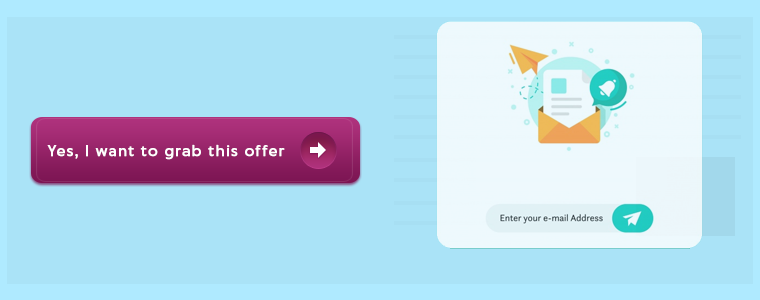
A lead magnet is an incentive that businesses offer to prospects in exchange for their contact information such as name and email address. It comes in the form of an email popup and makes it one of the best techniques to grow your email list.

Lead magnets usually contain irresistible offers, and consist of compelling elements to make users drop their email address and grab those offers.

For a lead magnet to deliver the best results, make sure it is adding value or providing some kind of benefits to your visitors. No visitor will turn into your subscriber if they are not getting benefited from it.

2. Grow your Email list using Engaging Popups

Email Popups have more or less been an annoyance for netizens. They disturb the user flow and hinder the user experience.

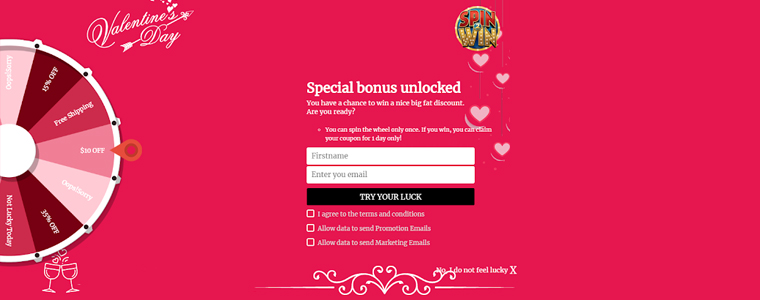
But popups like Spin and Win have been widely used by online businesses. In fact, the very famous Digital Marketer Neil Patel also used to have the Spin and Win popup on his website.

The reason why this kind of popup is helpful in building your email list is that it adds fun to your approach to collecting email addresses.

You can incorporate this on the home page of your website and ask users to spin the wheel to earn some amazing deals and offers. It not only helps you grow your email list but also increases user engagement.

You can check out the Spin and Win module from our Knowband store. It is available for various eCommerce platforms like PrestaShop, OpenCart, Magento, etc.

Apart from this, you can make use of Exit Popups. They have been effective in capturing the email address of the visitors as they tend to appear only when the user is trying to exit.

Knowband also offers Scratch Coupon module, a strategy to capture email leads, which you can use to draw visitors’ attention and develop curiosity inside them.

3. Include Intriguing CTAs on your Blog Posts

Another efficacious way to grow email list is by adding intriguing CTAs to your blog posts.

For whatever purpose the CTA is designed for, whether is a PDF download link or a link to the lead magnet, make sure it is relevant to the content.

For example, if I have prepared a guide to reduce cart abandonment and I am showing the CTA related to it on a blog post that discusses social media, it would not make any sense.

However, if that CTA is attached to a blog related to cart abandonment, it would show effective results as it matches with the content. CTAs work well if they go with the content flow. That way, you do not interrupt the reader’s flow.

Some other useful tips for a performing CTA would be to make it short and catchy. It should evoke interest in the users immediately, and drive them to make an extra push.

4, Ask Visitors to Subscribe to your Newsletters
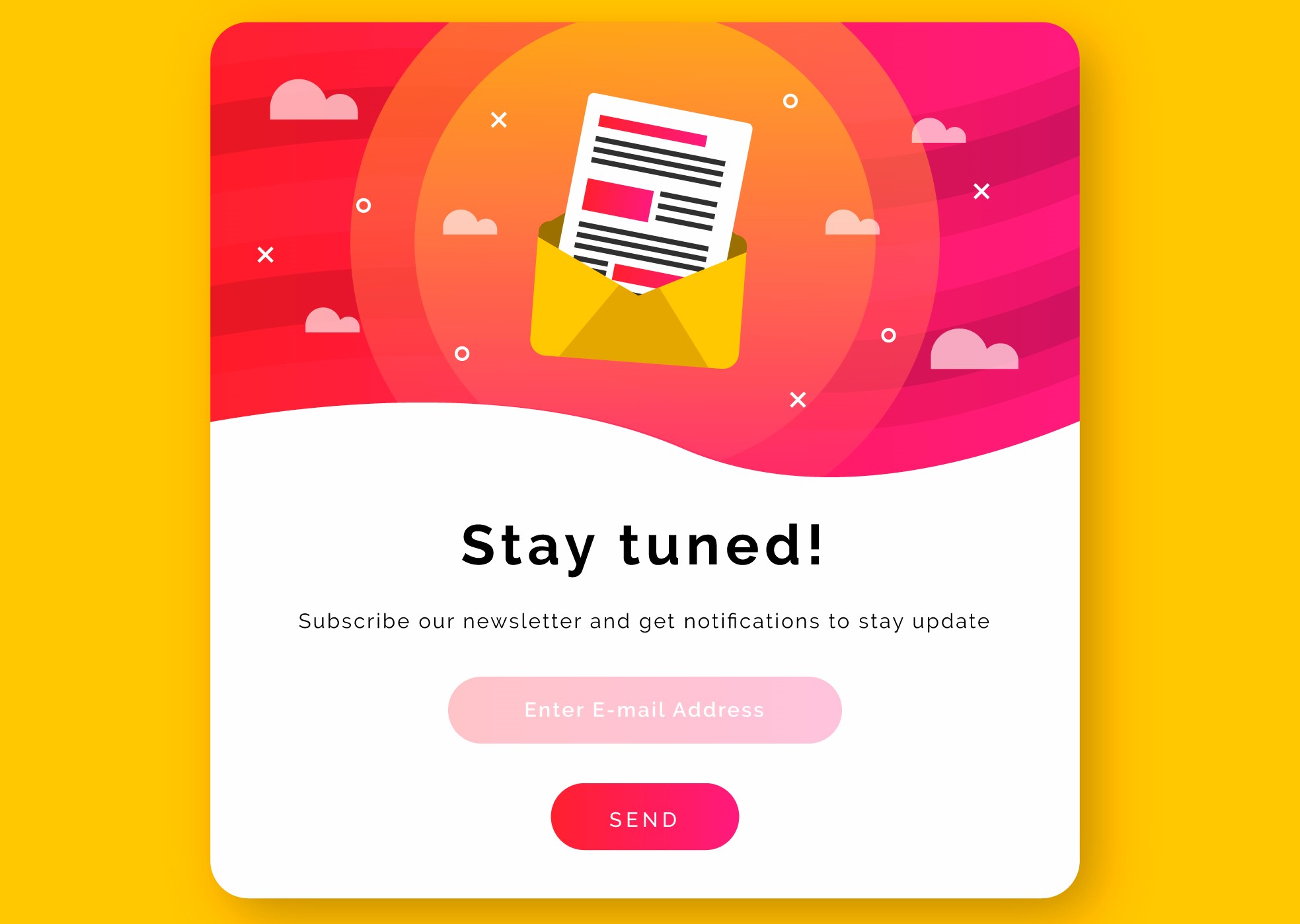
Newsletter subscription is still considered helpful in building your email list.

At the end of your blog posts, you can ask readers to subscribe to your newsletters and get updates on the latest contents, offers or any important information.

You can also ask for it via a popup but it should not appear instantly. Give some time to the readers to go through your content and then ask for their permission.

A successful mantra to collecting email addresses for newsletters is to write quality and evergreen content. It is the only thing that decides the interest of the users towards receiving newsletters.

The more quality you have in your content, the more people will be inclined towards your business.

5. Build Email List through Social Media

You simply cannot overlook social media if you want to build your email list. It is a platform that can increase your email subscriber’s list rapidly.

To acquire more email leads, choose the platform that suits your niche. For example, Facebook and Instagram can be ideal for B2C businesses whereas B2B businesses would pay more focus on LinkedIn and Twitter.

So what would be the ideal way to collect email addresses?

Add the sign-up button on your Facebook Business page, host contests and giveaways, provide freebies that require users to enter their email address and promote the same lead magnet on your social media pages.

Most of your future subscribers are waiting there to be a part of your email list. If you are not using it, you are missing out on a huge opportunity to multiply your subscribers count.

Related: 6 Must-Have Social Media Addons for Your PrestaShop store

6. Ask for Feedback

It is important to know what people think about your Brand. Their opinions could make an impact in your business’ success.

When visitors are about to leave your website, introduce a popup that asks them for their feedback. Ask them if they have any suggestion, complaint or any comment that they want to make so that you could improve.

Make them feel that their opinion matters a lot to you and you would be obliged to receive their remark. The feedback form should have the option of name, email address and comment, that’s it.

The Bottom Line

There are tons of other ways to build and grow your email list apart from these 6 major techniques, some of which are-

Adding testimonials to your website- This builds a visitor’s trust on your brand and they are more likely to get connected to you.

Using Gated content- This restricts the full content view and displays only a small chunk. Users need to enter their email address to get full access.

You can also try using lightbox and sidebar popups, add a floating bar or place an offer strip on the header or footer.

Look out for these strategies to build your email list and see your subscribers count climb up. Just a piece of advice- once you add them to your list, make sure that you do not spam them. You do not want them to hit the unsubscribe button, right?

How helpful did you find this information?
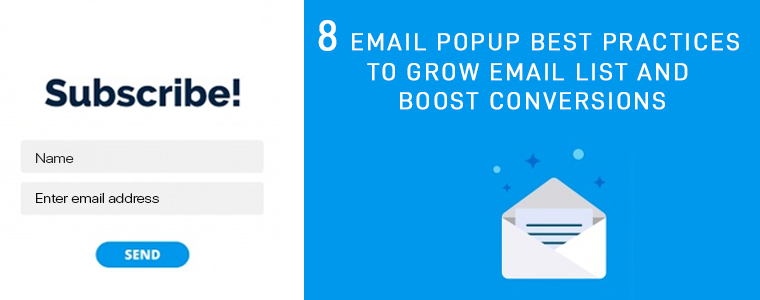
8 Email Popup Best Practices to Grow Email List and Boost Conversions

This article talks about email popup best practices and the best email popups that you can consider implementing on your website. The objective of the blog is to help readers understand how they can grow their email list and drive more conversions by optimizing their email popups and using the right popup strategy.

Let’s be very honest. Email popups are arguably an annoyance. They create a distraction and disturb the user flow.

People generally dislike popups, and I am also among those people who, sometimes, get irritated by witnessing a popup on their screen, especially when I am fully concentrated on the content in front of my eyes.

But not every email popup irks users. Email popups can be effective if used wisely, but they are either not being utilized in the right manner or they are just not good enough to capture user attention.

What is an Email Popup?

Email popups can be referred to as a tool to capture visitors’ email address. They contain content, which could be an exclusive offer, a free ebook, etc. for which users need to provide their email address if they wish to grab it. It is designed to draw user attention and persuade them to take action.

Email Popup Best Practices

In this write-up, I have put forward 8 Email Popup Best Practices to build your email list and boost your conversions. Let’s check them out.

1. Pay Attention to your Popup Appearance

First things first. Your email popup needs to have attractive visuals. It should have an eye-catching design.

If your email popup does not look appealing, visitors will close the popup window straight away. They would not even bother to pay a look at the popup content.

Use colours that are appealing and not the ones that cause pain to the eyes. The popup colour should also match with your website’s design.

For the best results, try using a lightbox popup; that appears on the top of your web page. It darkens the actual page so that the entire focus is centred on the popup.

A well-designed email popup tends to capture more user attention.

2. Prepare Compelling Popup Content

The heart of your email popup lies in its content, which is what people would notice. Hence, it should be very crisp and clear and should serve a purpose.

Create curiosity in your visitors, hit their mind in one go. Give them a reason as to why they should become your subscribers.

Use a title that triggers visitors to take instant action and explains the need to take action. Remember, visitors have come to your website because they might have liked something that interests them, and a sudden popup is going to interrupt their activity. You would surely not want to hinder their experience.

So, if you want to shift their focus towards your email popup, the content needs to be apt.

3. Have an Impulsive Call to Action

The motive behind any email popup is to coax visitors to provide their email address, and for that, the popup CTA holds vital importance.

Your call to action should be relevant to the content. Its font, text colour, background colour, etc. should be tempting enough to make visitors click on that button. If the CTA evokes interest in the visitor, they will likely press that button.

Show your creativity. Do not come up with just common call to actions like Sign Up, Download, unless there is no better alternative.

4. Email Popup should have Fewer Inputs to Fill

Another email popup best practice would be to restrict yourself from asking too much information. Lesser you ask, more are the chances of a visitor turning into your subscriber.

Email popup having more than two inputs to fill would likely be avoided by the visitor. In fact, I would suggest having only one input, and that is just the email address.

You can avoid asking for first name and last name or restrict to asking for first name and email address, at max.

You want to capture their email address, make the task quick and easy.

5. Set an appropriate time for the Popup Delivery

Adding further to email popup best practices is the Popup timing. Timing is the key for an email popup to deliver positive results. It should not occur repeatedly.

Visitors get frustrated when they receive popups one after another. You do not want to divert their mind from the website content right? Distracting your visitor from their purpose would be the last thing you would want to happen.

Avoid displaying the popup just when the user has entered your website. Let them have a look at your website first. Give them time to go through your website content.

Some of the best practices for the email popup timing would be displaying the popup after a visitor has visited a certain number of pages or when they have scrolled to some percentage or when they are trying to exit.

6. Make Use of Inline Labels and Inline Validation

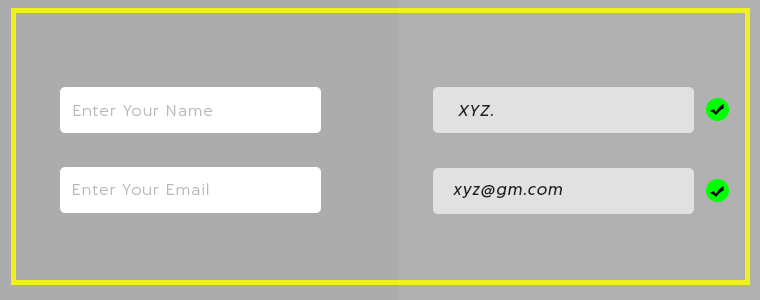
Labels or a text placed inside the input fields are known as Inline Labels. For example, the email address input that says “Enter your email address” is what we call as Inline Labels. The text automatically disappears when a user starts typing.

Inline Validation, on the other hand, is the process of identifying the error made while entering the input fields. When a user switches from one field to another, it displays whether the information entered is correct or not.

This makes it easy for the visitors to correct the error at that very moment, instead of getting notified after submitting it. And there are higher possibilities of a user getting added into your email list.

7. Have some Attractive Offers for your New Visitors

The best way to welcome your visitors is by offering them enticing deals and discounts or a freebie.

The popup adds more value to the visitors if it contains something valuable, something that they cannot refuse to take. It could be a coupon code, an exclusive offer for new visitors, a flat discount, etc.

Offering incentives help you grow your email list better than any other method, and this makes it one of the best ways to approach your visitor.

Create a sense of urgency. Make them feel that they have only limited time to grab that offer. This email popup strategy is followed by most of the online businesses.

8. Choose the Best fit

Not every popup format would match with your website structure. Look out for a number of popups and check which popup fits your website well. And do not forget to check it for mobile. It should be optimized for both.

Choose the popup that creates the least distraction for the visitors.

Best Email Popups to Grow Your Email List

Since you have gone through the email popup best practices, let’s now take a look at some of the best email popups that you can use to grow your email list, that too without being an annoyance.

1. Spin and Win Popup

The Spin and Win popup can be seen on many eCommerce websites today. The reason why it has gained huge popularity is it adds a Gamification interface to your website.

It does not create any distraction, neither it looks annoying. You can engage users in a fun activity, and offer them a discount in exchange for their email addresses.

Check out the Spin and Win module by Knowband. The module lets you easily add the Gamification popup on your website.

When visitors come to your store, this email subscription popup will emerge and ask them to try their luck to earn some discounts on your store products. The spin will require visitors to enter their email id. Curious to win some offer, visitors will possibly enter their details.

Isn’t it a great way to grow your email list? This also helps to increase user engagement and boosts your conversions. Knowband offers this module for various eCommerce platforms. Checkout

PrestaShop Spin and Win Addon

OpenCart Spin and Win Extension

Magento Spin and Win Extension

Magento 2 Spin and Win Extension

WooCommerce Spin and Win Extension.

2. Scratch Coupon Popup

By adding a Scratch coupon on your website, you can draw visitors’ attention and generate curiosity in their mind to check what’s behind the unscratched coupon. A visitor will be tempted to scratch the coupon and would surely enter his/her email address.

The Scratch Coupon module by Knowband incorporates an unscratched coupon on the top of your website. While scratching, a popup will appear asking the user to provide his/her email address to claim the discount. Checkout-

Prestashop Scratch Coupon Addon

OpenCart Scratch Coupon Extension

Magento Scratch Coupon Extension

Magento 2 Scratch Coupon Extension

3. Exit-Intent Popup

The Exit-Intent popup is used to prevent visitors from leaving your website. It detects user behaviour and prompts a popup in front of them as soon as they try to close the window.

It is one of the best email popups as it appears at the last moment and lets you make one last attempt to make the visitors stay on your website. The exit-intent popup has the highest possibility of grabbing user attention.

The Exit-Intent Popup by Knowband displays an interactive popup every time a user intends to exit your website. The online merchants can check out-

PrestaShop Exit Popup

OpenCart Exit Popup Extension

Magento Exit Popup Extension

Magento 2 Exit Popup

The Bottom Line

Though popups can be used in a number of ways, one thing that is important is to allow visitors to close the popup without any hassle.

You may have amusing content or amazing offers, but if one does not want it, let them have that option to close the popup window.

It indicates that you value your visitors and leaves a good impression of your brand. Making it difficult to close will break your bond with the users even before you could build it.

That’s it. I hope you liked these 8 Email Popup best practices and the email subscription popups that I have mentioned. If you have anything to add in this article, do drop your comments below.

Need any help with the mentioned popups? Drop us a mail at support@knowband.com

Also read:

6 Effective Ways to Build and Grow your Email List

5 Conventional Mistakes that are Killing your Email Subscriptions