Although we live in a digital marketing age, the importance of word of mouth cannot be underestimated. However, how digital marketing related to word-of-mouth? Do word-of-mouth has any connection with “Customer Reviews”?
You may have come across this term several times. Demonstrating how word of mouth and online reviews have already become inextricably linked. Marketing experts are using testimonials and feedbacks to give a unique identity to the brand.
User-generated content (UGC) fosters trust in the brand. It does, however, provide you with free content to supplement your marketing efforts.
Powerful Ways of Using Customer Reviews to Boost Conversion
Customer Reviews build consumer trust, establishes social evidence, and establishes a clear line of communication with customers. That is why every online retailer desires to see those coveted five-star color-coded ratings.
It is, without a doubt, worthwhile to focus on improving the online reviews or at the very least, to encourage consumers to leave constructive feedback and share their experiences.
When a customer sees that more than 50 customers have purchased a product, he or she may want to check it out as well. It translates to a higher conversion rate for your business.
The connection between customer reviews and customer journey
To understand the relationship between customer behavior and their feedback, we have to understand the types of customer reviews and draw an interpretation with that
1. It tells you about Product and Brand Health
This review gives you an idea of how consumers feel about your company and goods, and it can help you track long-term trends in brand image and sales success. Comparing various versions of products or similar types of products you sell can be aided by product and brand research.
2. Decide the best with Customer Satisfaction Reviews
For brands to understand points of change in the customer engagement journey, customer satisfaction research is important. Online and offline sources of reviews are often combined in a comprehensive customer satisfaction report. Brands may update or exclude goods from the market based on the findings.
3. Brand Loyalty Reviews
Analyzing brand loyalty allows you to identify areas of your market where you can improve as well as areas where you can improve. Return transactions, use of loyalty plans or gift cards, consumer word-of-mouth, customer service, and overall shopping experience are all examples of brand loyalty. Brand loyalty analysis will also help you understand how consumers feel about your product or service.
Read: Benefits of Customer Loyalty Programs for your Online Business
4. Reviews make you understand Customer Preferences
Customers will quickly provide input by selecting their interests. Giving customers the option to self-select their preferences aids in the development of buyer personas, the identification of customer interests, and the proper targeting of users. Customer interests can be discovered through reviews, which can aid in overall website design, marketing campaigns, sales tactics, and other facets of your company.
5. Sales Reviews
Customer reviews on sales will help you figure out whether your sales tactics are working and provide insights to help salespeople improve their skills. Using an email or text message to follow up on the customers’ sales experience keeps your reviews current and meaningful. You can collect sales reviews using WhatsApp or any other social media messenger after each purchase.
6. Customer star ratings
Customers appreciate star ratings because they have a visual representation of their satisfaction. When scrolling through your emails or browsing your website, customers will be able to understand a star rating. Start ratings are very impactful and influence the sales decision.
7. Mentions on Social Media
Brand mentions on social media platforms, another type of social evidence, are some of the purest types of user-generated content. Keep an eye on your tags and mentions to get a sense of how people are using your products and to amplify your brand message.
Must Read: How to Get Customer Feedback?
Use Customer Reviews in marketing campaign

Customer reviews can be used to generate additional product details, which is a brilliant use of them. It’s a golden opportunity to offer shoppers as much detail as possible during the decision-making process in order to increase conversions.
Include customer reviews in tailored promotions and incorporate them into the marketing activities. Use past purchases, preferences, or places to personalize where you can. Consider how you can integrate your ratings into paid advertisements and social media promotions.
1. Welcome Email
Marketing is the lifeblood of every company, whether it’s an online business or a brick-and-mortar store. You may provide testimonials from your customers in your crafted welcome email. It is not necessary to write it in a forceful manner; instead, a subtle approach will suffice. You can use sales reviews, customer satisfaction reviews, and social media testimonials to a welcome email.
2. Follow-up Email
Another email that businesses use is follow-up email. There are two ways you can write a follow-up email. One is for collecting the customer review and another one where you can highlight the review of the other customers. Include brand health reviews in your follow up email.
3. Abandoned Cart Reminders
Cart abandonment has a variety of causes, but one of the most common is that a shopper is undecided about which brand to buy from.
When chasing the abandoned cart and sending reminders to your customer, you can use UGC to persuade them to choose you by including customer feedback. People trust their word of mouth more than brands. Using well-selected reviews in your abandoned cart reminder email, be it a pop-up, push notification, or email, can help you motivate the buyers.
4. On Product Page
A product review is just about the quality and performance of the products and that is what matters. Since customer reviews appear on each product’s page, reviews can aid in page discovery via unique keywords in search engines. Furthermore, consumers who post products they’ve reviewed on social media give those products and the brand more attention.
Read: 10 Must-have Addons to Optimize Prestashop Product Pages
5. Advertising Campaign
You can use ratings in more than just email marketing to increase conversions. Customers can return to your site if you use positive feedback of your services, products, or brand in visual retargeting advertising. If you are running paid ads on Instagram or Facebook, give it a whirl!
How Do I Install Product Review Functionality?
It is now obvious that any e-commerce platform that wants to have a successful shopping experience must-have product feedback. The easiest way to monitor and optimize revisions is on your own website.
Generate Feedback with Customer Reviews Extensions that offers incentives
If you’re just starting to think about introducing a framework to gather feedback, a useful software or extension will assist you in doing so professionally. Here are some smart solutions that you might find useful if you run an online store:
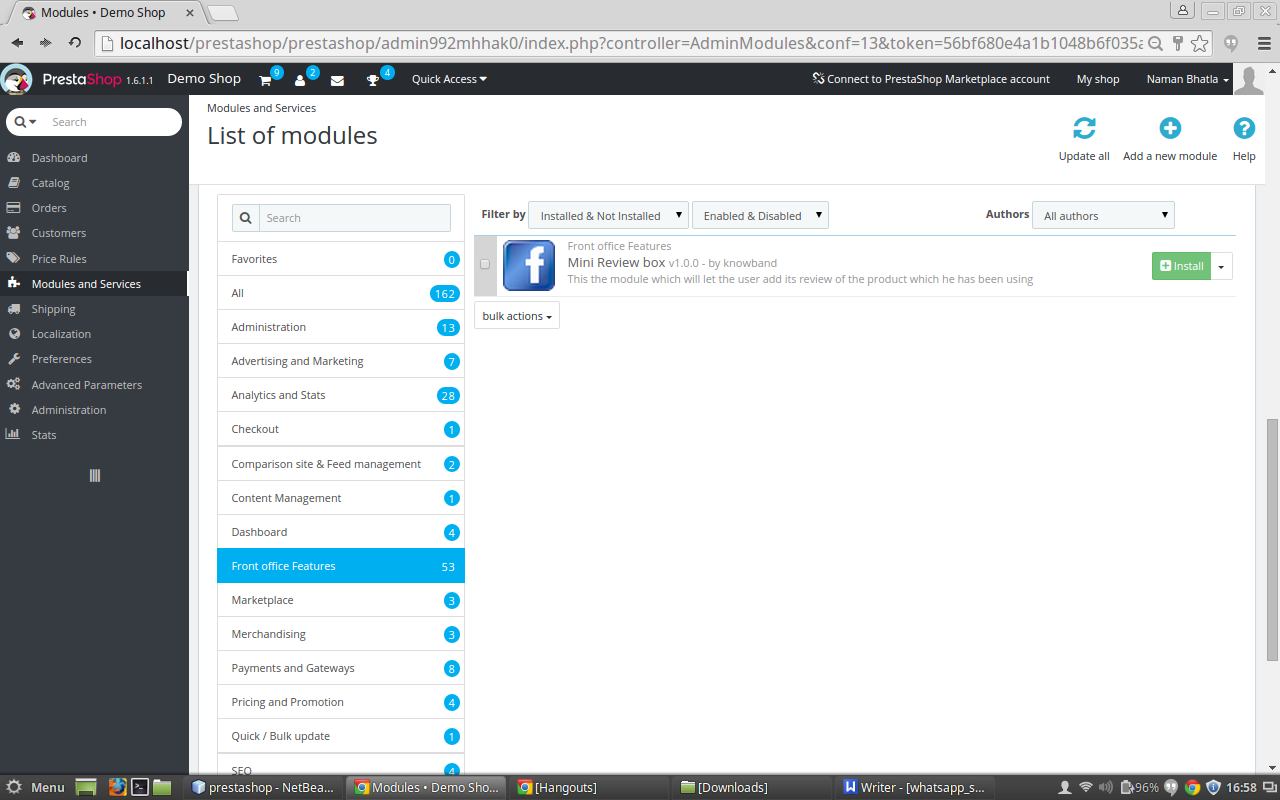
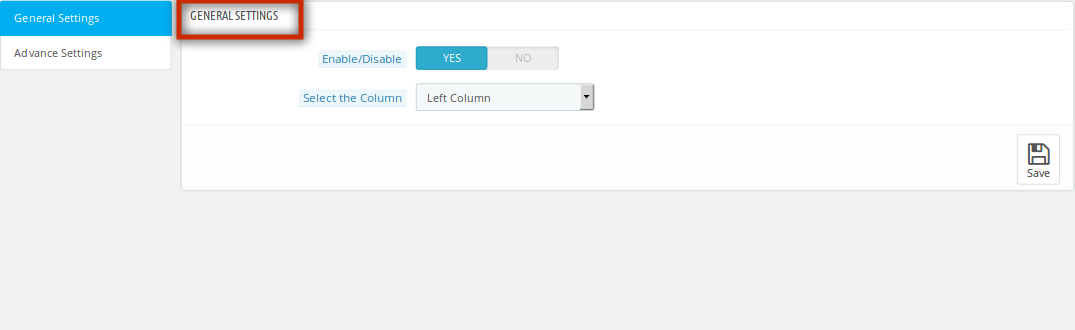
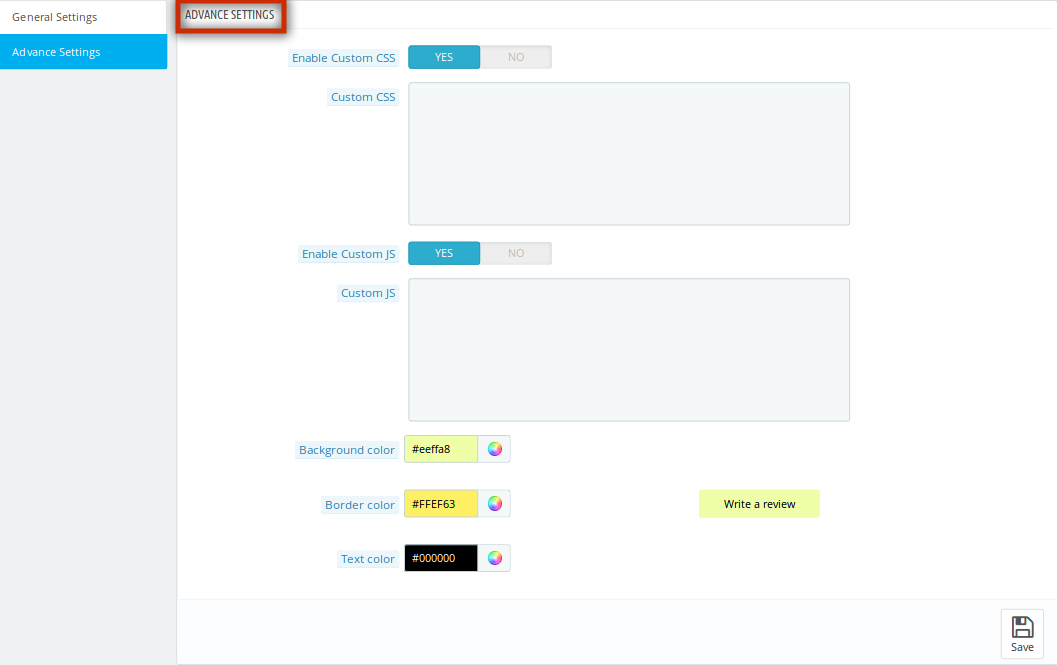
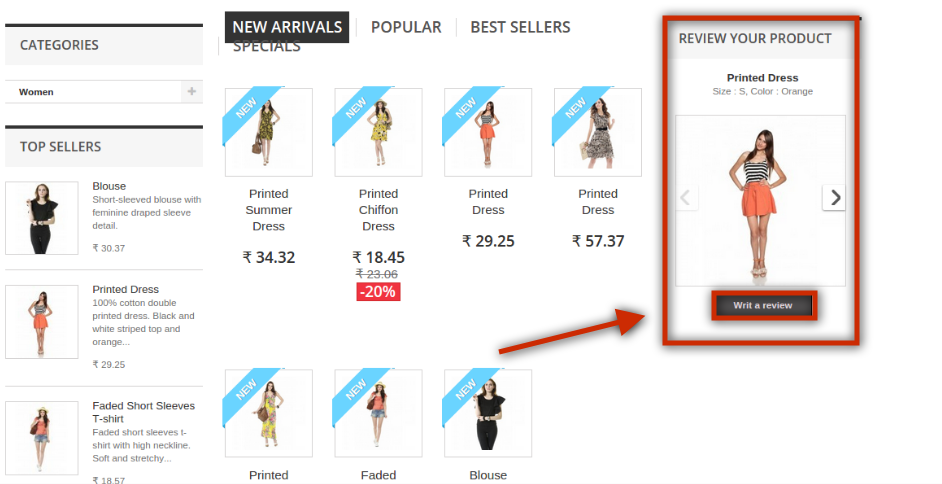
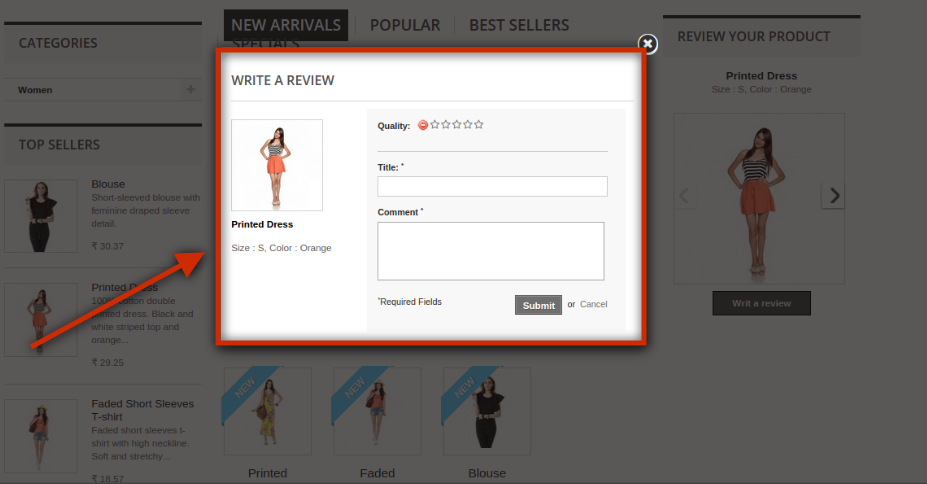
PrestaShop Review and Rating Module
OpenCart Review and Rating Module
Magento 2 Review and Rating Module
Magento Review and Rating Module
Shopify Review and Rating Module
Customers would gladly leave reviews and ratings if you reward them. You can use the review and reminder modules to incentivize customers for all of their accepted reviews.
KnowBand is a brand that has a solution for all your eCommerce website problems. Ready-made plugins to a customized website, and mobile apps to PWAs, we deliver all with perfection. Get in touch with our experts to discuss your requirements.