Problem Statement
While using the library provided by HubBox, there is an error occurring-
require(C:\wamp64\www\HubBox\sample\src\public/../../vendor/autoload.php): failed to open stream: No such file or directory in C:\wamp64\www\HubBox\sample\src\public\index.php on line 14
Solution
This error occurred because of dependencies on files that are missed. You need to solve this issue by using below steps:
Step1: Delete the file sample/composer.lock from the library.
Step2: Make a folder with the name “vendor” under /sample/
Step3: Run the command “composer install” in command prompt at /sample/
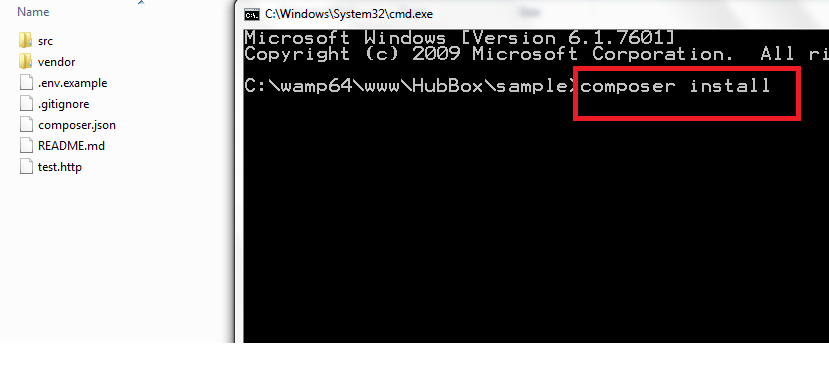
It will download all the dependency files which are required.
After successfully downloading all the dependencies, you will able to use the HubBox library.

