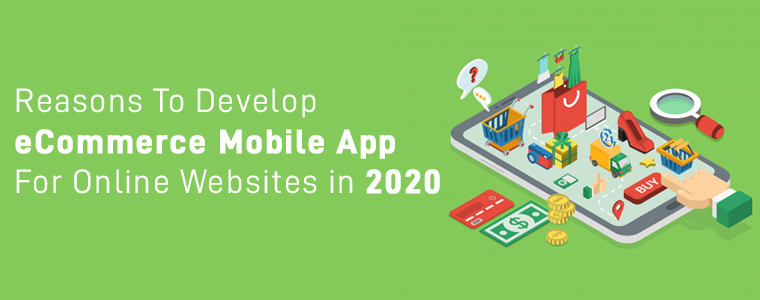
It’s 2020 now, & mCommerce has already marked its lead in almost every aspect eCommerce and retail industry. If you are associated with an eCommerce business that still doesn’t have your eCommerce Mobile Application, then there is a possibility that your might be missing out numerous sale and growth opportunities.
Just having an eCommerce app isn’t enough, you must keep it optimized & well-tailored according to your unique business needs. To stand out from the competitors & to serve the customers better to make more profits, modified eCommerce apps play a huge role. Here are some of such factors that you must consider while developing or customizing a shopping app for eCommerce. Get to know these and keep a match with the trends.
Customer-Centric Approach:
1. User-friendly Interface:
Having a complicated front interface can scare off a few visitors from the app. Hence, the easier an app is to operate, the more positive engagement it gets from the app users. To complement that, keep the UI & UX at par. The best option is to go for the DIY editor customizable home screen. The benefit with that is the store admin can design the home screen as per their choice and business requirements.
2. Simplified Onboarding Process:
Whenever a new user onboards the app, add interactive instructions & graphics to guide the user with the basic functionalities of your app. Also, to make the signup & login easier, integrate social logins like Facebook, Google, etc. You can also use the fingerprint scanning feature of the smartphone devices to add one more option for login, i.e. fingerprint authentication.
3. Layered Navigation:
If your business has products with different categories, make sure to add proper sorting & filtering options. Also, while adding links for categories & subcategories on the navigation menu, make sure that the user doesn’t need to make more than 4 to 5 clicks to reach their choice of subcategory. Easier it is to find products on the app, more are the chances of purchase.
4. Multi-lingual & Multi-Currency Support:
If you serve non-English speaking customers as well, equip your app with all the relevant languages. You may or may not need to include RTL scripts as well as the Arabic language. Similarly, for different countries, you must configure your app to support payment in multiple currencies. The integrated languages in the eCommerce apps can be regional as well.
5. Offline Mode Accessibility:
The best thing about mobile apps (when compared to websites) is that apps can be configured to function even with no internet connection. Although app users can’t browse & load newer pages can access their cart, wishlist, my-account page & recently loaded products & categories.
6. Advanced Search Options:
Equip your eCommerce mobile apps with advanced product search features like ‘image search’, ‘voice search’ & ‘bar code search’. Using such features, the app users can easily search for products on the eCommerce app using a reference image or via giving voice commands or even via the image of a barcode.
7. One-Page Checkout:
The checkout page can be optimized by placing only the necessary entries on a single page. Also, some of the entries can be optimized to have pre-filled data from the previous purchases, like shipping address, phone number, etc.
8. Order Tracking:
Allow your customers to track their orders by adding order tracking features in your eCommerce app. It not only makes it easier for customers but also eases the task for customers to resolve any delivery related issues (in case any arises).
9. Multiple Payment Methods:
Make sure that all the payment methods on your eCommerce website are functional on your eCommerce mobile app as well. You can also introduce mobile-friendly payment options like eWallet integrations like PayTm, PayPal, Google Pay, etc.
10. Chatbot & Chat Support:
Provide improved customer support by integrating static or dynamic chatbots in your app. Especially the dynamic chatbots have a lot of scope with AI automation & can serve the customers with accurate automated response 24/7.
11. Security:
Above all, security is one of the most important factors in an eCommerce Mobile App. The shopping apps for eCommerce must have secure payment gateways. The overall app must be secure because of personal data of users being stored like addresses, phone numbers & payment details like card numbers, etc.
Admin-Friendly Approach:
1. Convenient Admin Panel:
Whichever platform your eCommerce Mobile App Development suggests you opt for, make sure that the admin panel is user-friendly for admins & vendors to use. Because eCommerce mobile apps always need to be re-designed every now & then, a simplified yet feature-rich backend is a must.
2. Push Notifications:
Set up the firebase in a way that you can send an unlimited number of Push Notifications to your App Users. You must also be able to easily create, automate & send those notifications conveniently from the backend.
3. ASO Integrated Features:
Building a spectacular eCommerce pays off well if it gets more visibility on the app stores. Hence, from the beginning itself, you must add necessary App Search Optimization elements in your app to make it rank better on the app stores.
4. Scope For Future Customizations:
With the technology & consumer trends being regularly evolving, your Mobile App is sure to require customizations in the future. Hence, while building an eCommerce Mobile App make sure that your app can undergo heavy customizations of any kind in the future. Certain third-party plugins & extensions can also prove to be useful for certain modifications.
5. Live Synchronization:
Have both your eCommerce app as well as the website to be synchronized in real-time. This way all the changes made on one reflects on the other & keeps the inventory management automatic.
6. Multivendor Marketplace:
If your business model requires multivendor configuration, then your Mobile App must have all the necessary features & elements to run smoothly on such a configuration.
7. Audience Insights:
Integrate analytic tools with your eCommerce app so that you can get deeper insights into your app users. This also helps your team to make smarter marketing decisions & to add customizations according to users’ needs.
Ending Comments:
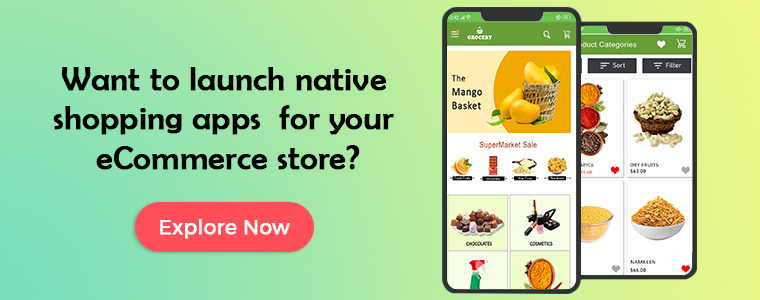
We, at KnowBand, make sure that your eCommerce website & mobile app serve both store admin and online shoppers in the best way possible. If you require any assistance in custom eCommerce Mobile App Development, feel free to reach out to us at support@knowband.com.
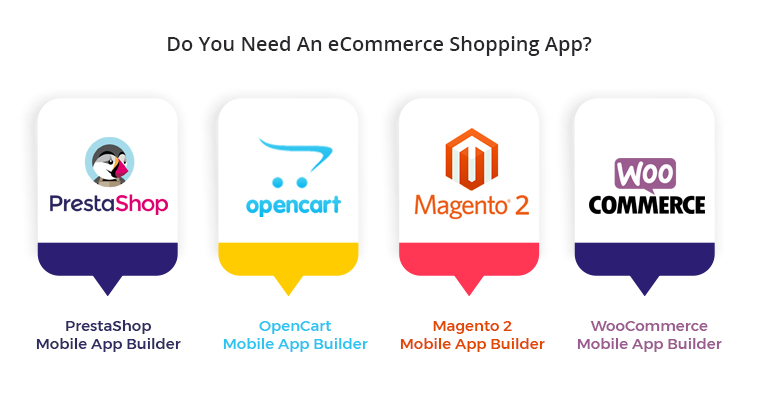
In case you have a running eCommerce store on any of the following platforms, launch a pair of native shopping apps with ready-to-go plugins: