

Knowband wprowadza rozszerzenie OpenCart Google Tag Manager, aby uprościć śledzenie sklepu
Łatwo dodaj GTM i GA4 do OpenCart. Lepsze śledzenie, dane analityczne i efektywne kampanie marketingowe.

Running an online store isn’t just about selling products. To grow their business, e-tailers also need to understand customer behavior. However, tracking this behavior can often be complicated, especially if you don’t have a technical background.
That is why Knowband has launched OpenCart Google Tag Manager (GTM) Extension , a smart and simple plugin that will help store owners connect their OpenCart store to Google Analytics 4 (GA4) without writing a single line of code.
What is Google Tag Manager?
First of all, let’s quickly understand what Google Tag Manager is. GTM is a free tool from Google that lets you manage all of your website’s tracking codes in one place. Instead of adding the code to every page of your website, you can simply add it once using GTM and manage everything from there.
This saves time, reduces errors, and makes tracking your store more accurate. As a result, you get better data to improve your marketing and customer experience.
Why OpenCart GTM Extension by Knowband is a Must
Now that you know how important GTM is, you might be wondering how Knowband Google Tag Manager plugin helps.
The answer is simple:
This makes the process easier, faster, and error-free. Let’s take a look at how it works and what sets it apart.
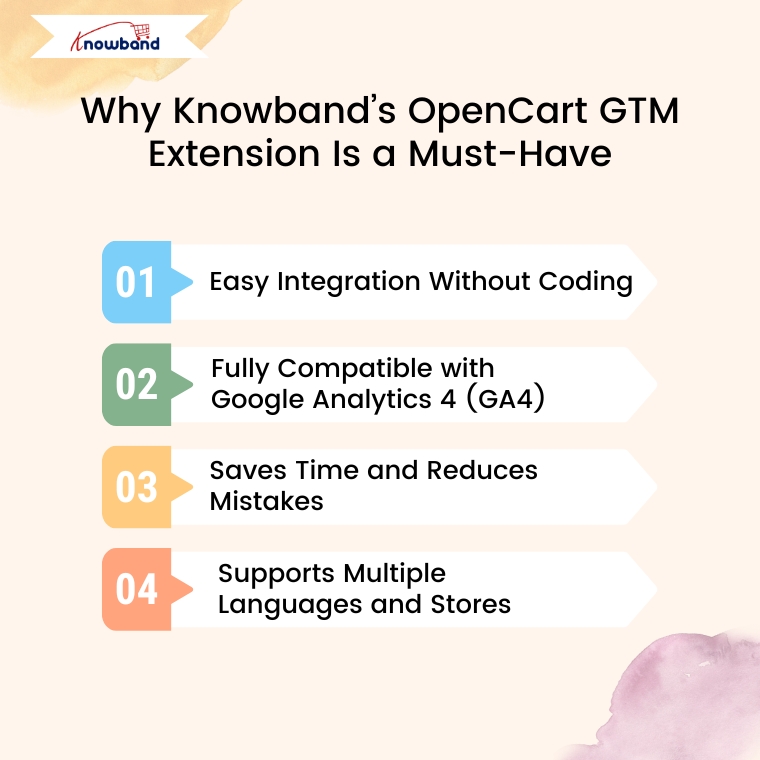
1. Easy integration without coding
To start with, Knowband GTM extension is incredibly easy to install and use. Once you upload it to your OpenCart store, you can connect it to your Google Tag Manager account in a few clicks. No technical knowledge or developer help is required.
2. Fully compatible with Google Analytics 4 (GA4)
In addition, the Google Tag Manager extension for Opencart is fully compatible with the latest version of Google Analytics – GA4. This means it can track all the important actions taken by your customers, including:
- Page View – Track when a user opens any page.
- View Category – Find out when someone is viewing a specific category.
- View Product – See when users view your product detail page.
- Add to Cart – Track products or cart data as users add items to their cart.
- Remove from Cart – Know when something is being removed from their cart.
- Order Fulfillment Starts – See when a customer begins the checkout process.
- Order Confirmation – Track successful purchases and revenue.
- Apply Coupon Code – Track your coupon code usage.
- View Cart – Know when customers review their cart contents before completing checkout.
- Login / Registration – Track customer logins and new account creation.
- Add/Remove from Wish Lists – See what customers are saving to or removing from their wish lists.
- Search Products – Find out what people are looking for on your site.
- UTM Tracking – Record campaign performance with UTM parameters.
- Scroll Depth – Measure how far down your page your users scroll.
These detailed events give you a clear picture of how visitors interact with your store from the moment they land on your site to the moment they make a purchase.
3. Saves time and reduces errors
In addition, the Opencart Google Tracking extension helps you avoid the manual setup of tracking codes. The OpenCart GTM plugin not only saves you time but also reduces the risk of errors. Instead of worrying about where to place each code, you can relax knowing that everything is managed from one place.
4. Supports multiple languages and stores
If you run multiple OpenCart stores or serve customers in different countries, the Opencart Google Tag Manager extension is perfect for you. The OpenCart No-Code Google Tag Manager plugin supports multi-store and multi-language setups, so you don’t need to install separate tracking for each version of your website.
What are the benefits for shop owners?
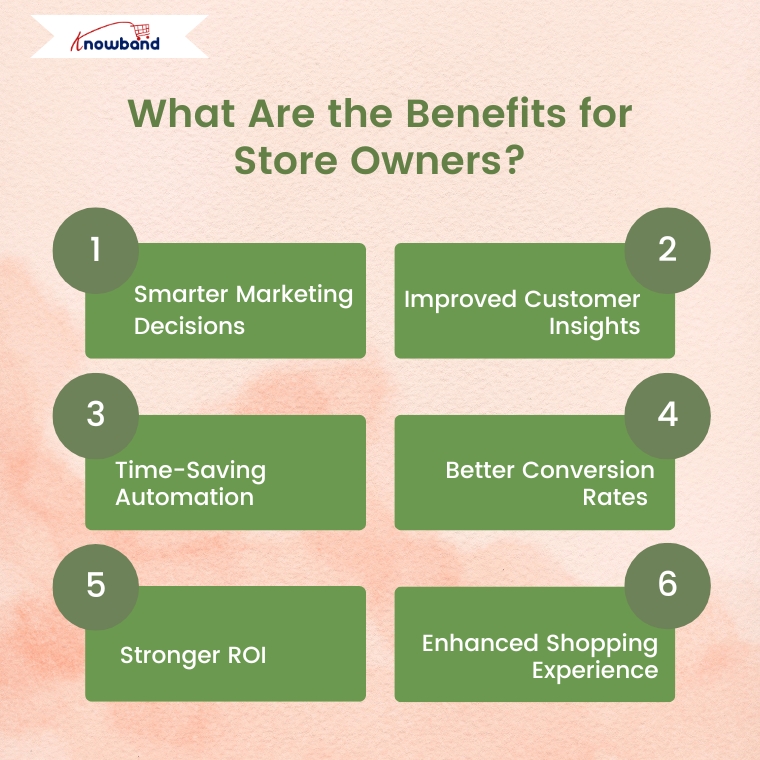
Now that we have discussed the features, let’s talk about the real benefits you will gain by using the OpenCart Google Tag Manager extension:
- Smarter Marketing Decisions – With accurate tracking, you’ll know exactly which ads and campaigns are driving sales.
- Enhanced customer insights – See how users interact with your store and what interests them most.
- Time-Saving Automation – No more copying and pasting code across your entire site. It’s all automated.
- Improved conversion rates – With information from GA4, you can improve your store layout, troubleshoot issues, and streamline your checkout process.
- Greater Return on Investment (ROI) – When you invest in the right marketing based on real data, your return on investment increases.
- Improved shopping experience – Understanding what your customers like will help you create a more enjoyable and personalized experience.
Final remarks
In conclusion, the Knowband OpenCart Google Tag Manager extension is a powerful yet simple plugin for every OpenCart store owner. It connects your store to GA4 without any technical hassles, tracks important customer actions and provides you with the information you need to grow your business.
Whether you’re just starting out or already have a successful online store, this extension will help you make smarter decisions, save time, and increase sales.
If you’re serious about improving your store’s performance, it’s time to upgrade your tracking system. Try Knowband GTM extension today – and take the guesswork out of your marketing and analytics.
- Jak przekształcić blog OpenCart w strategię treści generującą dochód
- Rozszerzenie OpenCart Backup and Restore: Kompletny podręcznik użytkownika
- 7 typowych problemów w handlu elektronicznym i jak je rozwiązać w 2026 roku
- Rozszerzenie OpenCart Advanced Security Manager – kompletny podręcznik użytkownika
- Zwiększ swój zwrot z inwestycji: chatboty AI i karuzele wideo w aplikacjach mobilnych OpenCart