How to Seamlessly Sync Your WooCommerce Store with eBay Marketplace!

Expanding your online store’s reach to new audiences is crucial in today’s competitive eCommerce environment. Therefore, integrating your WooCommerce store with eBay Marketplace is an excellent strategy to tap into millions of potential customers.
This guide will walk you through the process of seamlessly syncing your WooCommerce store with eBay Marketplace using the WooCommerce eBay Integration Module. We’ll explore the benefits, steps to integrate, and tips to make the most of this powerful combination.

Why Integrate WooCommerce with eBay?

Before diving into the integration process, it’s essential to understand why syncing your WooCommerce store with eBay can be a game-changer. eBay is one of the largest online marketplaces, offering exposure to millions of potential buyers worldwide. Thus, by using a WooCommerce eBay Integration Plugin, you can effortlessly manage your product listings on both platforms from a single dashboard. This integration not only increases your store’s visibility but also simplifies inventory management and order processing, which can lead to significant sales growth.

The WooCommerce eBay Marketplace Integration Extension allows you to list your WooCommerce products on eBay, ensuring that your inventory remains synchronized across both platforms. This means that any changes you make to your products in WooCommerce, such as price updates or stock levels, will automatically reflect on eBay. Moreover, this seamless integration helps you avoid overselling, maintain accurate inventory records, and save time that would otherwise be spent manually updating each platform.

Steps to Sync Your WooCommerce Store with eBay:

Integrating WooCommerce with eBay might sound complex, but it’s quite straightforward with the right tools. Here’s a step-by-step guide to help you get started.

1. Choose the Right Integration Tool:

When choosing an integration tool, look for one that offers easy installation, user-friendly settings, and reliable customer support. A well-chosen eBay WooCommerce Connector will simplify the integration process and ensure that your store runs smoothly on both platforms. If you are looking for a no-code eBay integration solution for WooCommerce, we have the best option for you at Knowband.

2. Install and Configure Knowband’s eBay Integration Tool for WooCommerce:

Once you’ve selected the appropriate tool, the next step is installation and configuration. Typically, you’ll start by installing the plugin or extension on your WooCommerce site. After installation, you’ll need to connect your eBay seller account to WooCommerce using the eBay WooCommerce API Integrator by Knowband. This involves entering your eBay API credentials, which securely link your store to the eBay platform.

After establishing the connection, you can configure various settings, such as how often your product listings and inventory should sync, whether to automatically list new WooCommerce products on eBay and how to handle orders placed on eBay. The goal is to tailor the integration to suit your specific business needs, ensuring that the process is as automated and hands-free as possible.

Knowband’s WooCommerce eBay Marketplace Integration Extension

Seamlessly list and manage your WooCommerce products on eBay with this WooCommerce eBay Marketplace Integration Extension. Simplify your workflow and expand your reach effortlessly!

SHOP NOW

3. Map WooCommerce Products to eBay Categories:

One of the critical steps in the integration process is mapping your WooCommerce products to the appropriate eBay categories. This ensures that your products are listed in the correct sections on eBay, making them easier for buyers to find. Furthermore, the WooCommerce eBay Integrator usually provides tools to help you match your products with eBay’s category structure. This step might take some time, but it’s essential for optimizing your listings and ensuring they reach the right audience.

After mapping your products, you can also customize how each product is displayed on eBay. This includes setting specific pricing rules, shipping options, and return policies that may differ from those on your WooCommerce store. Thus, by fine-tuning these details, you can create a more appealing shopping experience for eBay customers while maintaining consistency with your WooCommerce store.

4. Sync and Manage Orders:

Once your products are listed on eBay, Knowband’s WooCommerce eBay Integration Plugin will continuously sync data between WooCommerce and eBay. This means that any orders placed on eBay will automatically appear in your WooCommerce dashboard, where you can manage them alongside your WooCommerce orders. The WooCommerce eBay Integration Module ensures that inventory levels are updated in real time, preventing overselling and keeping both platforms synchronized.

Managing orders from a single dashboard streamlines your workflow, making it easier to track sales, process shipments, and handle customer inquiries. Moreover, the integration also helps you manage returns and refunds across both platforms, ensuring a smooth experience for your customers.

Tips for Optimizing Your eBay WooCommerce Integration!

To make the most of your WooCommerce eBay Integration Plugin, consider these tips:
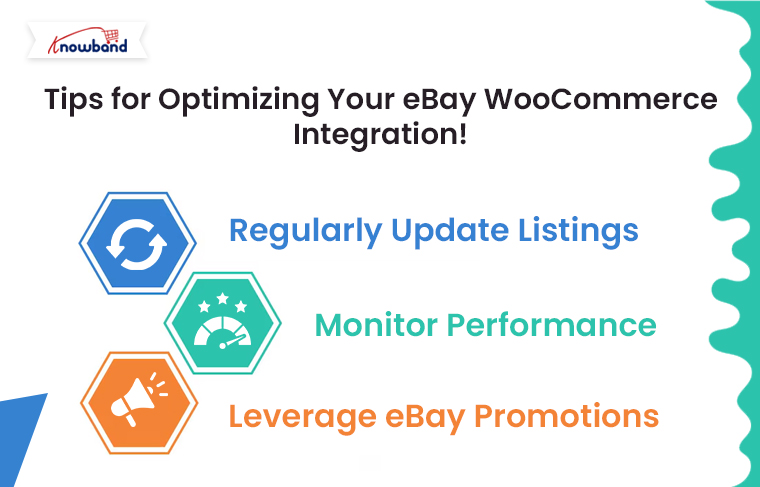
Regularly Update Listings: Keep your product listings fresh by regularly updating them with new information, images, and descriptions. This can help improve their visibility on eBay.

Monitor Performance: Use the analytics tools provided by your integration module to monitor the performance of your eBay listings. This data can help you identify which products are selling well and which may need adjustments.

Leverage eBay Promotions: Take advantage of eBay’s promotional tools to boost your listings. This can include discounts, coupons, or special offers designed to attract more buyers.

Conclusion!

Integrating your WooCommerce store with eBay Marketplace using a WooCommerce eBay Integrator is a powerful way to expand your reach, streamline operations, and boost sales. By following the steps outlined in this guide, you can set up a seamless connection between WooCommerce and eBay, allowing you to manage your multi-channel sales efficiently. With the right tools and strategies in place, you’ll be well on your way to maximizing your store’s potential on eBay and beyond.


 

Explore the Latest Features of Knowband’s WooCommerce Google Shopping and eBay Marketplace Connectors!

Expanding market reach is one of the biggest challenges for eCommerce businesses. Nowadays, customers have access to all the major marketplaces as well as offline markets which makes it harder to find new customers.

For the same reason, staying ahead of the curve by implementing new strategies is crucial for success. Therefore, for WooCommerce store owners, reaching a wider audience through multiple marketplaces is a strategy that can significantly boost sales and brand visibility. Moreover, with the launch of Knowband’s revamped WooCommerce Google Shopping Connector and WooCommerce eBay Marketplace Connector plugins, integrating your store with these powerful platforms has never been easier.

In this article, we’ll explore the importance of selling on marketplaces and delve into the latest features of these two essential tools.

The Importance of Selling on Marketplaces

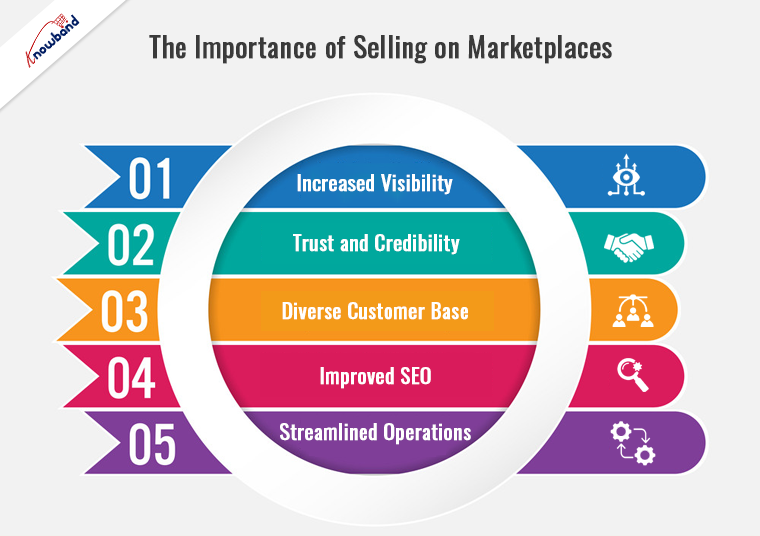
Selling on online marketplaces like Google Shopping and eBay offers numerous benefits for eCommerce businesses:

  1. Increased Visibility: Marketplaces have a massive user base that provides an instant boost to your product’s visibility and unlocks a wider customer audience for you.
  2. Trust and Credibility: Consumers often trust well-known marketplaces, which can enhance the credibility of your products.
  3. Diverse Customer Base: Marketplaces have their own promotional strategies to drive more traffic. Thus, reaching out to diverse demographics becomes easier, as marketplaces attract customers from various backgrounds.
  4. Improved SEO: Products listed on multiple platforms improve search engine rankings, driving more organic traffic to your store.
  5. Streamlined Operations: Integrating your store with marketplaces can automate many processes, saving time and reducing errors.

Introducing the Revamped WooCommerce Google Shopping Connector

What is WooCommerce Google Shopping Connector?

The WooCommerce Google Shopping Connector is a powerful tool designed to seamlessly integrate your WooCommerce store with Google Shopping. Furthermore, this integration allows you to create and manage product listings, synchronize inventory, and optimize your product feed for better performance on Google Shopping.

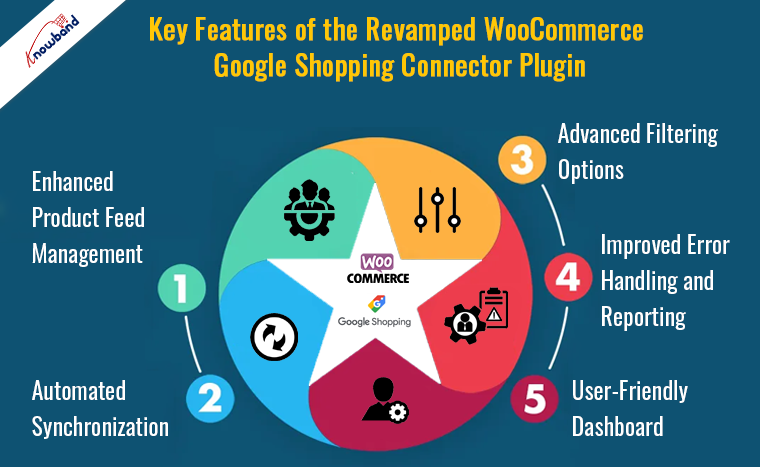
Key Features of the Revamped WooCommerce Google Shopping Connector Plugin:

  1. Enhanced Product Feed Management: The revamped version offers a more intuitive interface for managing your product feed. You can easily map product attributes, set custom labels, and ensure that your listings meet Google’s specifications.
  2. Automated Synchronization: The WooCommerce Google Shopping Synchronizer ensures that your product data is always up-to-date. Moreover, the automated crons ensure that the changes made in your WooCommerce store are automatically reflected in your Google Shopping feed, eliminating the need for manual updates.
  3. Advanced Filtering Options: With advanced filtering options, you can choose which products to include in your Google Shopping feed. This helps in optimizing your listings by focusing on the products that perform best.
  4. Improved Error Handling and Reporting: The new version comes with enhanced error handling and detailed reporting features. You can easily identify and fix issues that might affect your product listings’ performance on Google Shopping.
  5. User-Friendly Dashboard: The updated dashboard provides a comprehensive view of your product feed status, synchronization logs, and performance metrics, making it easier to manage your integration.

Knowband’s WooCommerce Google Shopping Connector

Boost your WooCommerce store’s visibility with Knowband’s Google Shopping integration, making it easy to list and manage products on Google Shopping.

SHOP NOW

By leveraging the capabilities of the WooCommerce Google Shopping Integration Plugin, store owners can ensure their products reach the right audience on Google Shopping, driving more traffic and sales.

Discover the New Features of WooCommerce eBay Marketplace Connector

What is WooCommerce eBay Marketplace Connector?

The WooCommerce eBay Marketplace Connector is designed to integrate your WooCommerce store with eBay, one of the largest online marketplaces. This plugin allows you to list products, synchronize inventory, and manage orders directly from your WooCommerce dashboard.

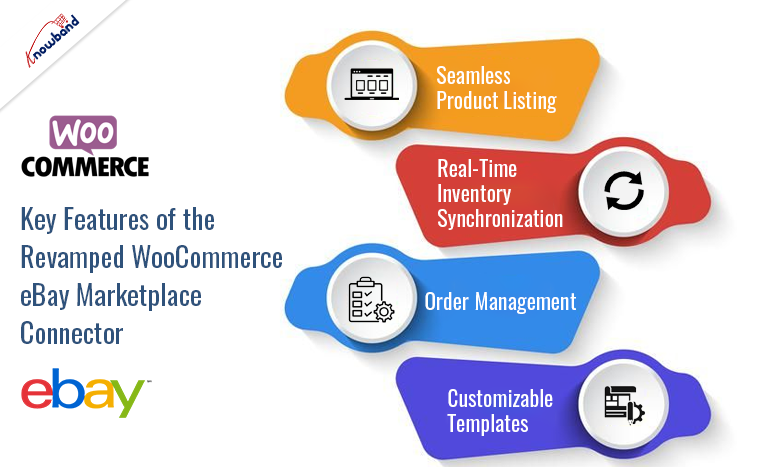
Key Features of the Revamped WooCommerce eBay Marketplace Connector

  1. Seamless Product Listing: The updated eBay WooCommerce Connector by Knowband simplifies the product listing process. Furthermore, you can create and manage eBay listings directly from your WooCommerce store, ensuring consistency across both platforms.
  2. Real-Time Inventory Synchronization: The WooCommerce eBay Integration Module offers real-time inventory synchronization. Stock levels are automatically updated on eBay whenever a sale is made in your WooCommerce store, preventing overselling and stockouts.
  3. Order Management: With the WooCommerce eBay Integration Plugin, managing orders is a breeze. You can handle all eBay orders from your WooCommerce dashboard, streamlining your operations and saving time.
  4. Customizable Templates: The revamped version includes customizable templates for eBay listings. This feature allows you to create professional and attractive product listings that stand out in the crowded marketplace.

Knowband’s WooCommerce eBay Marketplace Connector

The WooCommerce eBay Marketplace Integration Extension by Knowband helps you sync and manage your WooCommerce store with eBay effortlessly.

SHOP NOW

Conclusion!

The integration of your WooCommerce store with major marketplaces like Google Shopping and eBay is a strategic move to expand your business and reach a wider audience. Therefore, the revamped WooCommerce Google Shopping Connector and WooCommerce eBay Marketplace Connector plugins offer enhanced features that make this process easier and more efficient than ever.

By utilizing the WooCommerce Google Shopping Integration Module and the WooCommerce eBay Integration Addon, you can automate and streamline your operations, focus on growing your business, and enjoy the benefits of increased visibility and sales. Explore these powerful tools today and take your WooCommerce store to new heights. You can watch our latest videos here: