
Read this first. PHP shipped fixes on 21 October for two critical flaws. If your store runs on an unpatched PHP, an attacker may be able to execute code on the server with no login at all. Neither flaw is in PrestaShop. Today you need three answers: what PHP version is running, whether your host has applied the fix (get it in writing), and whether PHP has been restarted since.
Most security news is about a plugin or a theme, and the cure is a button labelled “Update”. This is different. Your problem is in the engine beneath your store, and the solution is in the server, beyond any reach of the Back Office. That’s why it’s easy to overlook, and that’s why you need to take an afternoon to fix it calmly and systematically.
How this unfolded
The PHP team warned on 20 October that security releases were coming. They were discovered on 21 October, and these have been assigned CVE numbers CVE-2026-109618 and CVE-2026-109619. These vulnerabilities both score 9.2 on the CVSS v4.0 Scale, and are quite critical, and have earned the moniker “php2shell”.
A joint advisory was issued by the European Commission (DG CNECT), ENISA, CERT-EU, Europol EC3, and the CSIRTs Network.
The European Commission (DG CNECT), ENISA, CERT-EU, Europol EC3 and the CSIRTs Network then issued a joint statement telling organisations to move.
Fixed versions: PHP 8.5.12, 8.4.27, 8.3.36 and 8.2.35.
What is actually broken
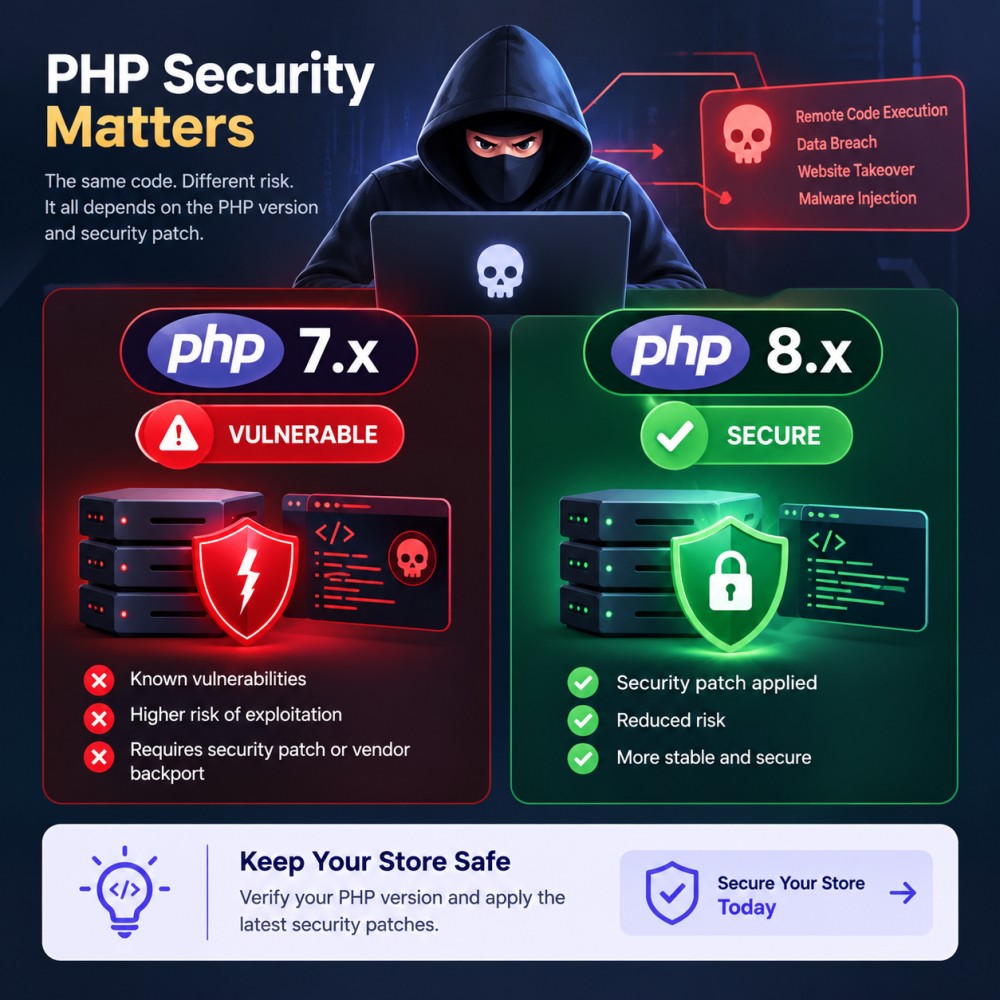
Both flaws can end in remote code execution without authentication. Translated: a stranger on the internet could get your server to run their instructions.
CVE-2026-109618 is a memory-handling problem. Imagine PHP is building the workspace for an incoming request and the server runs dry of memory halfway through. PHP stops, but the cleanup routine afterwards assumes the half-finished workspace is complete and acts on it.
CVE-2026-109619 is closer to a hangover. Something that belonged to one request is still sitting around after its memory was released, and a later request on the same worker can pick it up and trust it.
Notice where both of these live: inside PHP. PrestaShop is not at fault, and PrestaShop cannot defend against it, since the attack can land before a single line of PrestaShop code has run. So a module update or a core update changes nothing here. The PHP update is the fix.
Whose problem is it?
Every way of running PHP for the web is in scope: PHP-FPM, Apache mod_php, php-cgi, FrankenPHP and LiteSpeed. Apache with mod_php is the worst case because the attack can fire ahead of any application code.
What you need to do depends on your hosting environment and who manages your PHP installation:
| Hosting Environment | Who Manages PHP? | Recommended Action |
|---|---|---|
| Shared Hosting | Your hosting provider | Contact your host and request confirmation that the relevant PHP security fixes have been applied to your environment. |
| VPS or Dedicated Server | You or your system administrator | Install the appropriate security updates for your PHP version or operating system package, then restart the relevant PHP services if required. |
| Docker or Containerized Hosting | The team responsible for the container image | Rebuild the image using a PHP base image with the applicable security fixes, then redeploy and verify the running environment. |
| Older or Unsupported PHP Versions | Your hosting provider or server administrator | Check whether a vendor security backport is available. If not, plan a move to a supported PHP version after checking compatibility with your store, theme, and modules. |
Your checklist for today
- Look up the PHP version. Back Office, Advanced Parameters, Information.
- Write to your host. Just ask directly: “Have our servers been patched for CVE-2026-109618 and CVE-2026-109619, and have all of our PHP processes been restarted?” Keep the answer you get. Hint: Some distributions silently apply the patch, leaving the version number unchanged; thus, the age of the version number cannot be used to determine if the server is vulnerable or not.
- Update, then restart. Go to a fixed release or a vendor-patched package. Restart all PHP workers. A restart is the step people forget. On Docker, rebuild the images.
- On PHP 8.1 or below? The PHP project did publish minimal backports for 7.4, 8.0 and 8.1, and many Linux distributions and LTS vendors ship patched packages. Find out if yours does. Either way, start planning the move to a supported version.
- Think about PrestaShop next. Pick a release that supports your target PHP (table below). That comes after the patch, not before.
Cannot patch yet? The EU guidance raises one option: isolate the exposed application from the public network until it is fixed. Drastic for a shop, yes. It is still worth having in your back pocket.
Stop-gaps while you wait
PHP’s own position is that no mitigation is complete and updating is the only safe route. Treat everything in this section as a way to shave down exposure for a few days, nothing more.
- Cap post_max_size at 8M (32M if uploads are needed), keep upload_max_filesize below that, and add size limits at the web server or proxy.
- Turn off upload progress with session.upload_progress.enabled=0. It has to go in php.ini, the FPM pool or the server config; ini_set and .user.ini will not do it. Restart workers.
- PHP 8.5 only: fatal_error_backtraces=0, then restart workers.
- Admins only: memory_limit=-1 via php_admin_value, and only with a container or cgroup memory cap actually enforced. Skip RLIMIT_AS and RLIMIT_DATA. A bad setup here can knock the server over.
- Hiding errors (error_reporting, display_errors, @) gives no protection.
What about a firewall in front? Cloudflare, for one, has pushed out php2shell rules, and that is a worthwhile extra barrier. However, it sees only traffic that is passing through it. Therefore, the origin server needs to deny all the traffic except for the traffic coming from the WAF. It is like having a seat belt and not a new car.
The only complete fix is upgrading PHP.
Fixing it properly
How to do it right?
After you get out of the crisis situation, make sure that you use a supported PHP version for your store and combine it with a PrestaShop version that is compatible with this PHP. Mind the calendar since PHP 8.2 will reach the end of its life in December 2026.
Before updating PHP or planning a PrestaShop upgrade, check the security status of your PHP version and confirm compatibility with your PrestaShop release, theme, and installed modules.
| PHP Version | Security Status | PrestaShop Compatibility Considerations |
|---|---|---|
| PHP 8.5 | Verify the applicable security release and patch status. | Check compatibility with PrestaShop 9 and all installed themes and modules before upgrading. |
| PHP 8.4 | Verify the applicable security release and patch status. | Confirm compatibility with your PrestaShop version and extensions. |
| PHP 8.3 | Verify the applicable security release and patch status. | Check your PrestaShop release requirements and module compatibility before changing PHP versions. |
| PHP 8.2 | Check the relevant security fixes and the branch’s support lifecycle. | Verify compatibility with your current store and planned upgrade path. |
| PHP 8.1 | Check vendor support and whether security backports are available. | Confirm the PHP requirements of your specific PrestaShop release before upgrading. |
| PHP 8.0, 7.4 and older | These branches are end-of-life upstream; check whether your vendor provides security backports. | Plan a move to a supported PHP version and compatible PrestaShop release, after testing themes, modules, and payment integrations. |
Important: A newer PHP version is not automatically secure, and an older version is not necessarily unpatched if a vendor provides security backports. Verify the actual patch status and your store’s compatibility before making changes.
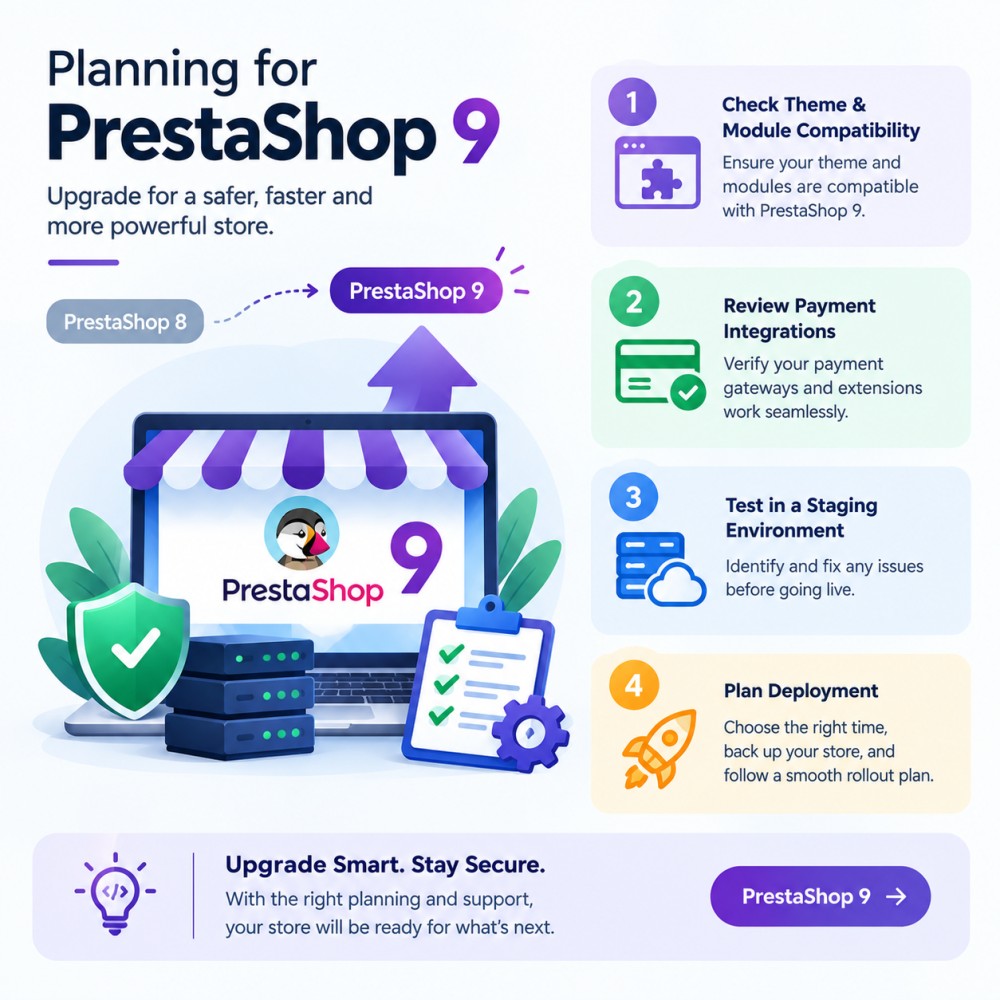
A major PrestaShop upgrade is a project of its own and a longer one. It is not a quick answer to these CVEs. If PrestaShop has to wait, patch PHP now and schedule the upgrade separately.
Need Help Securing or Upgrading Your eCommerce Store?
Keeping your eCommerce store secure requires timely security updates and a well-maintained platform. If you need assistance applying the appropriate PHP security patches or planning your PrestaShop 9 upgrade, the KnowBand team is here to help.
Our team can help you assess your store’s requirements, check compatibility, and plan the next steps to keep your store secure and running smoothly.
Along with security and upgrade support, you can explore KnowBand’s range of eCommerce modules to enhance your store’s functionality, improve the shopping experience, and support your business growth.
Need expert assistance? Contact KnowBand to discuss PHP security patching, PrestaShop upgrades, or the right modules for your store.
Quick Question & Answers
Question 1: Do I have to update my modules?
Answer: No, not because of these CVEs. A module cannot patch PHP. Do check module compatibility before you move to a newer PHP or PrestaShop.
Question 2: My shared host says they have it covered. Enough?
Answer: Get it in writing: both CVEs fixed, PHP restarted. A friendly “we are on it” is not confirmation.
Question 3: Can a WAF do the job instead?
Answer: It adds protection but only for proxied traffic, and altered payloads can slip through. Patch anyway.
Question 4: Must I upgrade PrestaShop right now?
Answer: No. That is the longer road. Today it is PHP that matters.
Question 5: I am still on PHP 7.4.
Answer: Official updates ended, though a minimal backport exists and many distributions and LTS vendors ship patched packages. Ask your host whether you are covered, then plan a move to a supported PHP.
Sources
- PHP official announcement: https://www.php.net/archive/2026.php
- PrestaShop advisory: https://build.prestashop-project.org/news/2026/php-security-updates-october-2026/
- EU joint statement (European Commission DG CNECT, ENISA, CERT-EU, Europol EC3, CSIRTs Network): https://www.enisa.europa.eu/news/joint-statement-on-critical-php-vulnerabilities
Running third-party software that bundles its own PHP? The EU statement points to the NCSC-NL php2shell GitHub repository.

