
In the competitive eCommerce, accurate data tracking is no longer optional but it has become a critical requirement for businesses to ensure effective marketing and performance analysis. From understanding customer behaviour to optimizing your ad campaigns, powerful analytics can drive smarter decisions and boost revenue. For PrestaShop users, the best way to streamline tracking and marketing integrations is with Knowband’s Prestashop Google Tag Manager.
Whether you’re new to analytics or want to integrate with advanced tracking tools like GA4, the PrestaShop Google Tag Manager Addon makes it easier than ever.
Why Choose the PrestaShop Google Tag Manager Addon?
Integrating GTM to your prestashop store manually can be complex, especially for non-developers. That’s where the PrestaShop Google Tag Manager Addon comes in.
The Prestashop Google Tag Manager is developed especially for merchants who don’t have coding knowledge or have less technical expertise.
The e-merchants can run the Google Tag Manager just by installing it. Additionally, the PrestaShop Google Tracking Module automatically tracks crucial eCommerce events like purchase events, and page view events, letting you focus on data-driven growth without worrying about script placements or event handling.
Features of the Prestashop No Code Google Tracking Module

Quick and Simple Integration
To begin with, store owners simply need to add their GTM container ID, and the module takes care of the rest. In other words, there’s no need to manually insert any tracking code into your theme files.
Enhanced eCommerce Tracking
Furthermore, the PrestaShop Google Marketing Integration Module fully supports enhanced eCommerce events such as Page View, View Category, View Product Detail, Add to Cart, Remove from Cart, Checkout Begins, Order Confirmation, Apply Discount Code, View Cart, Customer Login, Customer Registration, Add to Wishlist, Remove from Wishlist, Search Product, Capture UTM Parameters, and Scroll Bar Depth.
As a result, all of this event data is sent through GTM to your connected analytics tools, giving you deep insights into the entire customer journey.
GA4 Integration Support
In addition, the module works seamlessly with PrestaShop GA4 Integration. It effectively tracks key actions such as when a product is viewed, added to the cart, or purchased—thus helping you better understand customer behaviour.
UTM Parameter Tracking for Marketing Campaigns
Moreover, the module automatically captures UTM parameters from your marketing campaigns. Consequently, it allows you to track campaign performance across various channels and optimize your marketing strategies with data-driven decisions.
Seamless Multi-Store & Multi-Language Support
Finally, whether you operate multiple stores or use different languages, the module offers full support for multi-store and multi-language environments. This ensures that your tracking and data collection remain accurate and consistent across all setups.
Benefits of the Prestashop Google Tag Manager Module
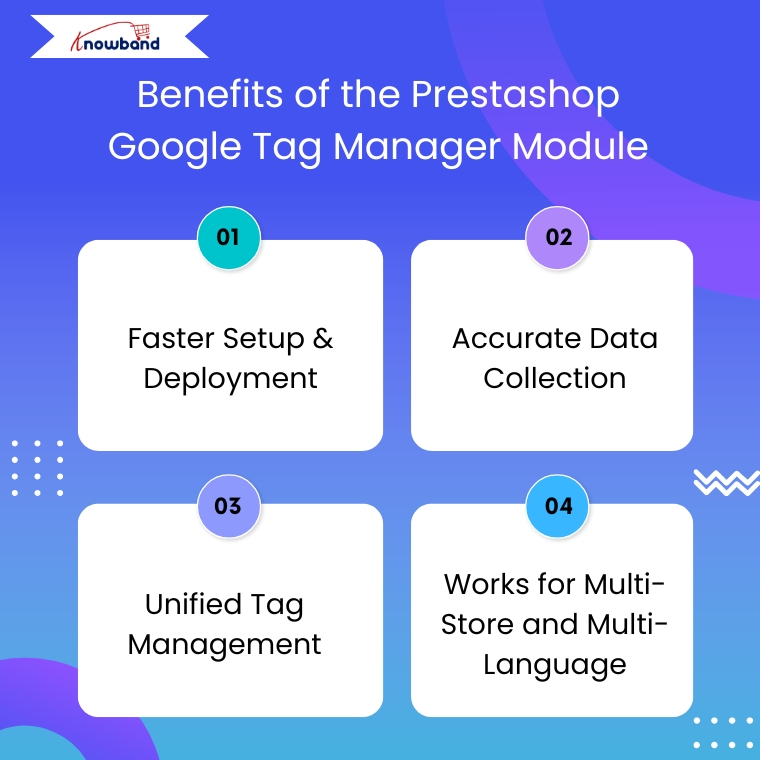
Faster Setup & Deployment
The PrestaShop Google Tag Manager module is simple to set up and easy to configure. They also need to enter their GTM Container ID and Google Analytics Measurement ID to make sure everything works smoothly.
Accurate Data Collection
With the PrestaShop Google Analytics Integration Module connected through GTM, you get more reliable tracking. Moreover, it helps avoid errors caused by outdated tracking codes or conflicting scripts.
Unified Tag Management
To get started, store owners just need to enter their GTM container ID, and the module handles everything else. This means there’s no need to manually add any tracking code to your theme files.
Works for Multi-Store and Multi-Language
If you’re running multiple stores or languages, the PrestaShop eCommerce Measure Addon ensures everything is tracked accurately across all setups without duplicating efforts.
Use Cases Of Google Tag Manager for PrestaShop
Here’s how store owners commonly use this module:
- Monitor abandoned carts by sending event data to Google Analytics 4 (GA4) using Google Tag Manage
- Improve the checkout process by finding out where customers drop off in the funnel.
- Retarget visitors who viewed products but didn’t buy, using Facebook and Google Ads.
- Understand product performance with detailed tracking of clicks, views, and other interactions.
Steps to set up the PrestaShop Google Tag Manager Addon?
Step 1: Install the Google Tag Manager addon in your PrestaShop store by uploading the zip file through your admin panel.
Step 2: If you haven’t already, create an account on Google Tag Manager and copy the container ID provided.
Step 3: Go to the addon settings in your PrestaShop dashboard and enter the container ID in the given field.
Step 4: Log in to your GTM account and create the tags, triggers, and variables you want to track.
Step 5: Your tracking setup is ready! You’ll now start receiving data without writing any code
Conclusion
In conclusion, the PrestaShop Google Tag Manager Module is a smart choice for store owners who want accurate tracking without a complex setup. Moreover, the module helps you understand customer behaviour, track key events, and improve your marketing performance.
With support for Google Analytics 4, UTM tracking, and multi-store environments, the Prestashop Google Tracking Module makes data collection simple and reliable. If you want to grow your store with the power of insights, this plugin is worth considering.