How to create breadcrumb in OpenCart?

Objectives of the blog

Breadcrumbs typically appear horizontally across the top of a web page, often below title bars or headers allows users to keep track of their locations within pages.

After reading this blog we will be able to add custom breadcrumb in Opencart page.

Problem Statement

Many of the paid custom theme does not provide breadcrumbs in their theme. But it’s not that hard for a user to add a breadcrumb in OpenCart pages.

Refer below screenshot for the same:
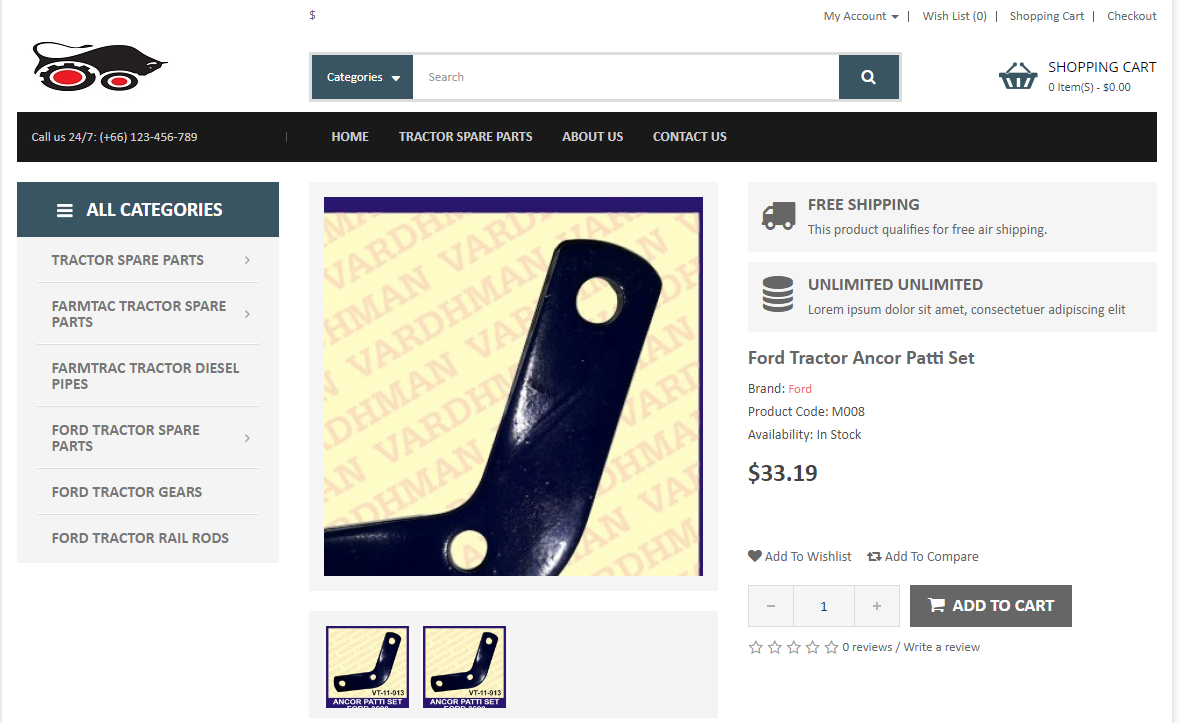
breadcrumb in OpenCart pages

Solution:

You just need to add block of  code in your custom view template file of page in which you want to add breadcrumb. Block of code is as follow –


<div class="page-top">
<div class="container">
<ol class="breadcrumb">
<?php foreach ($breadcrumbs as $breadcrumb) { ?>
<li><a href="<?php echo $breadcrumb['href']; ?>"><?php if($breadcrumb['text'] != '<i class="fa fa-home"></i>') { echo $breadcrumb['text']; } else { if($theme_options->get( 'home_text', $config->get( 'config_language_id' ) ) != '') { echo $theme_options->get( 'home_text', $config->get( 'config_language_id' ) ); } else { echo 'Home'; } } ?></a></li>
<?php } ?>
</ol>
</div><!-- End .container -->
</div>


You can add the above code  after <?php echo $column_left; ?> declaration.

This custom breadcrumb can be added on product pages, account pages, category pages and others.

$breadcrumb variable called in above tpl is already defined in all the pages controller in opencart. It is defined in below format in controller file of page –

$data['breadcrumbs'] = array();

$data['breadcrumbs'][] = array(
'text' => $this->language->get('text_home'),
'href' => $this->url->link('common/home')
);
$data['breadcrumbs'][] = array(
'text' => $category_info['name'],
'href' => $this->url->link('product/category', 'path=' . $path)
);


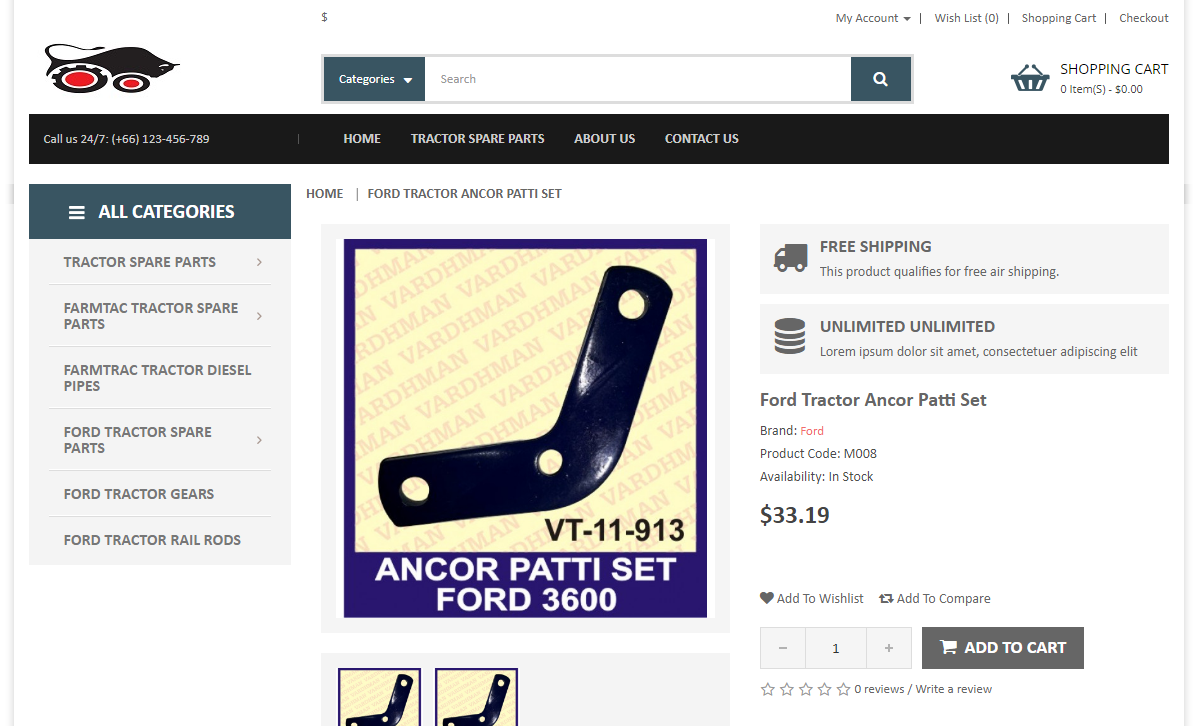
Once, you added the code in tpl file you can check your breadcrumb on your page. Please check our custom breadcrumb  (HOME | FORD TRACTOR ANCHOR PATTI SET) on product page below –
 

Summary

After reading the above solution, you will be able to add your own custom breadcrumb in the OpenCart pages.
How to open “Terms & Conditions” link in a new tab on checkout page (OpenCart)?

Objectives of the blog

After reading this blog we will be able to add the html attribute in “Terms and Condition” link to open it in new tab.

Current Scenario

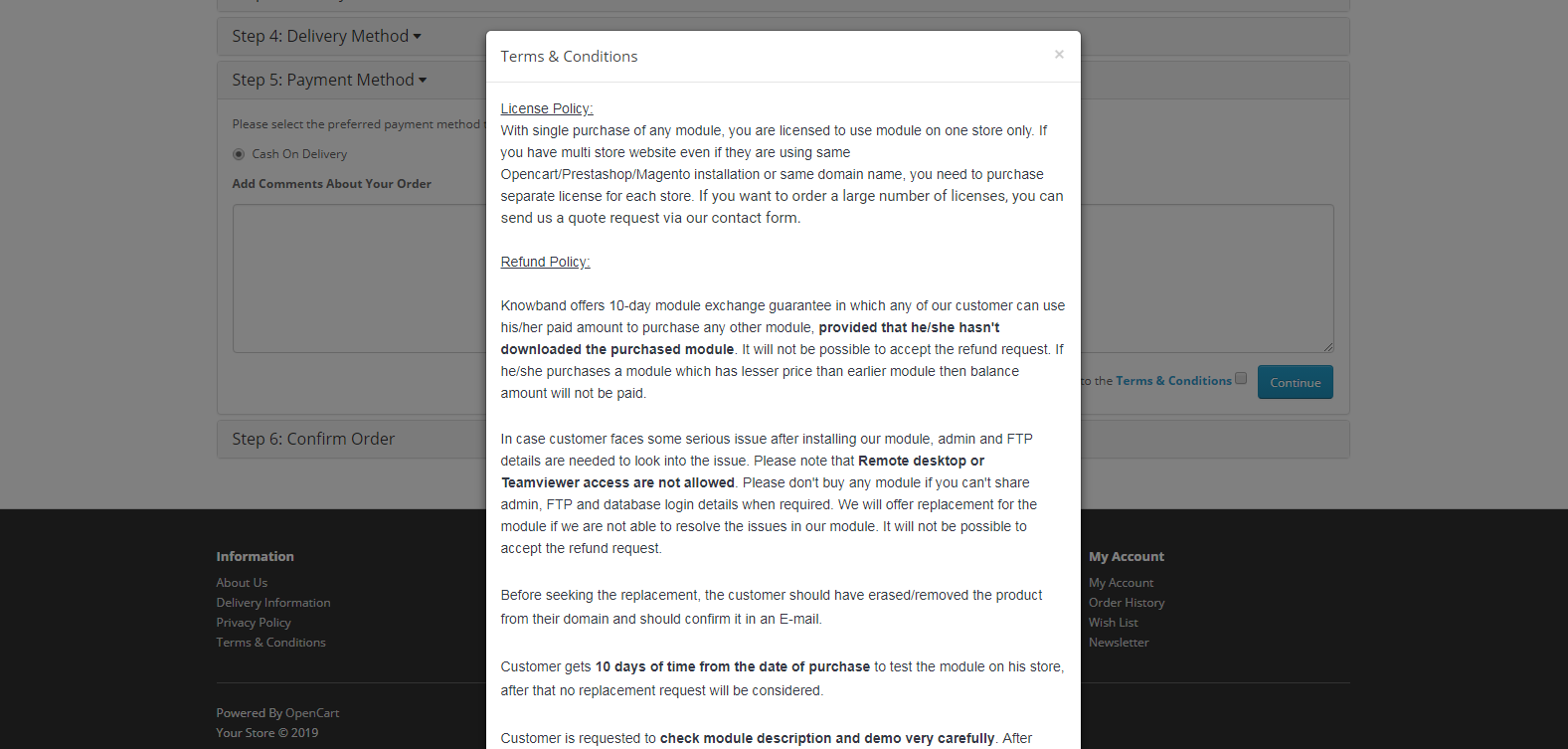
Presently, The “Terms & Conditions” link shows entire page in a popup window on checkout page of Opencart. But for “Terms & Conditions” having custom texts and html we want to open the same link in new tab as the content of page may not look appropriate in pop-up.

Refer below screenshot for the same-


Procedure:

STEP 1:-

Terms and Conditions link displayed on default checkout page resides in catalog/view/theme/default/template/checkout/payment_method.tpl, Block of code used for link is as below :


<div class="pull-right"><?php echo $text_agree; ?>


$text_agree is the variable that prints the link on page and this variable is set at location catalog/controller/checkout/payment_method.php

Variable definition looks as below :-

$data['text_agree'] = sprintf($this->language->get('text_agree'), $this->url->link('information/information/agree', 'information_id=' . $this->config->get('config_checkout_id'), true), $information_info['title'], $information_info['title']);


You need to replace this definition with new one –

$data['text_agree'] = sprintf($this->language->get('text_agree'), $this->url->link('information/information', 'information_id=5' , true), $information_info['title'], $information_info['title']);


we have replaced the href :-

https://your_store_url/index.php?route=information/information/agree&information_id=5


that does not contain header, footer and other content with

https://your_store_url.com/index.php?route=information/information&information_id=5


which contains header, footer and other content in the page.

STEP 2 :-

Lastly, you have to edit the definition of link in catalog/language/en-gb/checkout/checkout.php

In above file location there would be a definition as below : –


$_['text_agree'] = 'I have read and agree to the <a href="%s" class="agree"><b>%s</b></a>';


We have to add a attribute  target=”_blank” and remove  class=”agree” in above anchor tag to open the link in new tab. The new definition of text_agree key would be as follow:-

$_['text_agree'] = 'I have read and agree to the <a href="%s" target="_blank"><b>%s</b></a>';


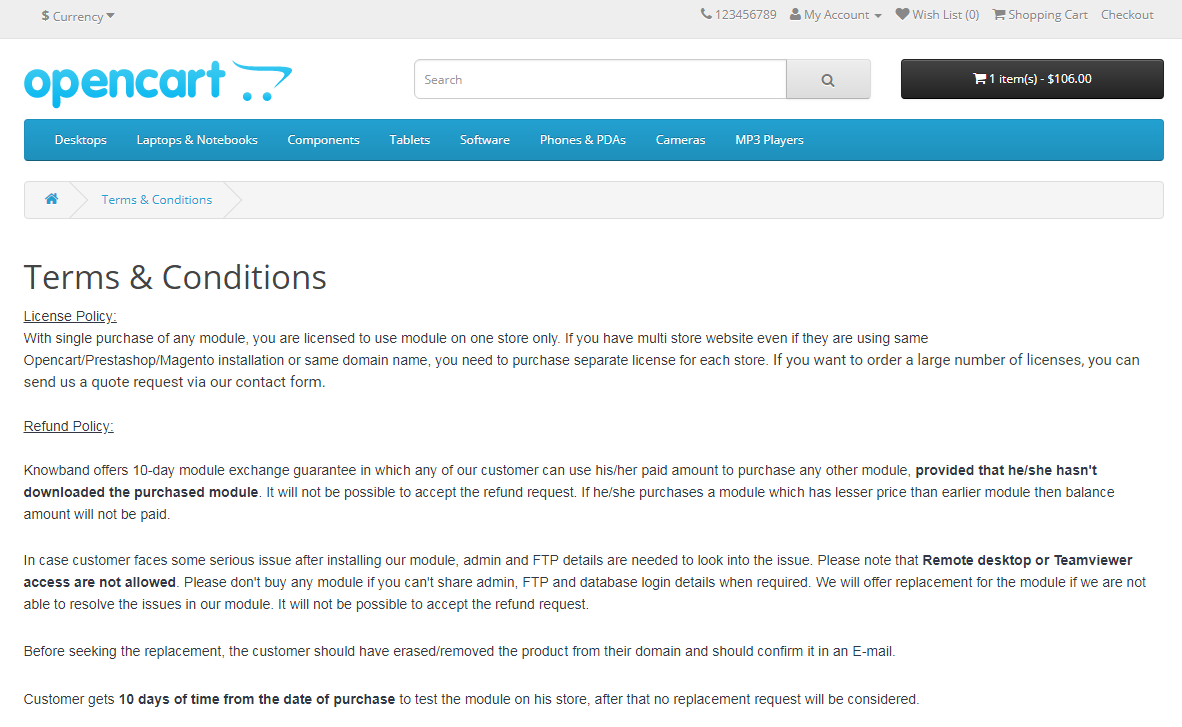
After saving the above changes, we will be able to open the “Terms & Conditions” link in a new tab on checkout page.

Please refer to the screenshot below :-


Summary:

After following above changes, we will be able to open the “Terms & Conditions” link in a new tab on checkout page.

NOTE: This demonstration is for default template but this will work same for other templates having similar code.